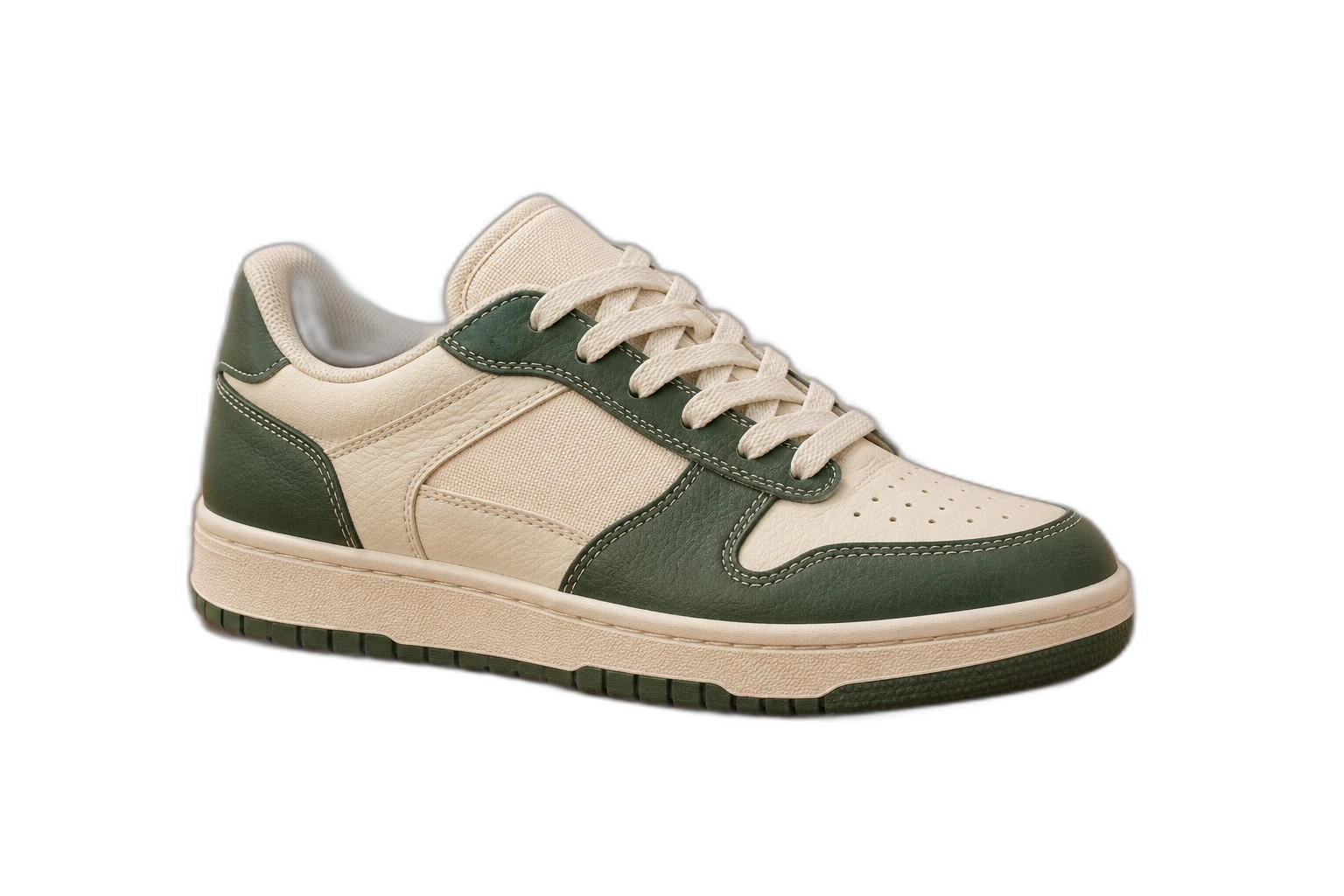
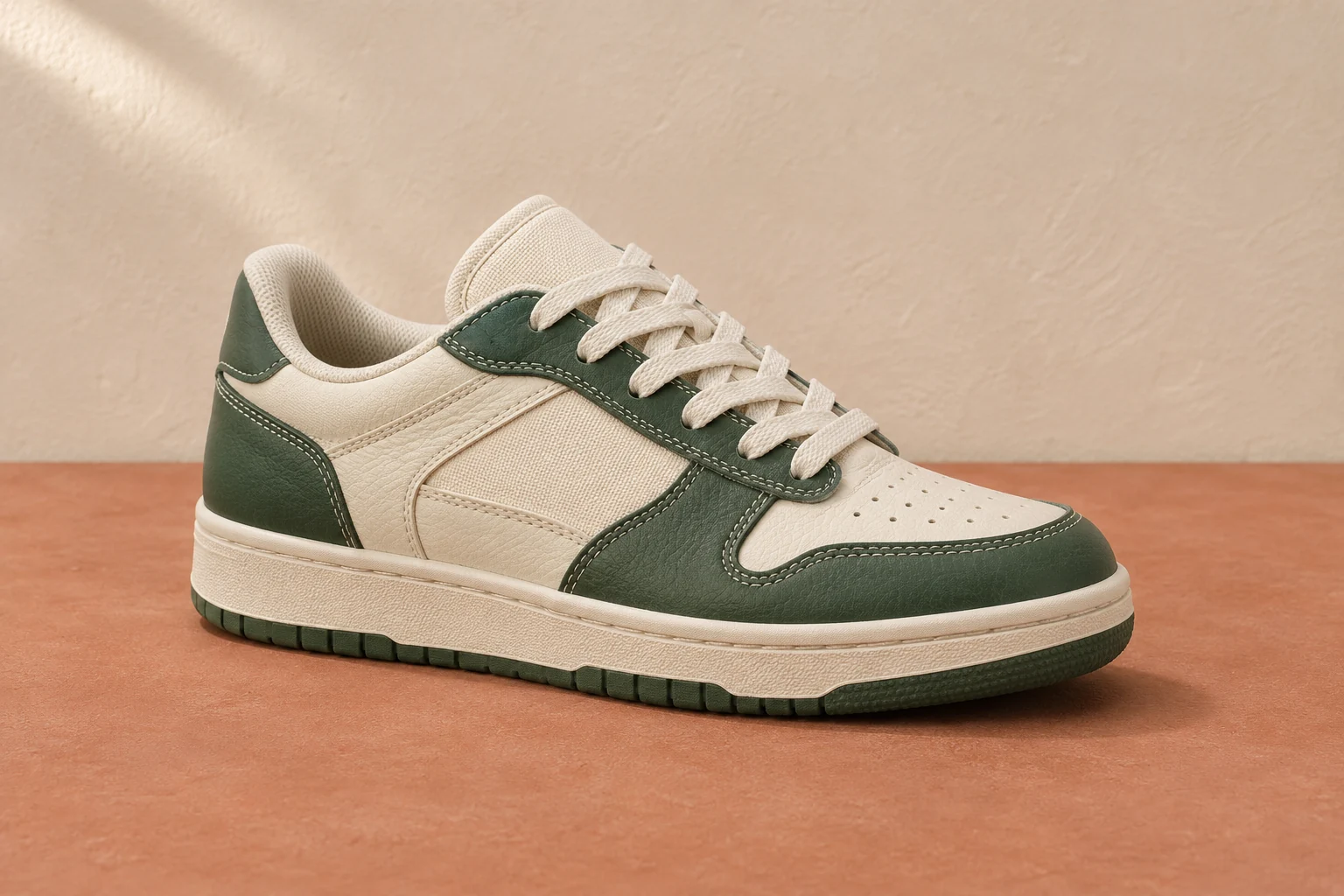
Clean product photos for your shop
Demonstration images. Try your own photo.
Start for free ↗Free background remover
Upload a photo, remove its background, then edit and download the result.
JPG, PNG & WebP
You can also paste an image · Ctrl / ⌘ + V
Free background remover


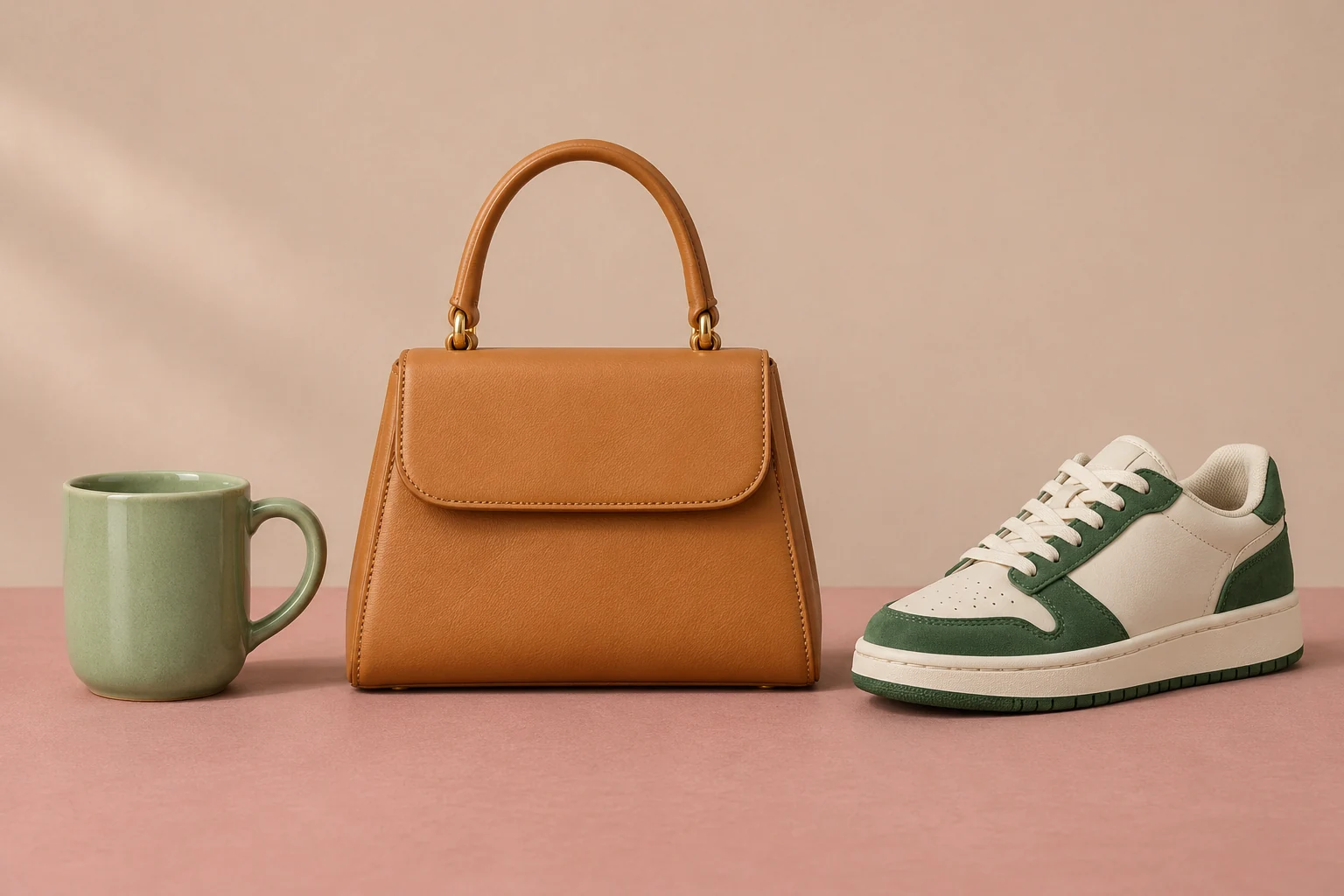
Prepare product listings, refresh a profile picture, or make a cutout for your next design. Replace a busy background with a clean color or your own photo, directly in your browser.
Demonstration images. Try your own photo.
Start for free ↗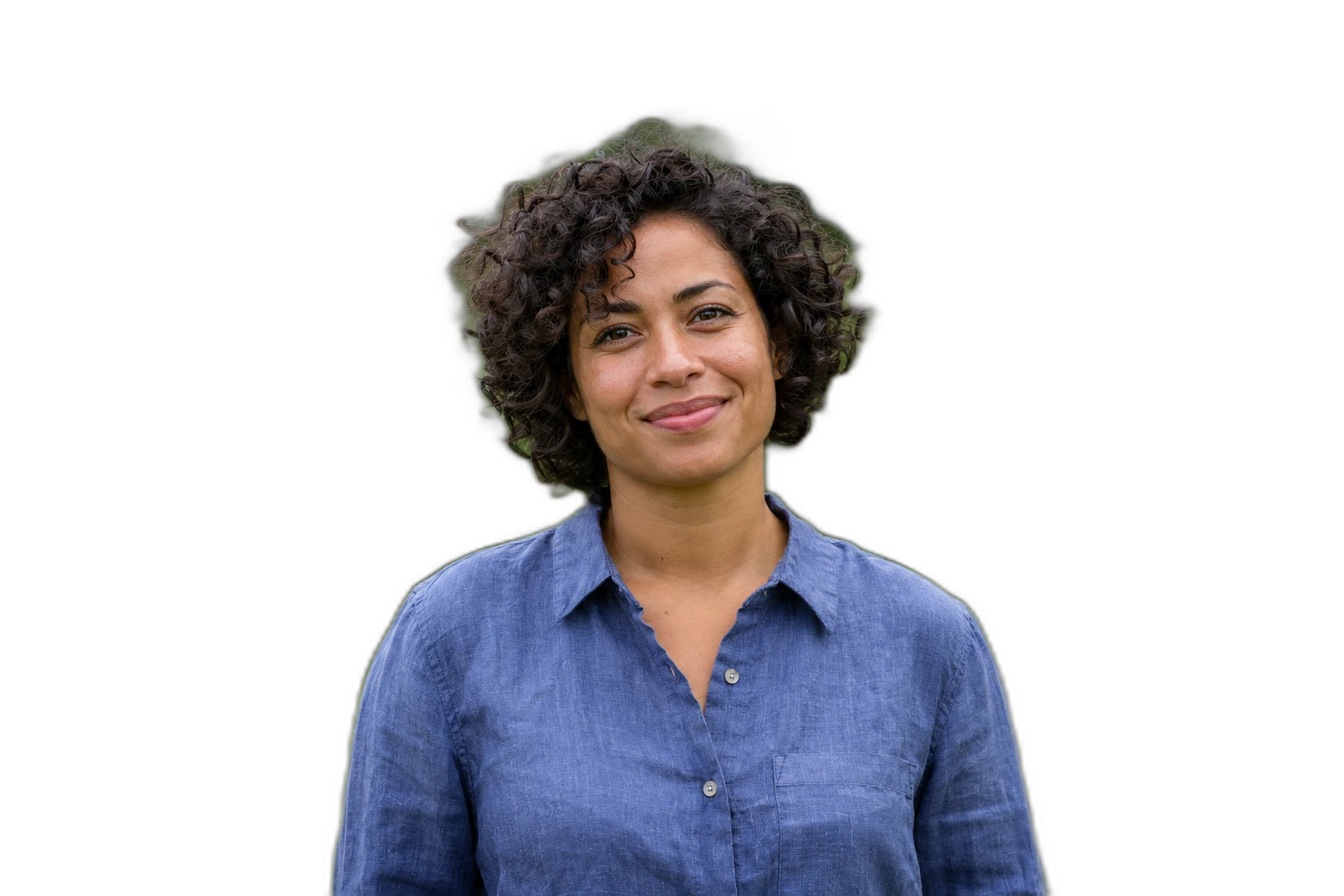
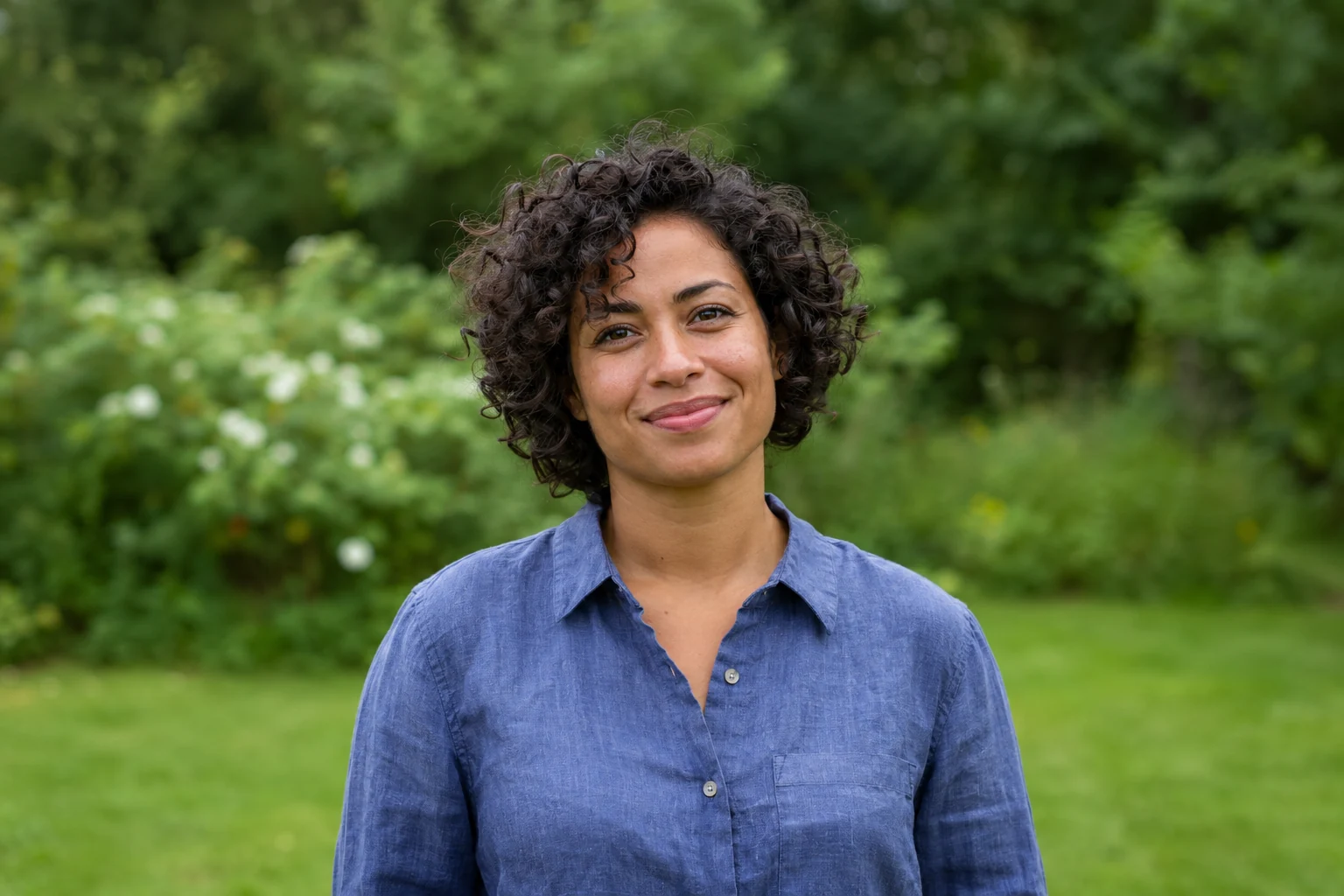
Demonstration images. Try your own photo.
Start for free ↗
Illustration. Actual results depend on the uploaded image.
Start for free ↗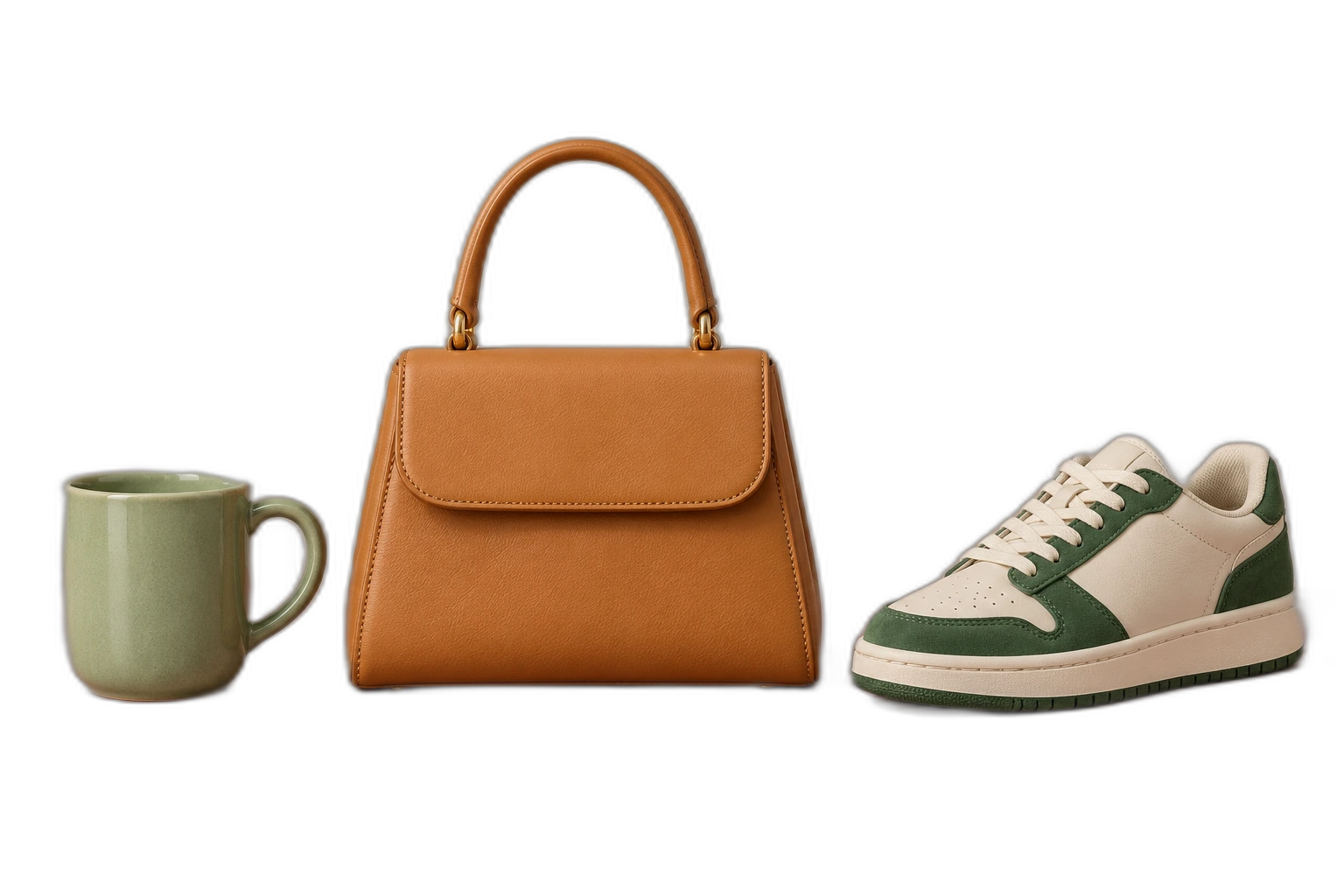
Batch editing
Upload multiple photos, remove their backgrounds in one queue, apply the same background and canvas ratio, then download your edited images together.
Upload a batch of images ↗JPG, PNG & WebP. Free background remover.
Move the subject, change the background and refine the edges.
Full resolution. PNG and WebP support transparency. JPG uses a white background if no background is selected.
Free background remover. Upload a photo, remove its background, then edit and download the result. Images are held temporarily while processing and are not saved in an image gallery. Editing happens in your browser. Download your work before closing or reloading the page.
Move the subject, change the background and refine the edges. PNG and WebP support transparency. JPG uses a white background if no background is selected.
Free background remover. Upload a photo, remove its background, then edit and download the result.
JPG, PNG & WebP.
Yes. Move, resize, rotate or flip your subject. Erase and restore areas with a brush, add a color or photo background, then export PNG, WebP or JPG.
Images are held temporarily while processing and are not saved in an image gallery. Editing happens in your browser. Download your work before closing or reloading the page.