Free background remover
Add a black background to a photo
Place your existing subject on a dark canvas for a simple, high-contrast composition. The editor opens on this page with black selected.
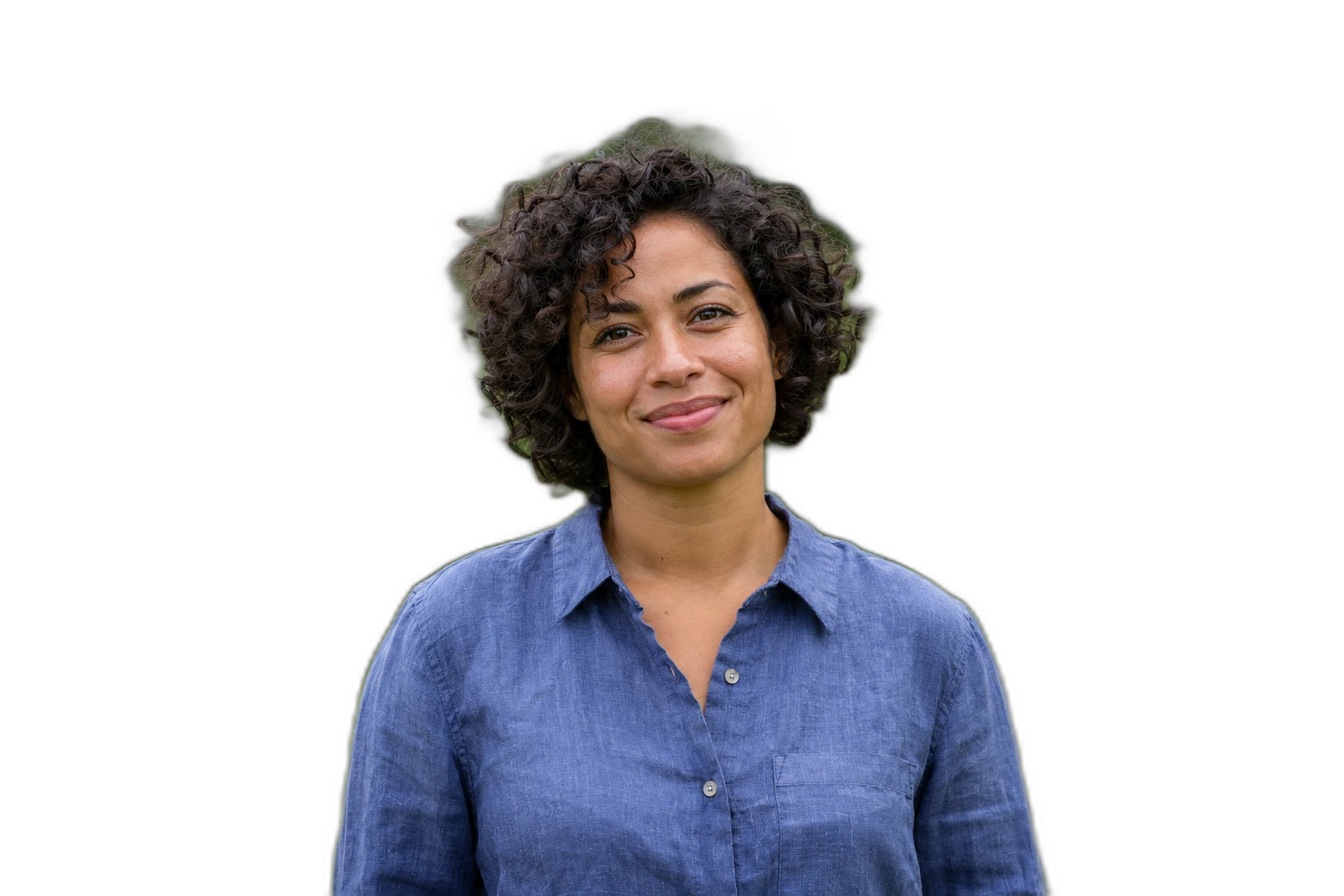

Demonstration images. Try your own photo.
Drop your images here
JPG, PNG & WebP
You can also paste an image · Ctrl / ⌘ + V
Free background remover
All editor tools
Check contrast before choosing black
After automatic removal, compare the subject’s edge against black. A pale halo from the old backdrop can be more visible here than on white. Erase remnants carefully and restore dark clothing or hair if the cutout lost detail.
Keep breathing room around the object and adjust its scale rather than stretching the image. A black backdrop changes the composition, not the lighting of the photographed subject. Export PNG or WebP, or choose JPEG for a flat image with broad compatibility.
- Custom color
- Restore
- Download image
How to remove a background
How to remove a background
- 01
Upload a photo
JPG, PNG & WebP. Free background remover.
- 02
Image editor
Review the cutout, correct its mask and adjust the selected background, format and canvas preset.
- 03
Download image
Download the finished image and inspect the saved file before leaving the editor.
Choose a background for your image
Move the subject, change the background and refine the edges.
Create a darker image composition
A black canvas can make a light subject stand out in a presentation or social layout. Adjust the position and size of the cutout, then compare the outline with the original before exporting.
Download image
Free background remover. PNG and WebP support transparency. JPG uses a white background if no background is selected. Move the subject, change the background and refine the edges.
All tools
A few things to know
Will a black background relight my photo?
No. The editor places your original subject over a dark colour. It does not add studio lighting or change the subject’s exposure.
Can I use this workflow for free?
Free background remover. Upload a photo, remove its background, then edit and download the result.
Free background remover
Your next image starts here
Upload a photo, remove its background, then edit and download the result.
Free background remover