Free background remover
Remove a green screen from a still image
Turn a green-background photograph into a transparent cutout. This page is for static photos, with mask editing before PNG or WebP export.
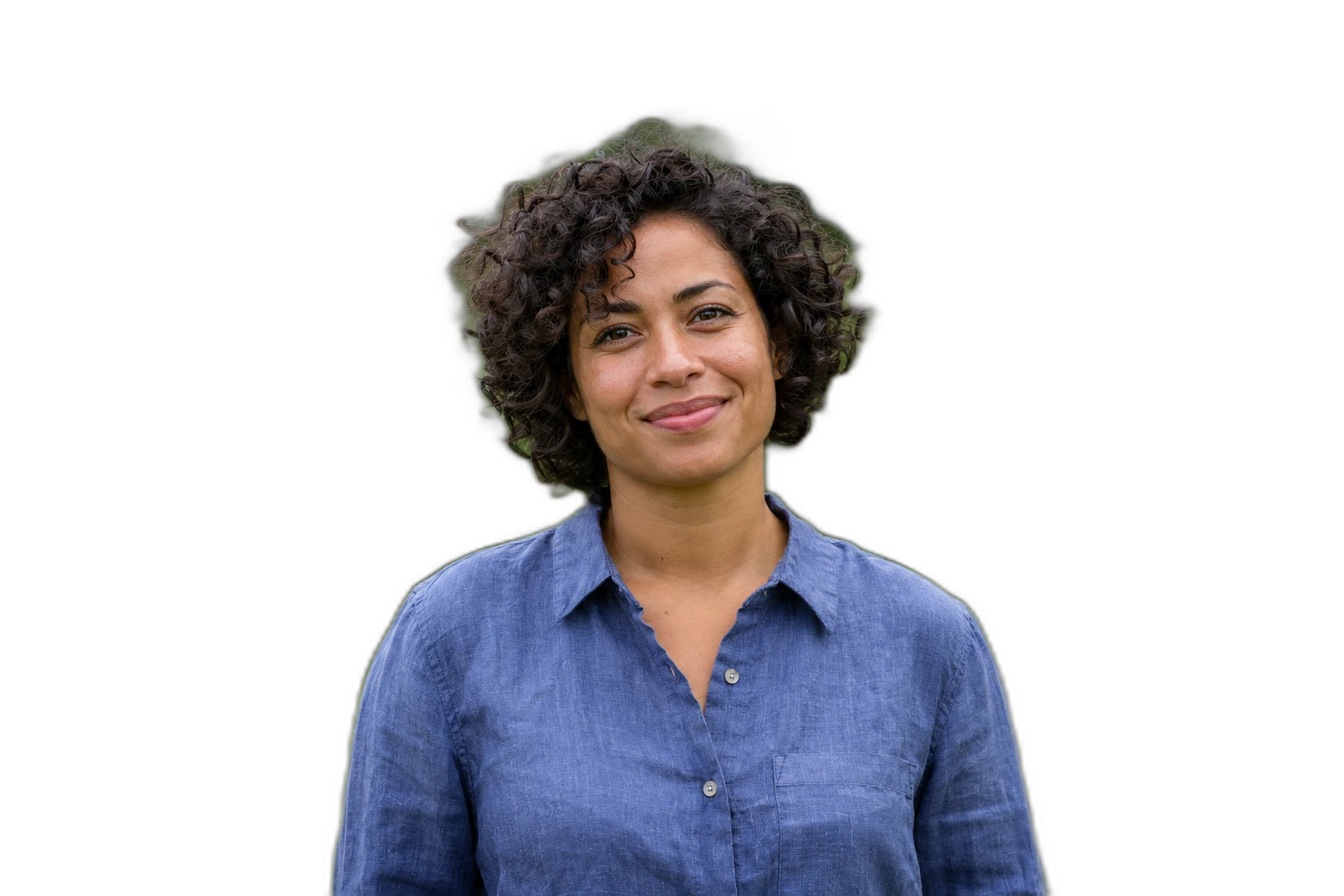

Demonstration images. Try your own photo.
Drop your images here
JPG, PNG & WebP
You can also paste an image · Ctrl / ⌘ + V
Free background remover
All editor tools
Inspect green edges on the still-image cutout
Even lighting and space between the subject and the green backdrop help you inspect the cutout. Green reflections on clothing or hair are part of the photographed subject and may remain after background removal. Review them against the intended replacement background.
Erase green fragments outside the subject and restore details that were cut away. The editor does not provide video chroma-keying, spill suppression or a colour-tolerance slider. For a still photo, you can also upload a new background and align the subject manually.
- Erase
- Restore
- Upload background
How to remove a background
How to remove a background
- 01
Upload a photo
JPG, PNG & WebP. Free background remover.
- 02
Image editor
Review the cutout, correct its mask and adjust the selected background, format and canvas preset.
- 03
Download image
Download the finished image and inspect the saved file before leaving the editor.
Choose a background for your image
Move the subject, change the background and refine the edges.
Replace a green backdrop with your own scene
Upload a replacement backdrop and position the reviewed subject over it. Use the brush for visible green remnants around edges; this still-image editor does not provide a video chroma-key timeline.
Download image
Free background remover. PNG and WebP support transparency. JPG uses a white background if no background is selected. Move the subject, change the background and refine the edges.
All tools
A few things to know
Can I upload a green-screen video?
No. Supported inputs are static JPG, PNG and WebP. Video frames, audio and animated images are outside this workflow.
Can I use this workflow for free?
Free background remover. Upload a photo, remove its background, then edit and download the result.
Free background remover
Your next image starts here
Upload a photo, remove its background, then edit and download the result.
Free background remover