Free background remover
Remove the background from a signature
Separate a scanned handwritten signature from the paper around it and save a transparent image. Work on a copy so the original scan remains available.
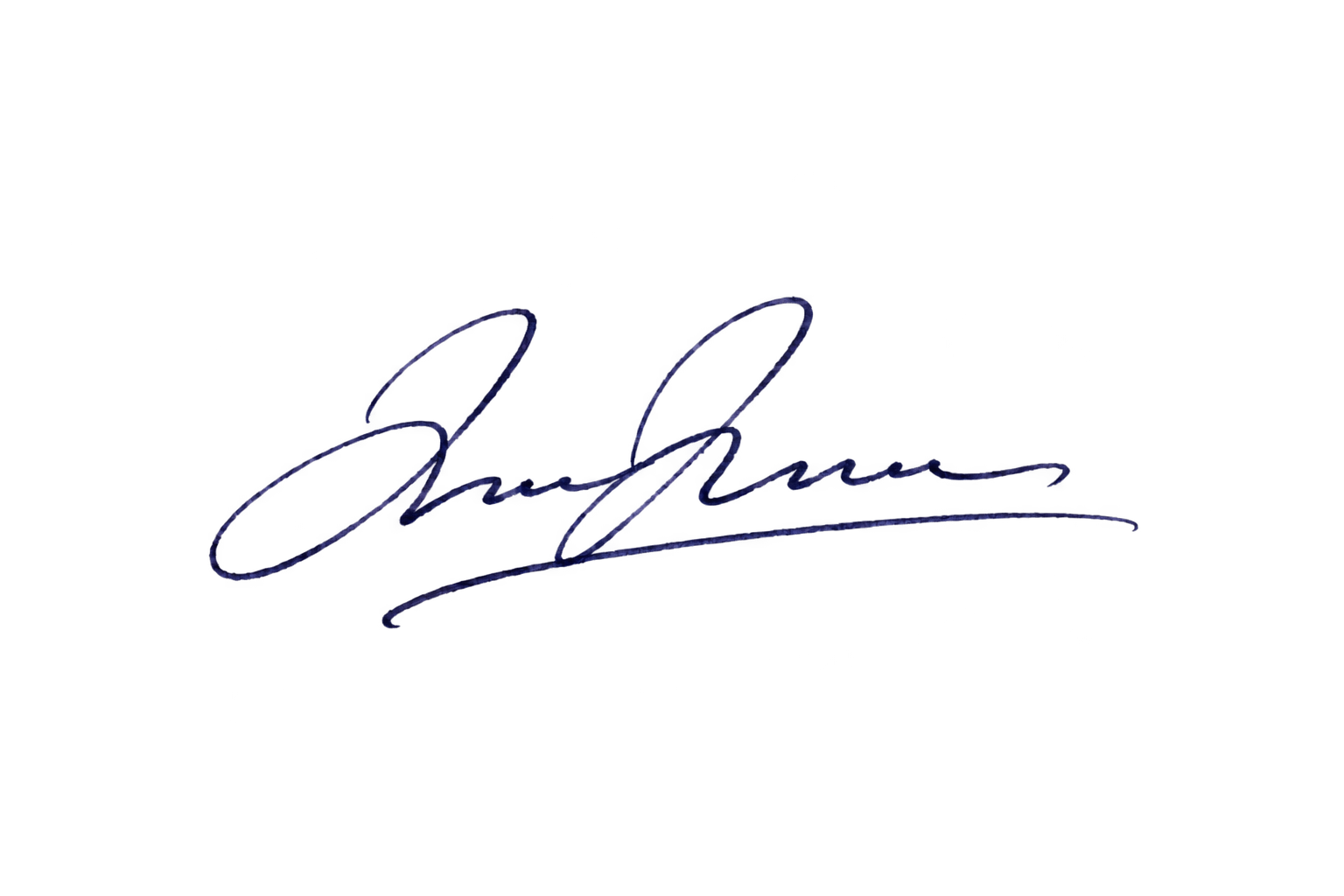
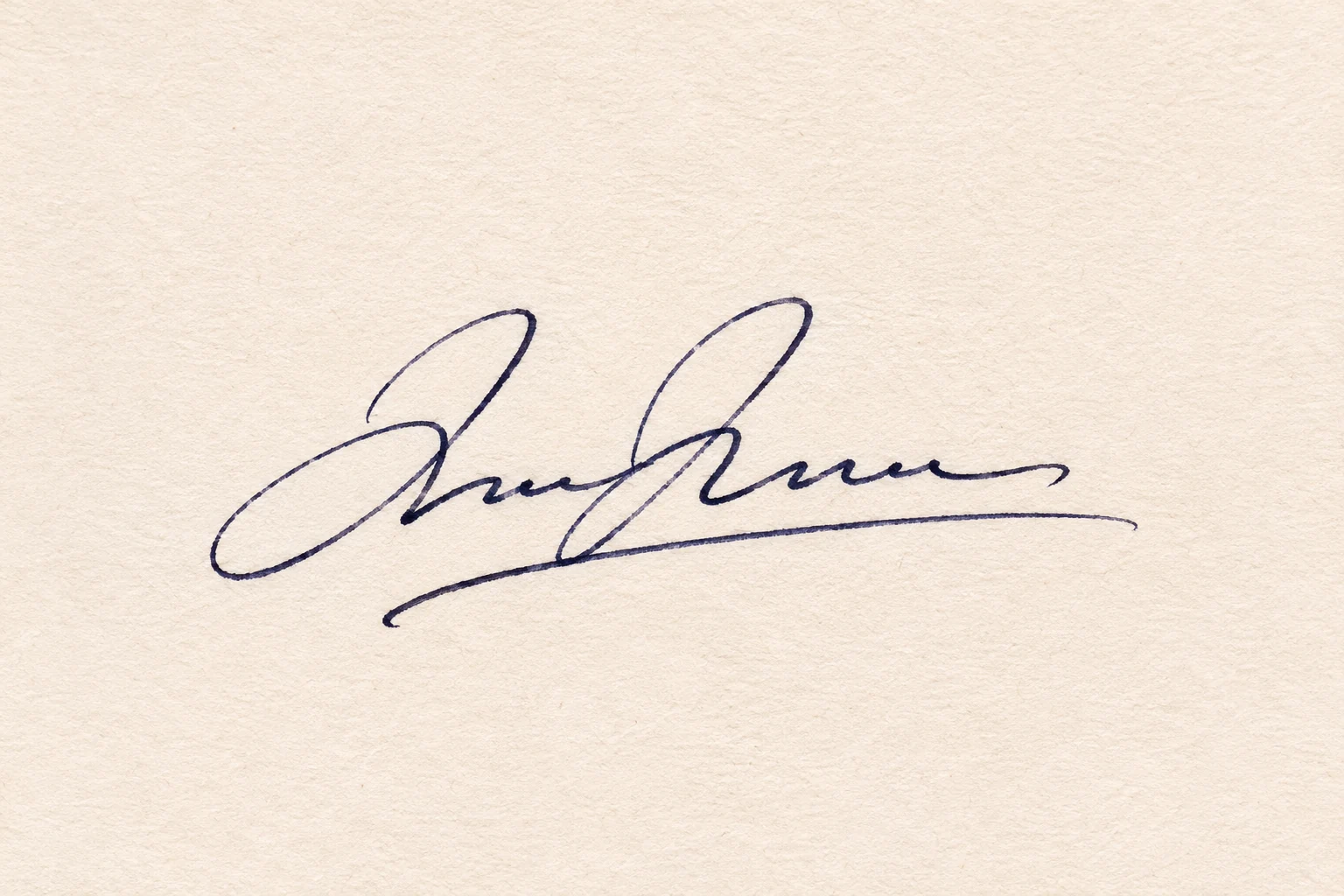
Illustration. Actual results depend on the uploaded image.
Drop your images here
JPG, PNG & WebP
You can also paste an image · Ctrl / ⌘ + V
Free background remover
All editor tools
Keep signature strokes without the paper
Use dark ink on plain paper with even light. A camera shadow or folded page can be mistaken for part of the signature. Upload a sharp crop with some space around the handwriting, then inspect every thin line after automatic removal.
Restore missing pen strokes and erase small paper remnants manually. Check the exported PNG on a contrasting background before placing it into a document. This creates an image of handwriting; it does not create a cryptographic digital signature or verify who signed a document.
- Transparent
- Brush size
- Export format
How to remove a background
How to remove a background
- 01
Upload a photo
JPG, PNG & WebP. Free background remover.
- 02
Image editor
Review the cutout, correct its mask and adjust the selected background, format and canvas preset.
- 03
Download image
Download the finished image and inspect the saved file before leaving the editor.
Choose a background for your image
Move the subject, change the background and refine the edges.
A clean signature image for your layouts
A transparent signature image can sit over a document layout or a design without a block of scanned paper. Download a PNG master; document placement and any signing workflow remain in the application where you use the image.
Download image
Free background remover. PNG and WebP support transparency. JPG uses a white background if no background is selected. Move the subject, change the background and refine the edges.
All tools
A few things to know
Will all thin pen strokes survive automatically?
Not necessarily. Fine handwriting can be lost during segmentation. Use Restore to recover it, and compare the complete signature against your original scan.
Can I use this workflow for free?
Free background remover. Upload a photo, remove its background, then edit and download the result.
Free background remover
Your next image starts here
Upload a photo, remove its background, then edit and download the result.
Free background remover