Free background remover
Remove backgrounds from product photos
Create a cleaner product cutout for a catalogue or online shop. Review the item’s outline, choose a background and keep a consistent composition across your photos.
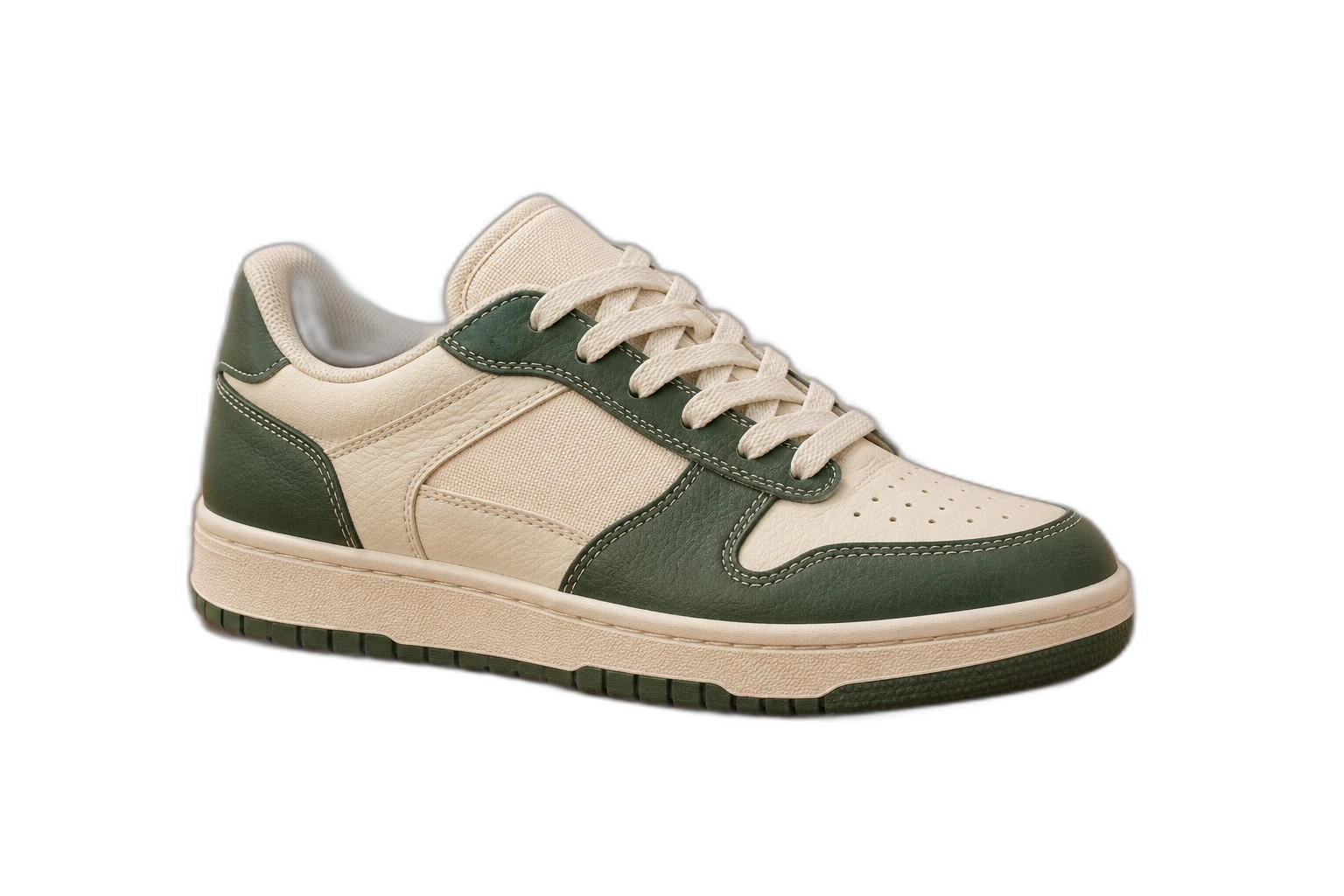
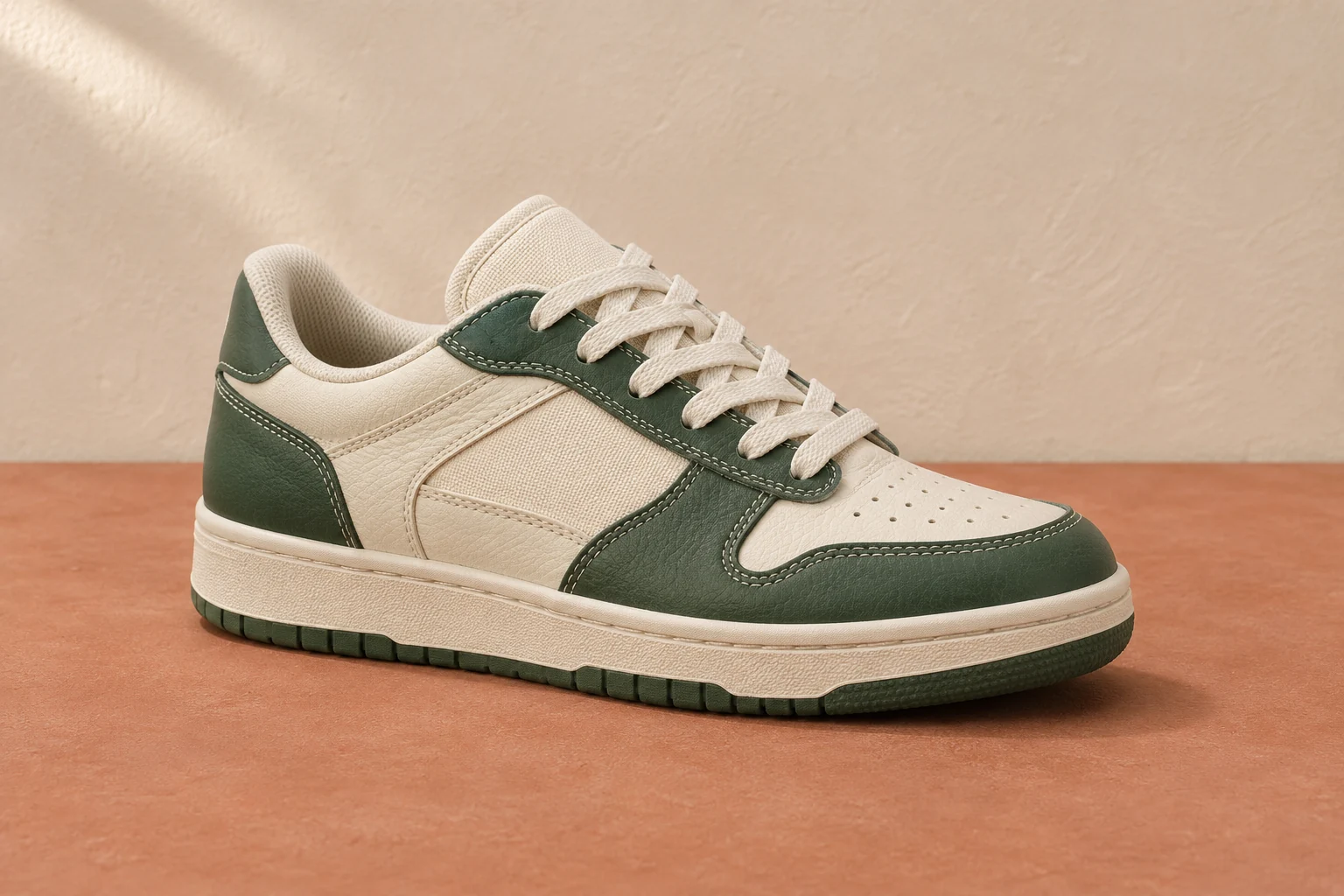
Demonstration images. Try your own photo.
Drop your images here
JPG, PNG & WebP
You can also paste an image · Ctrl / ⌘ + V
Free background remover
All editor tools
Give product photos consistent spacing
Use a well-lit photograph with the whole product visible. After removal, inspect handles, gaps and transparent parts: a model can mistake these areas for background. Restore missing product details instead of exporting a shape that changes the item’s appearance.
Use comparable scale and margins across the catalogue. This page starts with white selected, and you can switch to transparency or your own backdrop in the same editor. For a series, Batch editing applies the same background and aspect ratio while keeping each item’s positioning adjustments.
- Custom color
- Canvas ratio
- Shared settings
How to remove a background
How to remove a background
- 01
Upload a photo
JPG, PNG & WebP. Free background remover.
- 02
Image editor
Review the cutout, correct its mask and adjust the selected background, format and canvas preset.
- 03
Download image
Download the finished image and inspect the saved file before leaving the editor.
Choose a background for your image
Move the subject, change the background and refine the edges.
A consistent catalogue from mixed source photos
Position products at a comparable scale, choose a shared canvas ratio and check the first finished images side by side. For a set of listings, apply common settings to the selected results and keep individual positioning where a product shape needs it.
Download image
Free background remover. PNG and WebP support transparency. JPG uses a white background if no background is selected. Move the subject, change the background and refine the edges.
All tools
A few things to know
Does a white background guarantee marketplace approval?
No. Check your marketplace’s current image requirements separately, including composition, dimensions and permitted content. The editor does not certify listings.
Can I use this workflow for free?
Free background remover. Upload a photo, remove its background, then edit and download the result.
Free background remover
Your next image starts here
Upload a photo, remove its background, then edit and download the result.
Free background remover