Free background remover
Put a product photo on a black background
Build a dark catalogue composition from your own product photograph. Keep the product’s original colour and texture while replacing the space around it.
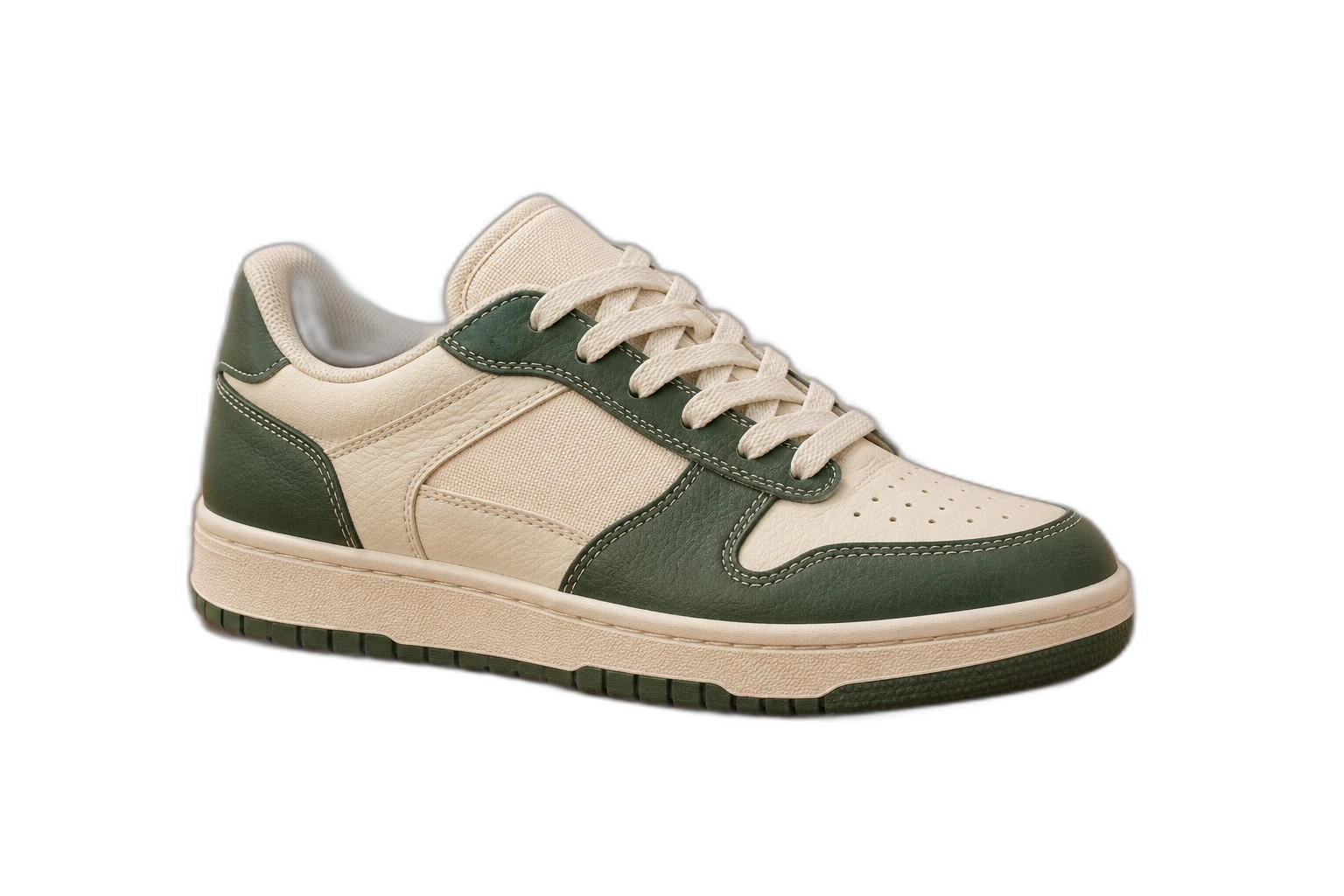
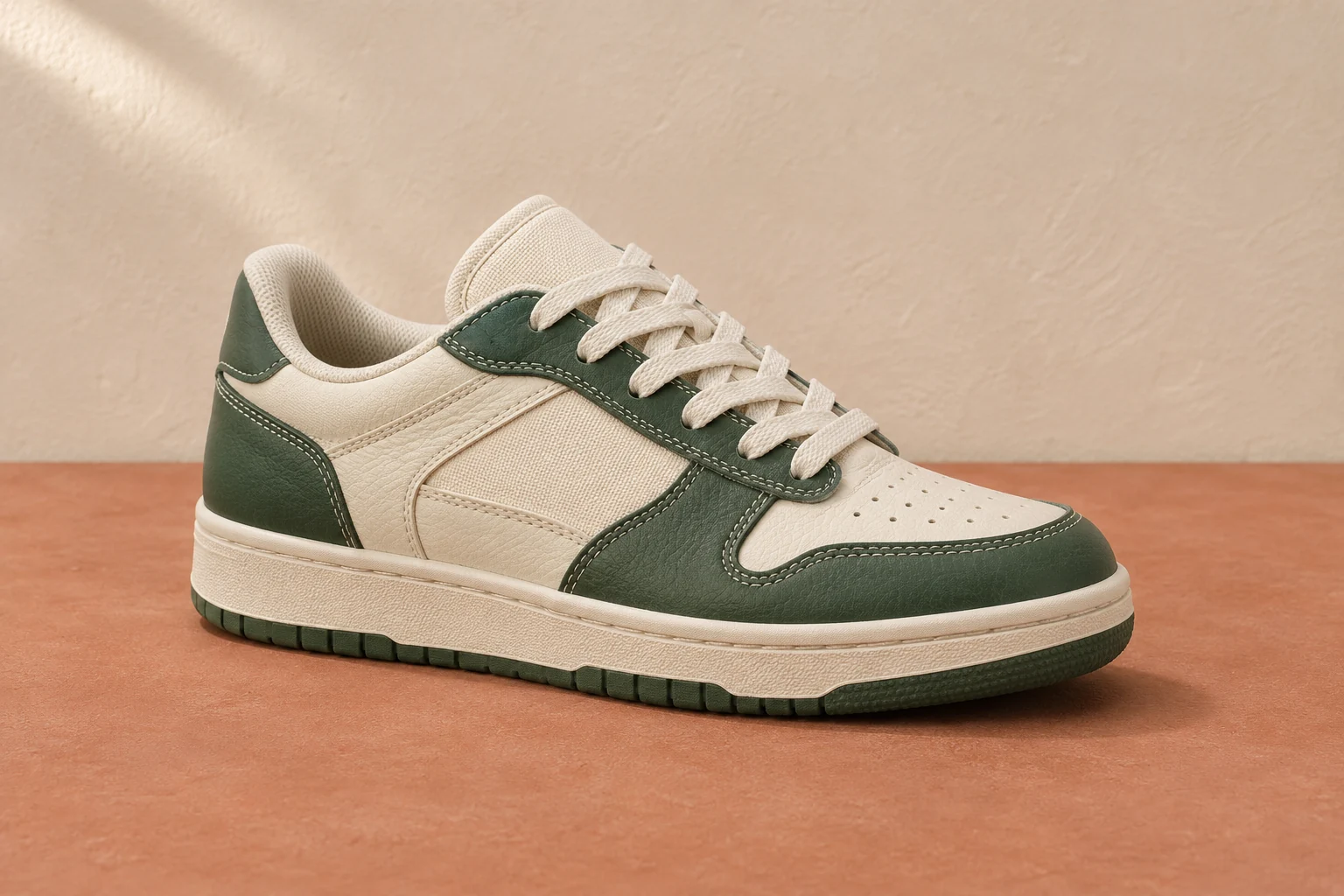
Demonstration images. Try your own photo.
Drop your images here
JPG, PNG & WebP
You can also paste an image · Ctrl / ⌘ + V
Free background remover
All editor tools
Keep product edges readable on black
Dark products need visible boundaries. Check black packaging, handles and gaps against a lighter preview before deciding how they should sit on the dark canvas. Restore real product edges; background replacement cannot create highlight reflections that were never photographed.
Use consistent item size and margins across a series. If the product appears to float after its original contact shadow is removed, choose a composition that works as a cutout. The editor does not generate realistic studio shadows or certify a marketplace’s image requirements.
- Custom color
- Scale
- Canvas ratio
How to remove a background
How to remove a background
- 01
Upload a photo
JPG, PNG & WebP. Free background remover.
- 02
Image editor
Review the cutout, correct its mask and adjust the selected background, format and canvas preset.
- 03
Download image
Download the finished image and inspect the saved file before leaving the editor.
Choose a background for your image
Move the subject, change the background and refine the edges.
Make a dark-background catalogue variant
Keep the product at the same scale as your other catalogue images and leave even margins. Preview dark product parts against the black canvas; switch to another colour if important details blend into the background.
Download image
Free background remover. PNG and WebP support transparency. JPG uses a white background if no background is selected. Move the subject, change the background and refine the edges.
All tools
A few things to know
Will black make jewellery or packaging look more reflective?
It can change perceived contrast, but the editor does not generate new reflections. Use a well-lit source and inspect whether the product remains accurately represented.
Can I use this workflow for free?
Free background remover. Upload a photo, remove its background, then edit and download the result.
Free background remover
Your next image starts here
Upload a photo, remove its background, then edit and download the result.
Free background remover