Free background remover
Remove and replace a car photo background
Isolate a vehicle from a distracting parking area or street scene. Keep the car’s existing appearance, then position the cutout on a simple colour or another photograph.
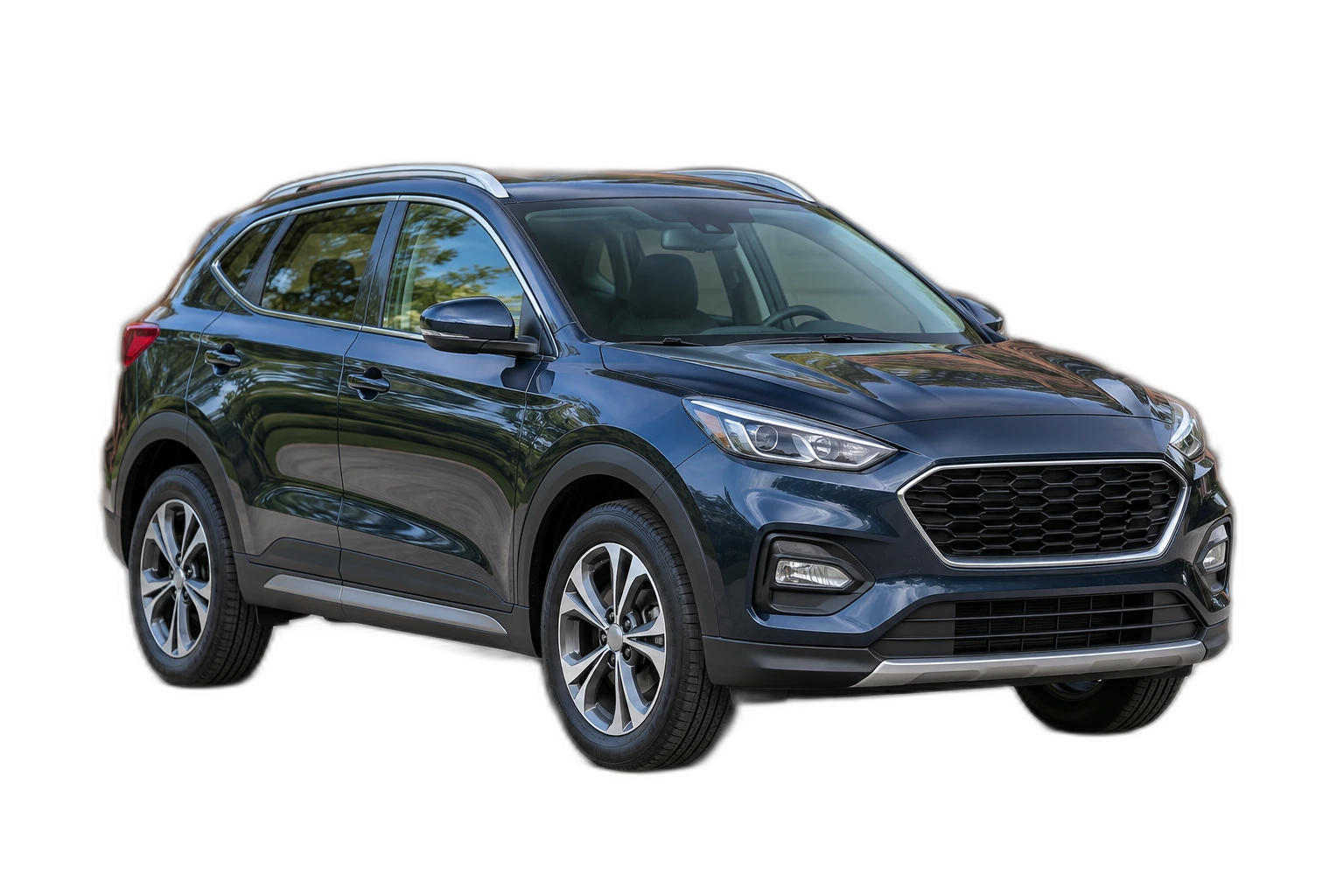
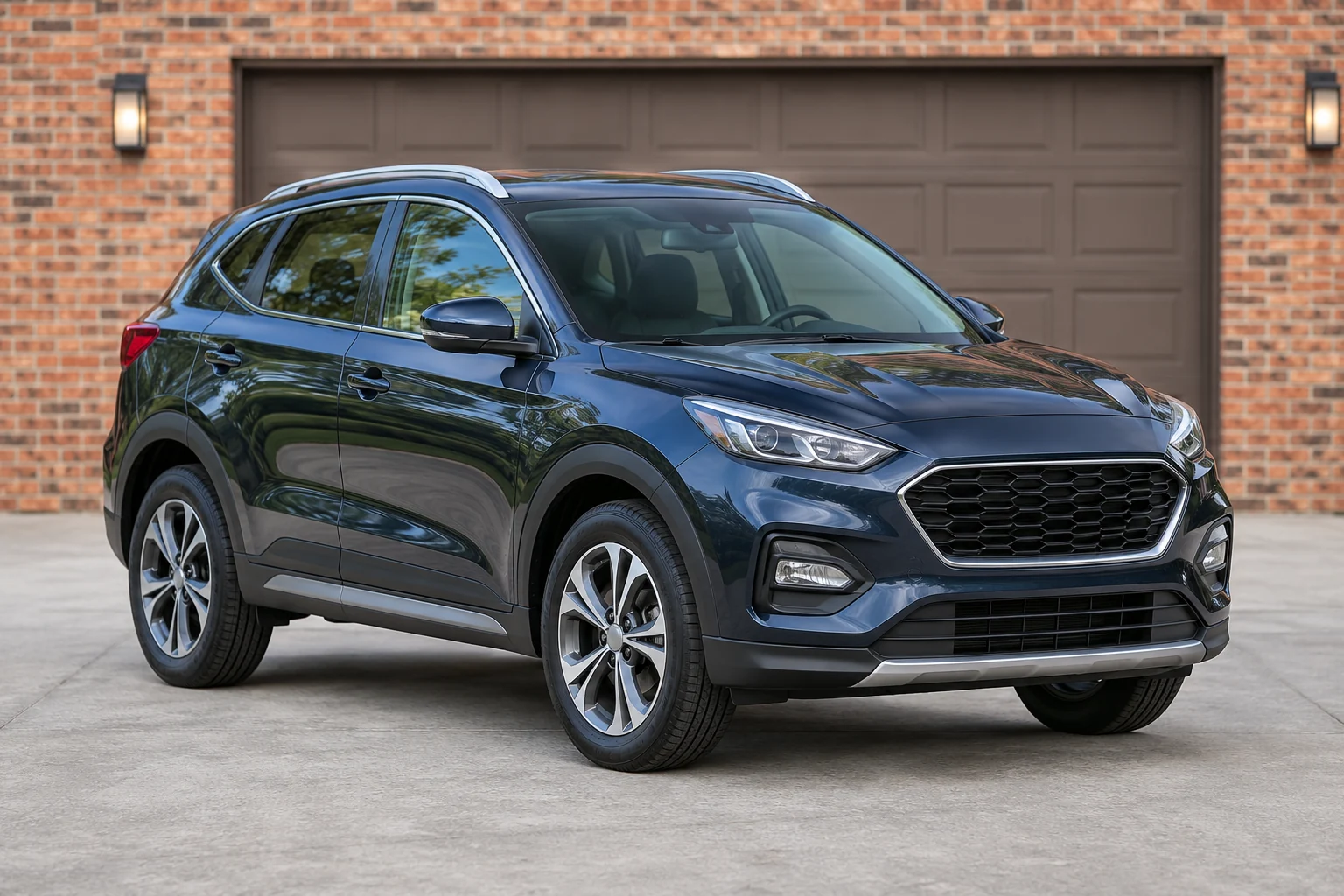
Demonstration images. Try your own photo.
Drop your images here
JPG, PNG & WebP
You can also paste an image · Ctrl / ⌘ + V
Free background remover
All editor tools
Check mirrors, windows and the car outline
Start with a sharp image containing the entire vehicle. Inspect mirrors, wheel gaps, aerials and the area under the bumper after removal. Glass, reflections and thin parts can require restoration; background removal does not reconstruct an unseen side of the car.
If you add a new photograph behind the vehicle, compare the viewing angle and light direction. Move and scale the car to fit the scene, leaving room around the tyres. Avoid presenting a floating cutout as an untouched original photograph; export the composition you have reviewed.
- Upload background
- Move
- Scale
How to remove a background
How to remove a background
- 01
Upload a photo
JPG, PNG & WebP. Free background remover.
- 02
Image editor
Review the cutout, correct its mask and adjust the selected background, format and canvas preset.
- 03
Download image
Download the finished image and inspect the saved file before leaving the editor.
Choose a background for your image
Move the subject, change the background and refine the edges.
Prepare a car image for a listing layout
Place the reviewed car cutout on a colour or your own backdrop, then adjust its scale and position. Leave enough room around the vehicle for the destination layout; replacing the background does not rebuild reflections or hidden bodywork. This page starts with an example nature background selected. Upload your own background photo or choose another background in the editor.
Download image
Free background remover. PNG and WebP support transparency. JPG uses a white background if no background is selected. Move the subject, change the background and refine the edges.
All tools
A few things to know
Will the tool replace reflections in the windows?
No. The editor removes the surrounding background and lets you correct its mask. It does not generate new reflections or change the vehicle’s condition.
Can I use this workflow for free?
Free background remover. Upload a photo, remove its background, then edit and download the result.
Free background remover
Your next image starts here
Upload a photo, remove its background, then edit and download the result.
Free background remover