Free background remover
Remove backgrounds in bulk, for free.
Upload multiple photos, remove their backgrounds in one queue, apply the same background and canvas ratio, then download your edited images together.
Demonstration images. Try your own photo.
Drop your images here
JPG, PNG & WebP
You can also paste an image · Ctrl / ⌘ + V
Free background remover
All editor tools
Shared settings
Apply the background, canvas ratio and format to selected images. Individual positioning, rotation and brush edits are preserved.
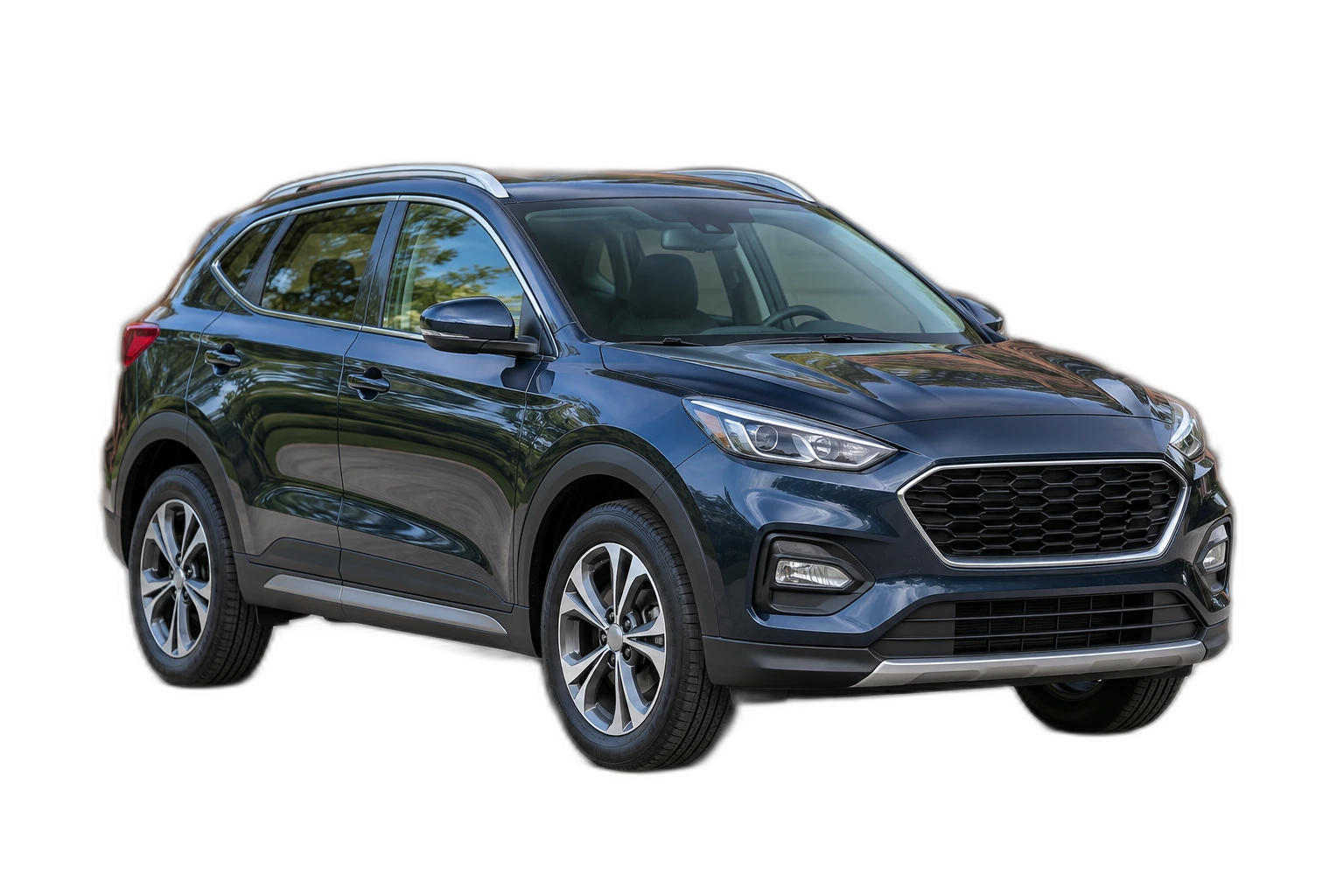
Apply the background, canvas ratio and format to selected images. Individual positioning, rotation and brush edits are preserved.
How to remove a background
How batch background removal works
- 01
Upload a photo
JPG, PNG & WebP. Free background remover.
- 02
Image editor
Apply the background, canvas ratio and format to selected images. Individual positioning, rotation and brush edits are preserved.
- 03
Download image
Download selected as ZIP. PNG and WebP support transparency. JPG uses a white background if no background is selected.
Choose a background for your image
Move the subject, change the background and refine the edges.
Download selected as ZIP
Download selected as ZIP. PNG and WebP support transparency. JPG uses a white background if no background is selected.
Free background remover
Free background remover. Upload a photo, remove its background, then edit and download the result.
All tools
A few things to know
Is background removal really free?
Free background remover. Upload a photo, remove its background, then edit and download the result.
Which images can I upload?
JPG, PNG & WebP.
Can I edit the result and change the background?
Yes. Move, resize, rotate or flip your subject. Erase and restore areas with a brush, add a color or photo background, then export PNG, WebP or JPG.
What happens to my photos?
Images are held temporarily while processing and are not saved in an image gallery. Editing happens in your browser. Download your work before closing or reloading the page.
Free background remover
Your next image starts here
Upload a photo, remove its background, then edit and download the result.
Free background remover