Free background remover
Batch convert JPG photos to transparent PNG cutouts
Remove backgrounds from several JPEG photos and download the edited PNG results together. This workflow changes both the background mask and the output format.
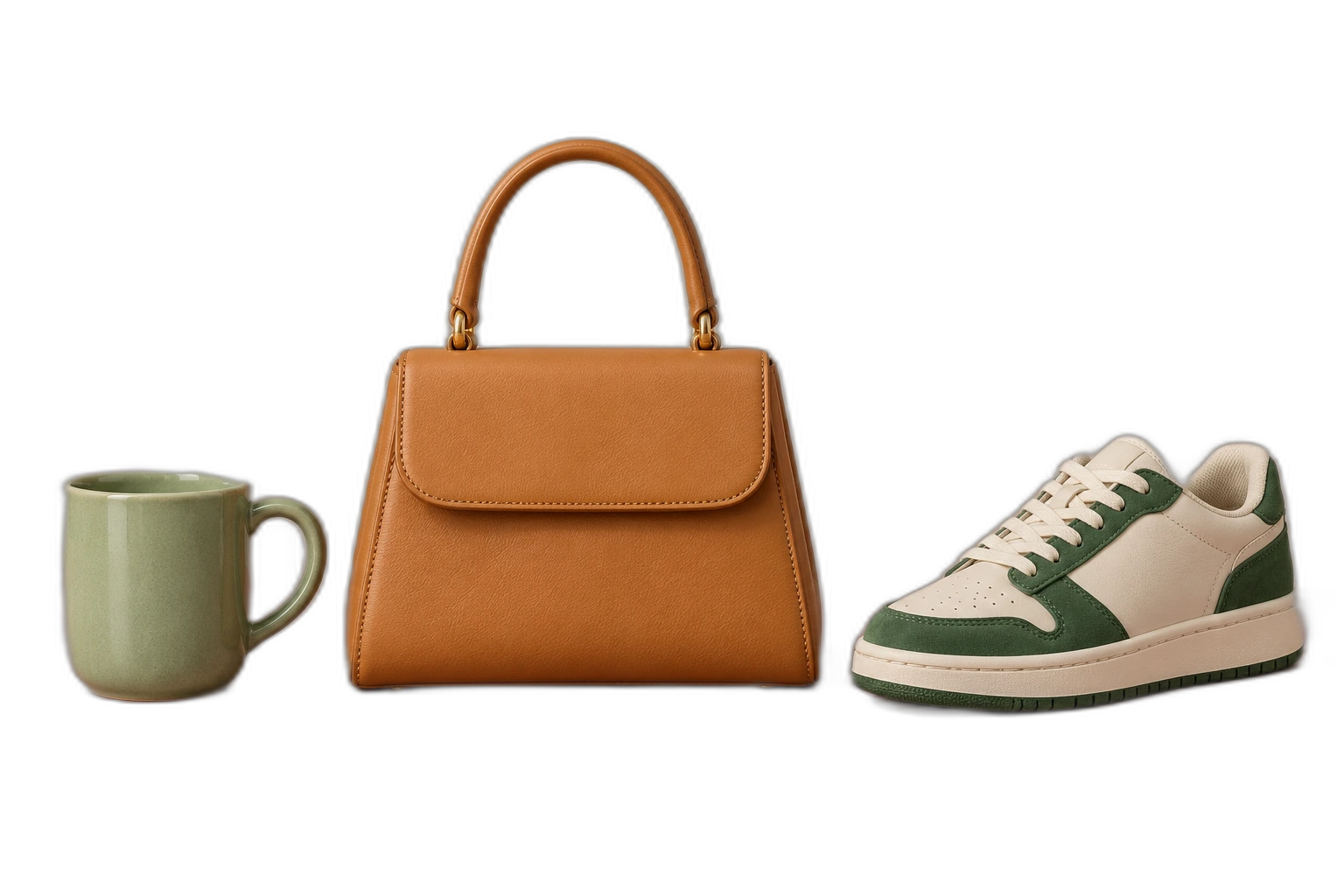
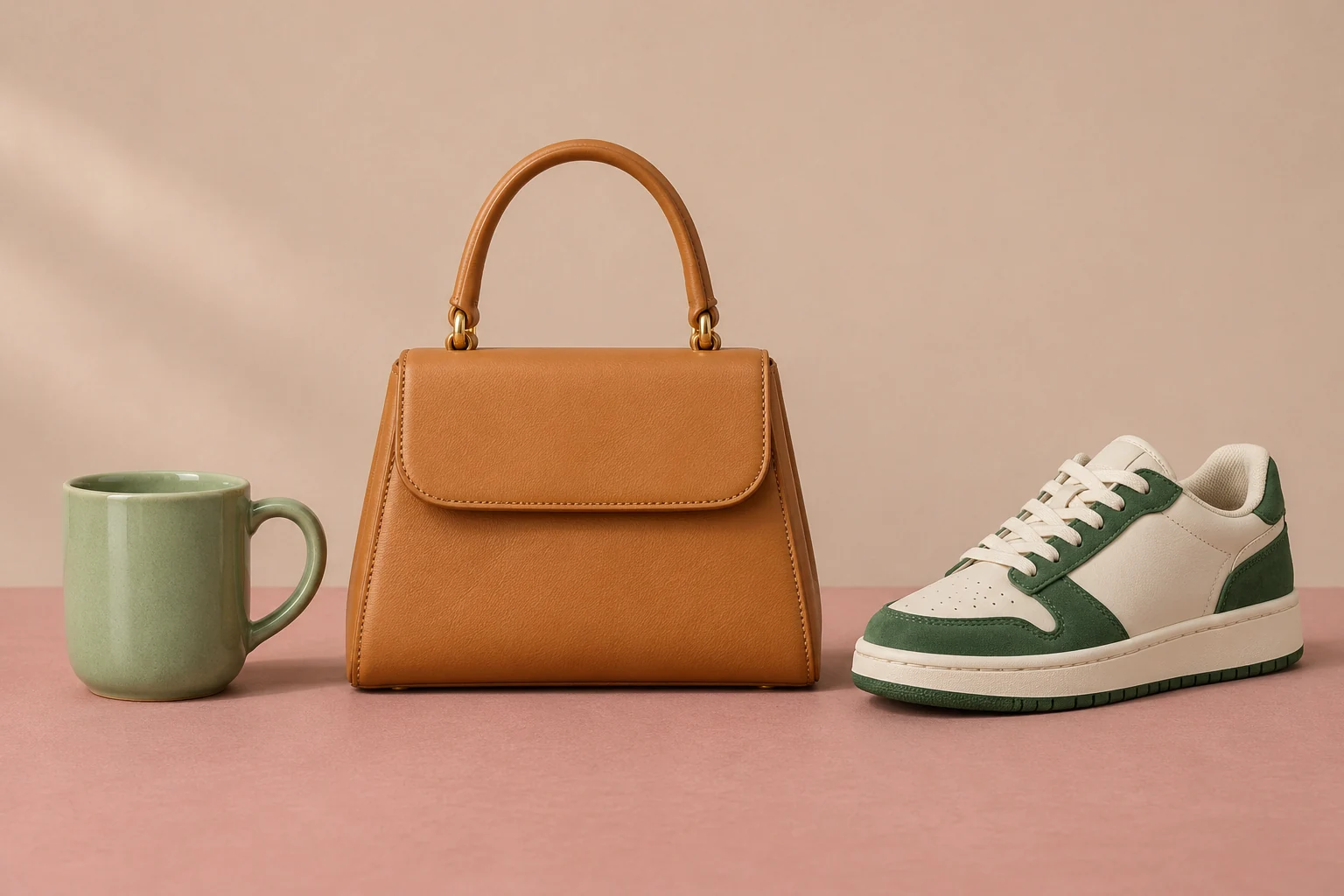
Demonstration images. Try your own photo.
Drop your images here
JPG, PNG & WebP
You can also paste an image · Ctrl / ⌘ + V
Free background remover
All editor tools
Apply transparent PNG settings to selected photos
Add your photos to the batch queue directly on this page. Select the completed images, choose Transparent and PNG in Shared settings, then apply them. Review individual cutouts before exporting; a shared setting does not correct a poor mask automatically.
Free background remover. PNG and WebP support transparency. JPG uses a white background if no background is selected. Move the subject, change the background and refine the edges.
- Shared settings
- Select all
- Download selected as ZIP
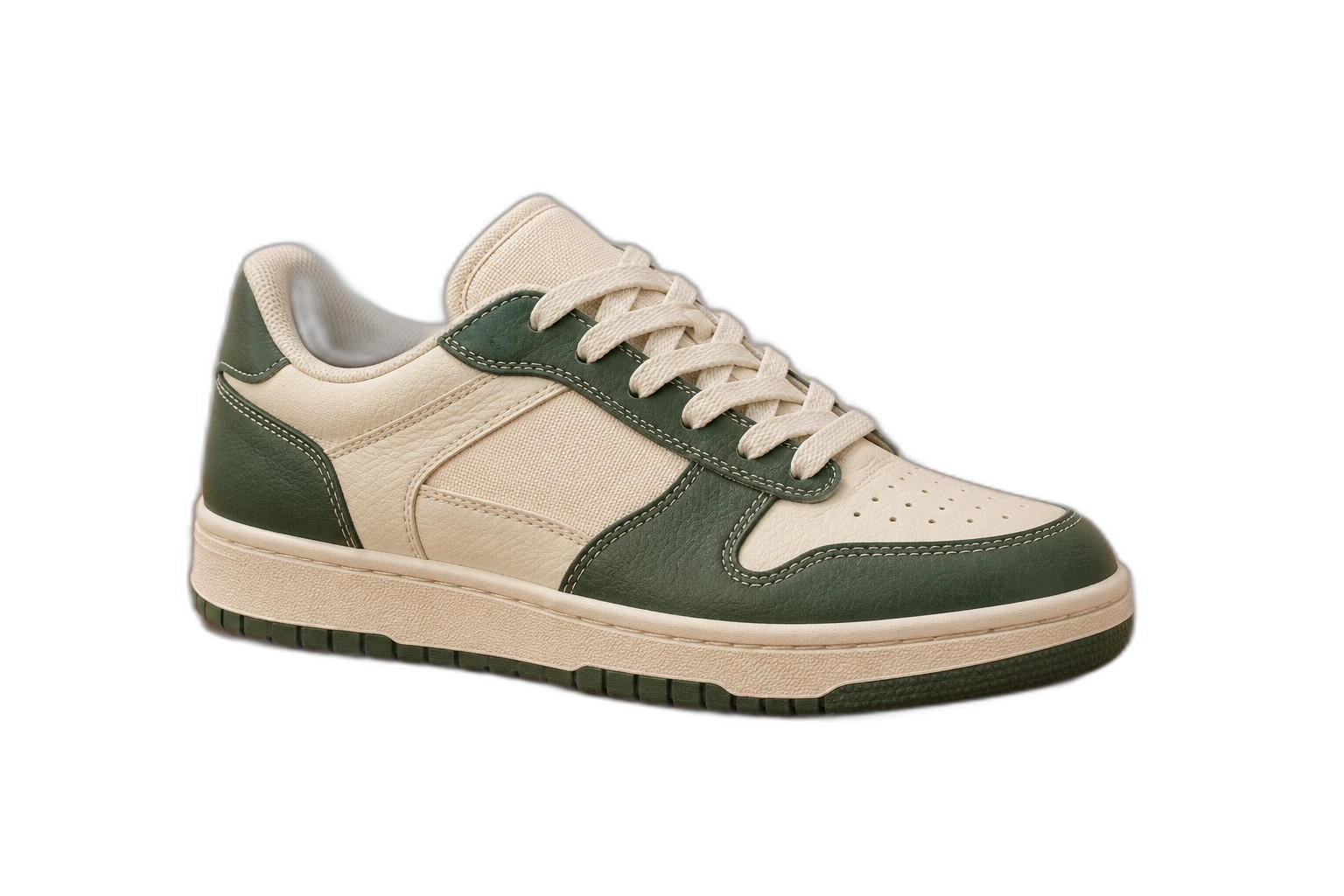
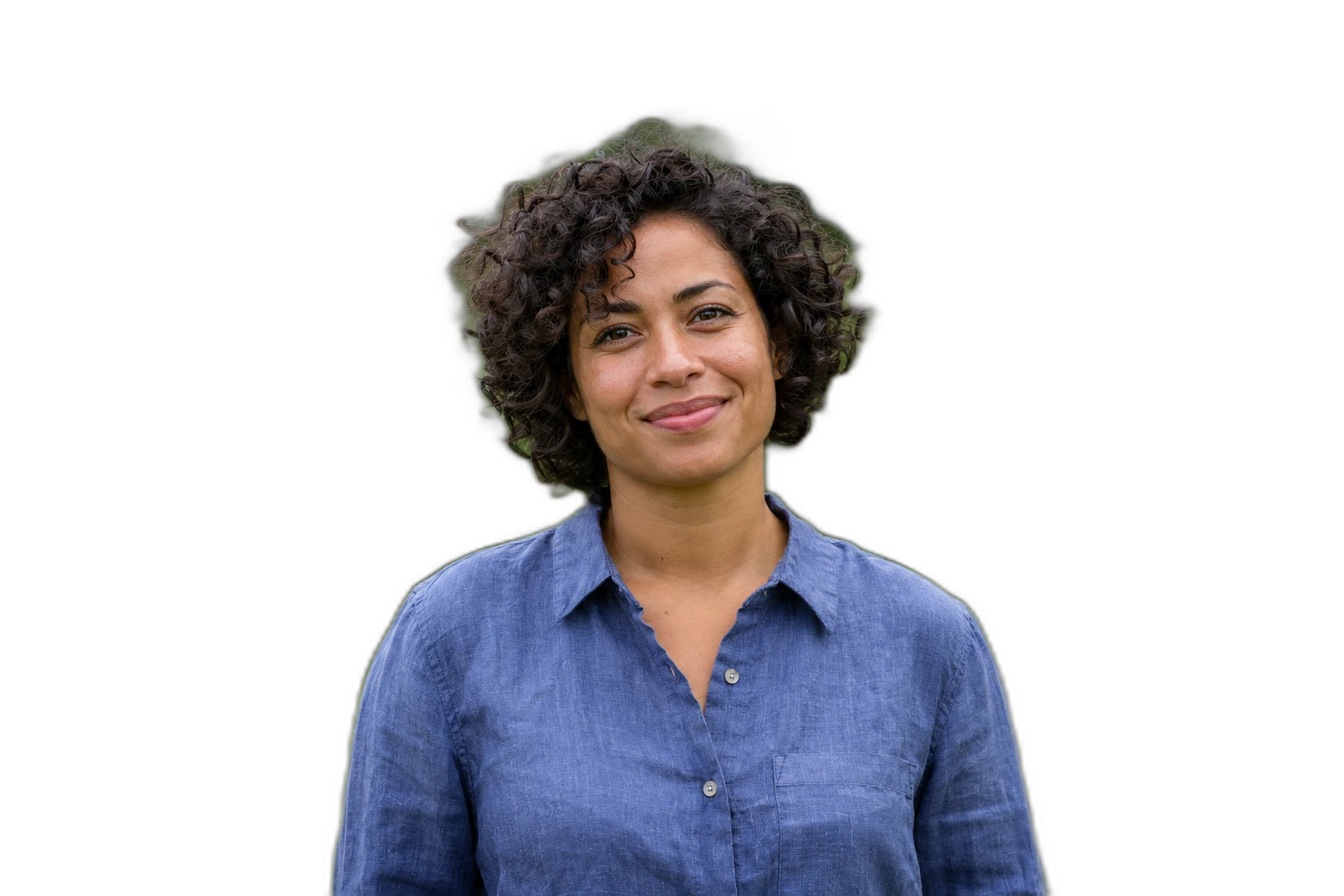
Apply the background, canvas ratio and format to selected images. Individual positioning, rotation and brush edits are preserved.
How to remove a background
How batch background removal works
- 01
Upload a photo
JPG, PNG & WebP. Free background remover.
- 02
Image editor
Select completed photos, choose Transparent and PNG, then apply the shared settings.
- 03
Download image
Inspect individual masks and download the selected edited images as ZIP.
Choose a background for your image
Move the subject, change the background and refine the edges.
One queue for a set of reusable cutouts
Process the JPG sources here, select the successful results and download them together. Individual mask and positioning edits stay with each image, so a shared background setting does not erase your manual work.
Download image
Free background remover. PNG and WebP support transparency. JPG uses a white background if no background is selected. Move the subject, change the background and refine the edges.
All tools
A few things to know
Does one ZIP use another processing allowance?
No. Processing each source photo uses an allowance when it succeeds. Applying settings and exporting finished results as ZIP do not process those photos again.
Can I use this workflow for free?
Free background remover. Upload a photo, remove its background, then edit and download the result.
Free background remover
Your next image starts here
Upload a photo, remove its background, then edit and download the result.
Free background remover