Free background remover
Save an image with a transparent background
Keep the empty pixels around a cutout when downloading and moving it between applications. The background setting and export format both matter.
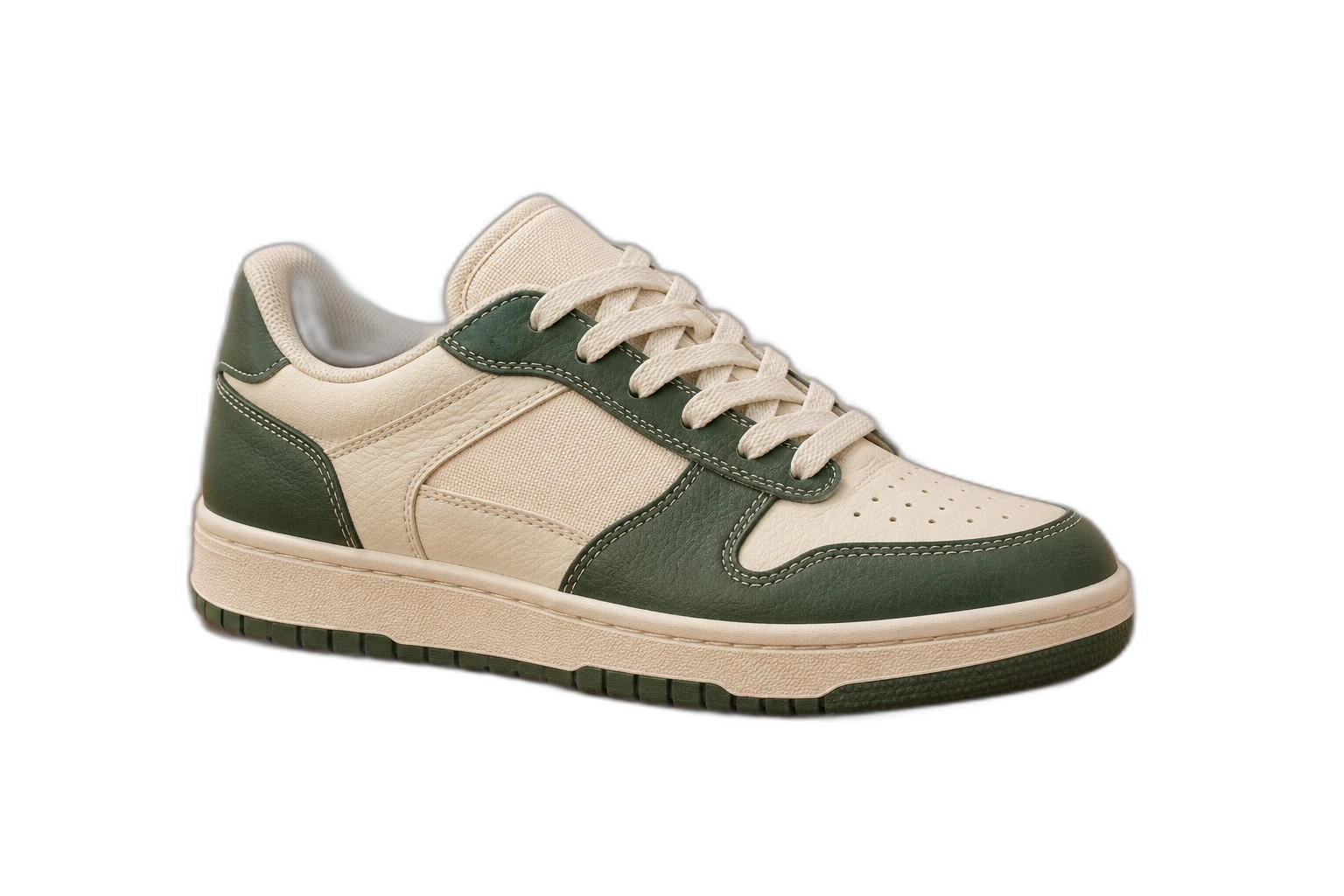
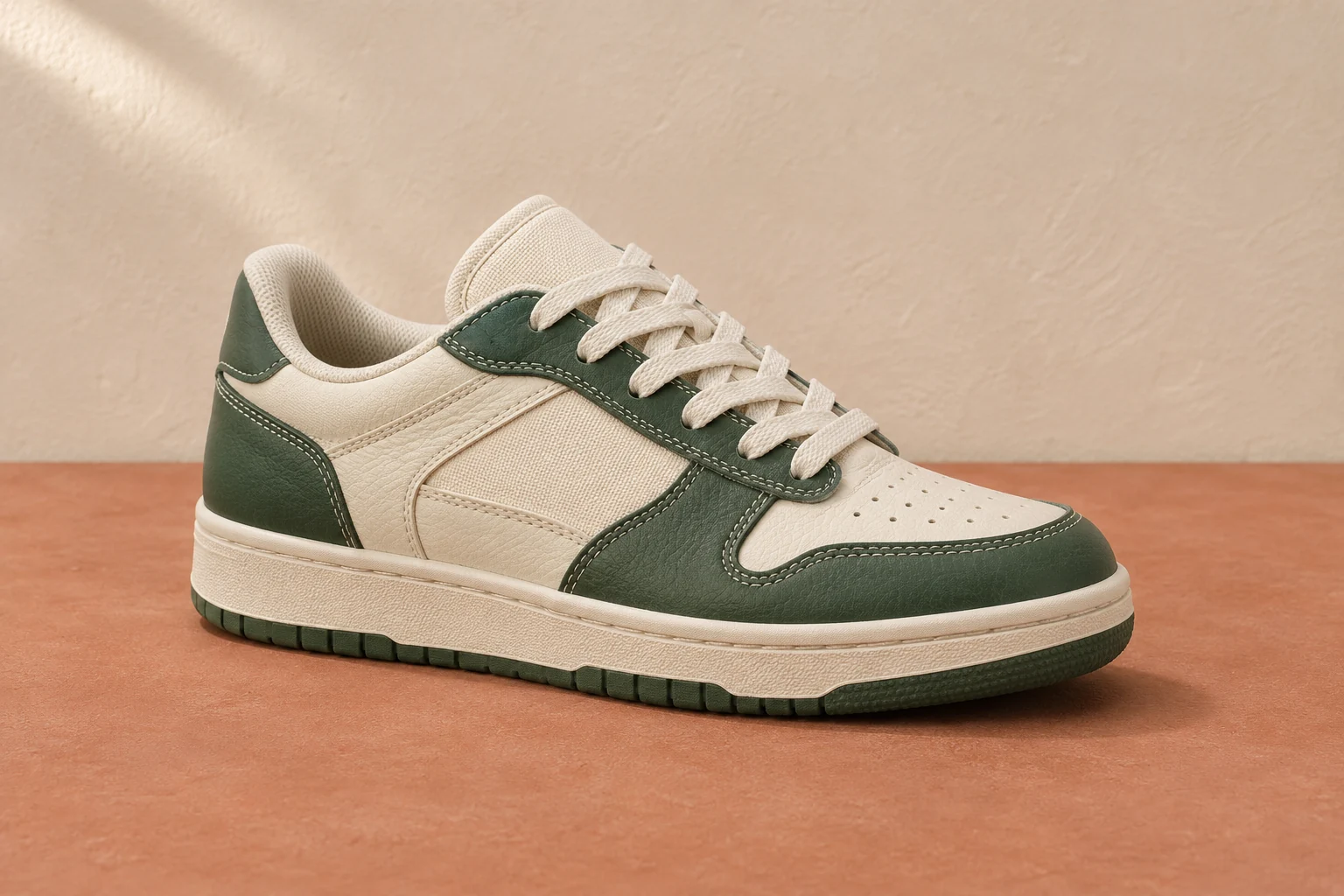
Demonstration images. Try your own photo.
Drop your images here
JPG, PNG & WebP
You can also paste an image · Ctrl / ⌘ + V
Free background remover
All editor tools
Choose a format that preserves alpha
After editing, select Transparent and choose PNG or WebP. A white, coloured or uploaded background will be included if it is still selected. Download the file rather than taking a screenshot of the editor, which captures the visible preview instead of its alpha channel.
Open the downloaded image over a contrasting colour to check its edges. Some viewers show transparent regions as white or black, and some destination applications flatten images on import. Keep a PNG master and avoid resaving it as JPEG when you need to preserve transparency.
- Transparent
- Export format
- Download image
How to remove a background
How to remove a background
- 01
Upload a photo
JPG, PNG & WebP. Free background remover.
- 02
Image editor
Review the cutout, correct its mask and adjust the selected background, format and canvas preset.
- 03
Download image
Download the finished image and inspect the saved file before leaving the editor.
Choose a background for your image
Move the subject, change the background and refine the edges.
Keep a transparent master for later edits
Save the reviewed result as PNG or WebP before closing the workspace. Use the same master for different designs instead of repeatedly saving an opaque JPEG and trying to recover the missing alpha channel.
Download image
Free background remover. PNG and WebP support transparency. JPG uses a white background if no background is selected. Move the subject, change the background and refine the edges.
All tools
A few things to know
Why does a transparent PNG look white in my viewer?
The viewer may display alpha over white. Test the file over another colour before assuming transparency was lost, and check whether the destination application supports alpha.
Can I use this workflow for free?
Free background remover. Upload a photo, remove its background, then edit and download the result.
Free background remover
Your next image starts here
Upload a photo, remove its background, then edit and download the result.
Free background remover