Free background remover
Change a photo background colour online
Keep the subject and choose a new solid colour behind it. Use a preset swatch or the custom colour control for a simple, consistent canvas.
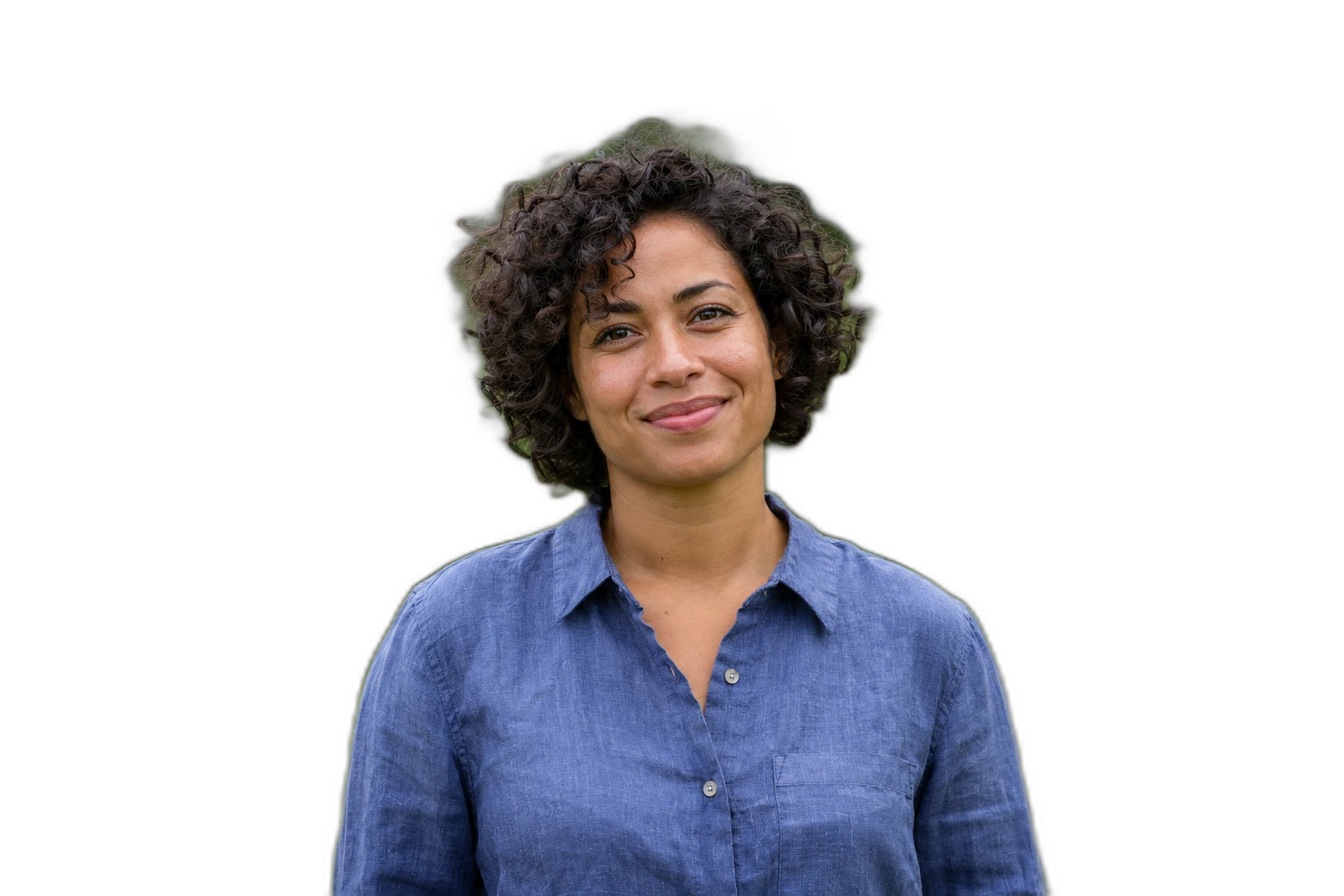

Demonstration images. Try your own photo.
Drop your images here
JPG, PNG & WebP
You can also paste an image · Ctrl / ⌘ + V
Free background remover
All editor tools
Compare colours around your existing subject
Automatic removal separates the current foreground first. Then choose a background colour and inspect its contrast with hair, clothing and small details. The colour control affects the backdrop, not the colour of the subject or the entire photograph.
If a pale fringe appears against the new colour, refine the mask with Erase and Restore. For several images, select the finished results in Batch editing and apply the same colour. Export a flat JPEG or keep PNG/WebP if your next design needs those formats.
- Custom color
- Undo
- Download image
How to remove a background
How to remove a background
- 01
Upload a photo
JPG, PNG & WebP. Free background remover.
- 02
Image editor
Review the cutout, correct its mask and adjust the selected background, format and canvas preset.
- 03
Download image
Download the finished image and inspect the saved file before leaving the editor.
Choose a background for your image
Move the subject, change the background and refine the edges.
Make colour variants from one processed photo
Use the palette or custom colour picker to try several backgrounds while keeping the same cutout. Export the variants you need; colour changes and exports do not send the image for another removal process.
Download image
Free background remover. PNG and WebP support transparency. JPG uses a white background if no background is selected. Move the subject, change the background and refine the edges.
All tools
A few things to know
Can I recolour clothing with the background control?
No. It changes the canvas behind the cutout. It does not replace the colour of a shirt, a product or other foreground detail.
Can I use this workflow for free?
Free background remover. Upload a photo, remove its background, then edit and download the result.
Free background remover
Your next image starts here
Upload a photo, remove its background, then edit and download the result.
Free background remover