Free background remover
Prepare a green background photo for a Story
Place your own subject on a soft green 9:16 canvas, then export a still image for a vertical story composition. Edit the file here before uploading it to your social app.
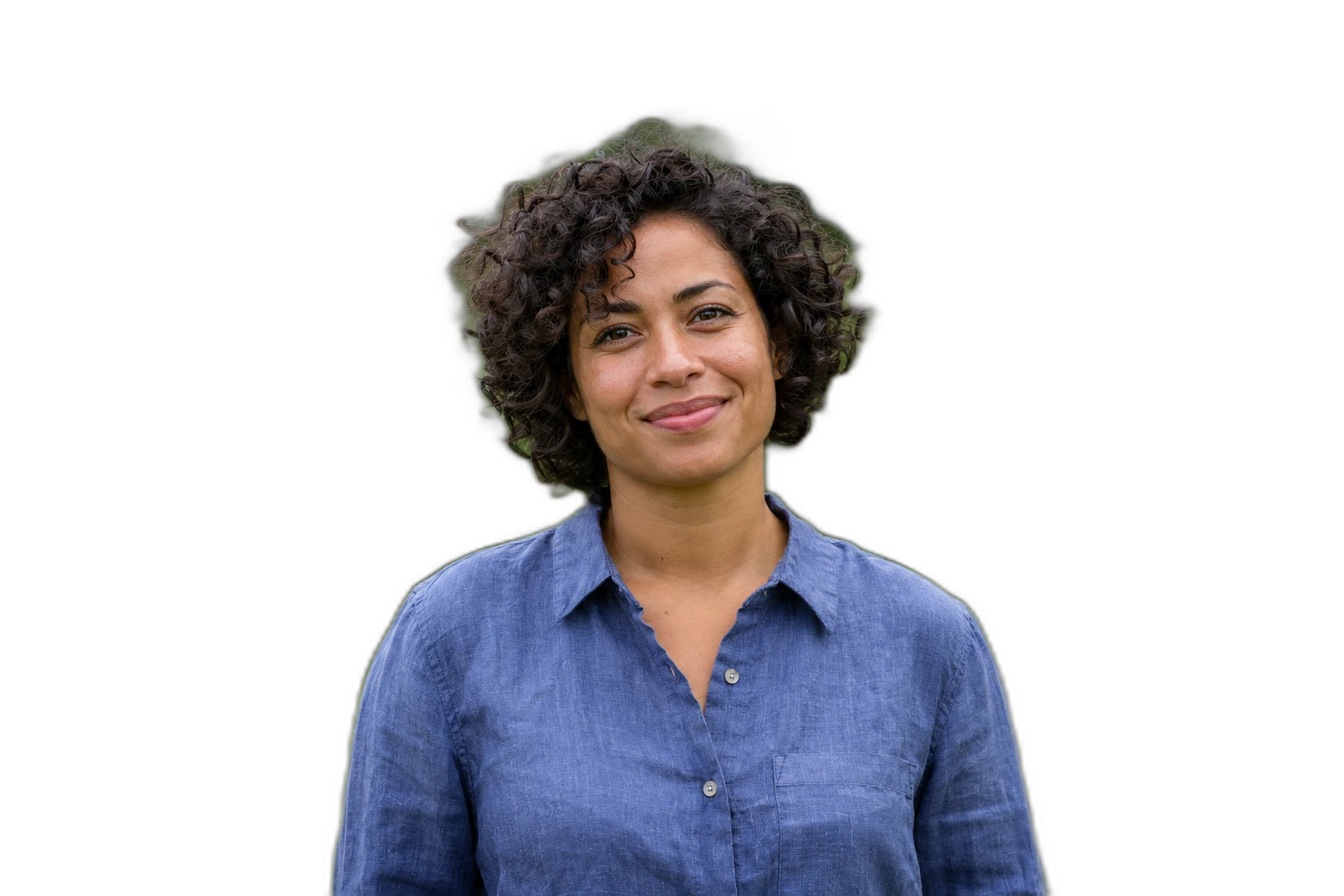
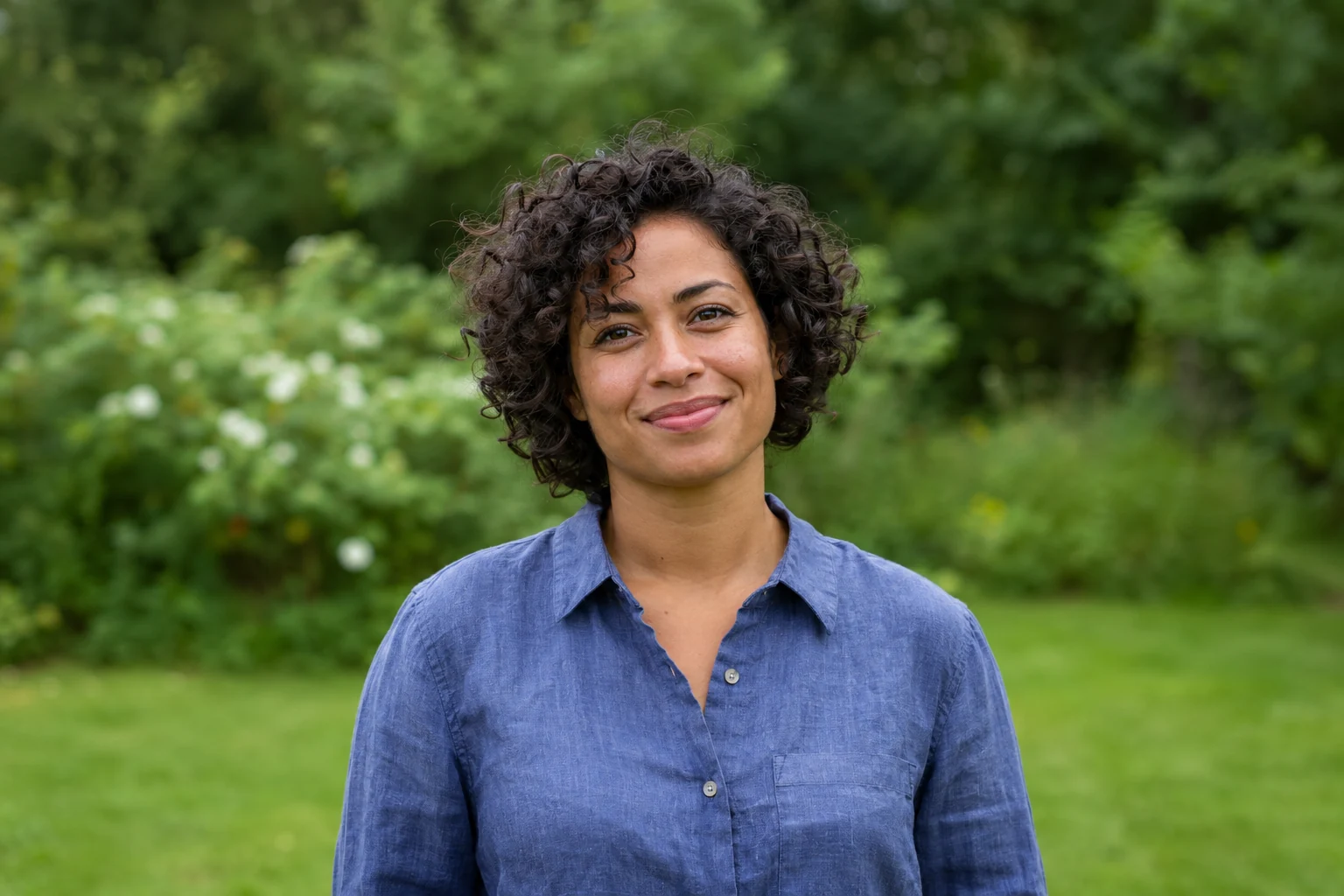
Demonstration images. Try your own photo.
Drop your images here
JPG, PNG & WebP
You can also paste an image · Ctrl / ⌘ + V
Free background remover
All editor tools
Compose the subject on a green vertical canvas
This preset selects a portrait canvas and a muted green background. Move and scale the cutout while leaving room above and below for the text you plan to add elsewhere. The editor does not add story text, animations or interactive stickers.
Check the subject against the green colour and correct any edge remnants. Download JPEG for a flat composition, or change the output format if you need another file type. This prepares an image; it does not change Instagram’s interface or publish anything to your account.
- Canvas ratio
- Custom color
- Move
How to remove a background
How to remove a background
- 01
Upload a photo
JPG, PNG & WebP. Free background remover.
- 02
Image editor
Review the cutout, correct its mask and adjust the selected background, format and canvas preset.
- 03
Download image
Download the finished image and inspect the saved file before leaving the editor.
Choose a background for your image
Move the subject, change the background and refine the edges.
Prepare a still image for a Story layout
Use the 9:16 canvas to leave deliberate space above and below the subject. Download the finished still image, then add text or interactive elements in the social app where you plan to publish it.
Download image
Free background remover. PNG and WebP support transparency. JPG uses a white background if no background is selected. Move the subject, change the background and refine the edges.
All tools
A few things to know
Can I post a Story directly from this editor?
No. Download the completed still image and upload it using the destination app. Publishing and interactive story features remain in that app.
Can I use this workflow for free?
Free background remover. Upload a photo, remove its background, then edit and download the result.
Free background remover
Your next image starts here
Upload a photo, remove its background, then edit and download the result.
Free background remover