Free background remover
Add another photo as your image background
Place your existing subject over a background photograph you choose. Remove the original backdrop first, then build the composition in the editor.
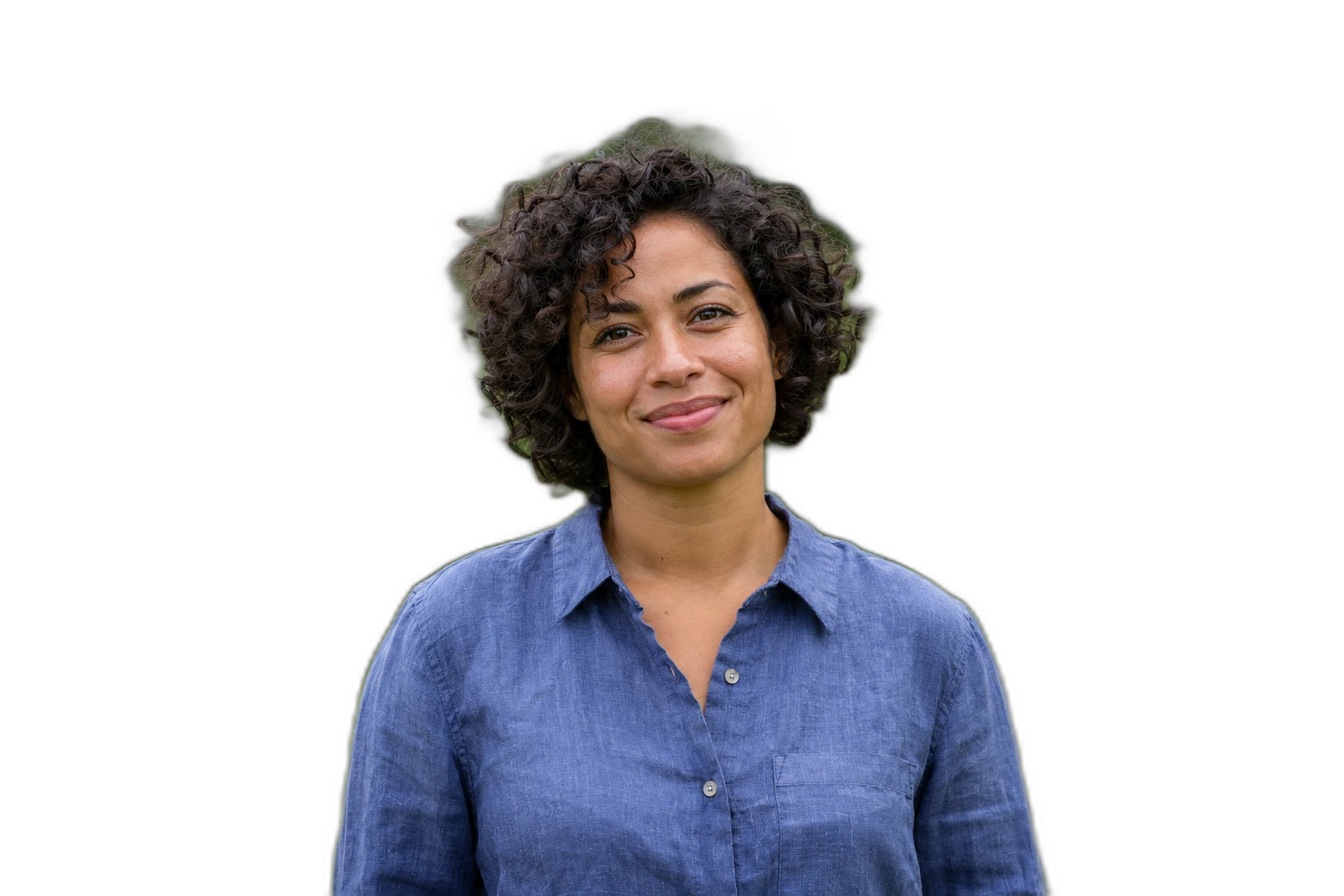
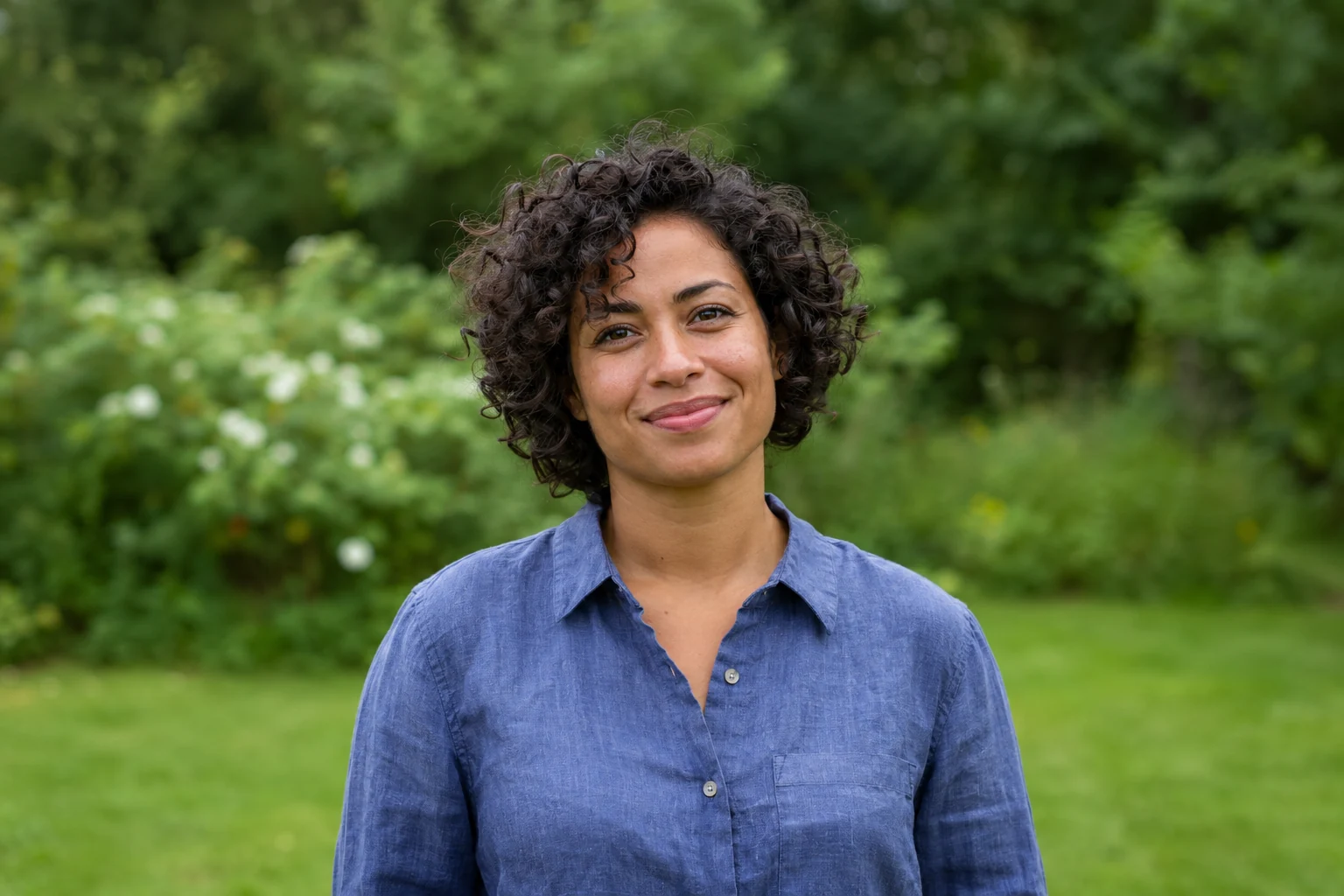
Demonstration images. Try your own photo.
Drop your images here
JPG, PNG & WebP
You can also paste an image · Ctrl / ⌘ + V
Free background remover
All editor tools
Match the cutout to your replacement photo
Upload the subject image, inspect its cutout and choose Upload background. The background is fitted to cover the canvas, so some of its edges may be cropped when its aspect ratio differs. Pick the canvas shape before making precise placement adjustments.
Move, scale and rotate the foreground to suit the scene. Compare the two photographs’ perspective and light direction; the editor does not generate matching light, reflections or contact shadows. Keep important parts of the replacement photo away from the cropped edges.
- Upload background
- Scale
- Move
How to remove a background
How to remove a background
- 01
Upload a photo
JPG, PNG & WebP. Free background remover.
- 02
Image editor
Review the cutout, correct its mask and adjust the selected background, format and canvas preset.
- 03
Download image
Download the finished image and inspect the saved file before leaving the editor.
Choose a background for your image
Move the subject, change the background and refine the edges.
Combine two of your own photographs
Use one image as the foreground and upload another as the backdrop. The editor covers the canvas with the background photo while you position the foreground; choose compatible lighting and perspective in the source images. This page starts with an example nature background selected. Upload your own background photo or choose another background in the editor.
Download image
Free background remover. PNG and WebP support transparency. JPG uses a white background if no background is selected. Move the subject, change the background and refine the edges.
All tools
A few things to know
Can I move both images independently?
The foreground has move, scale and rotate controls. The background covers the canvas automatically; it is not a separate freely positioned layer.
Can I use this workflow for free?
Free background remover. Upload a photo, remove its background, then edit and download the result.
Free background remover
Your next image starts here
Upload a photo, remove its background, then edit and download the result.
Free background remover