Free background remover
Convert a JPG into a transparent PNG cutout
Remove the background from a JPEG photo and download the subject as PNG. This workflow creates transparency rather than only changing a file extension.
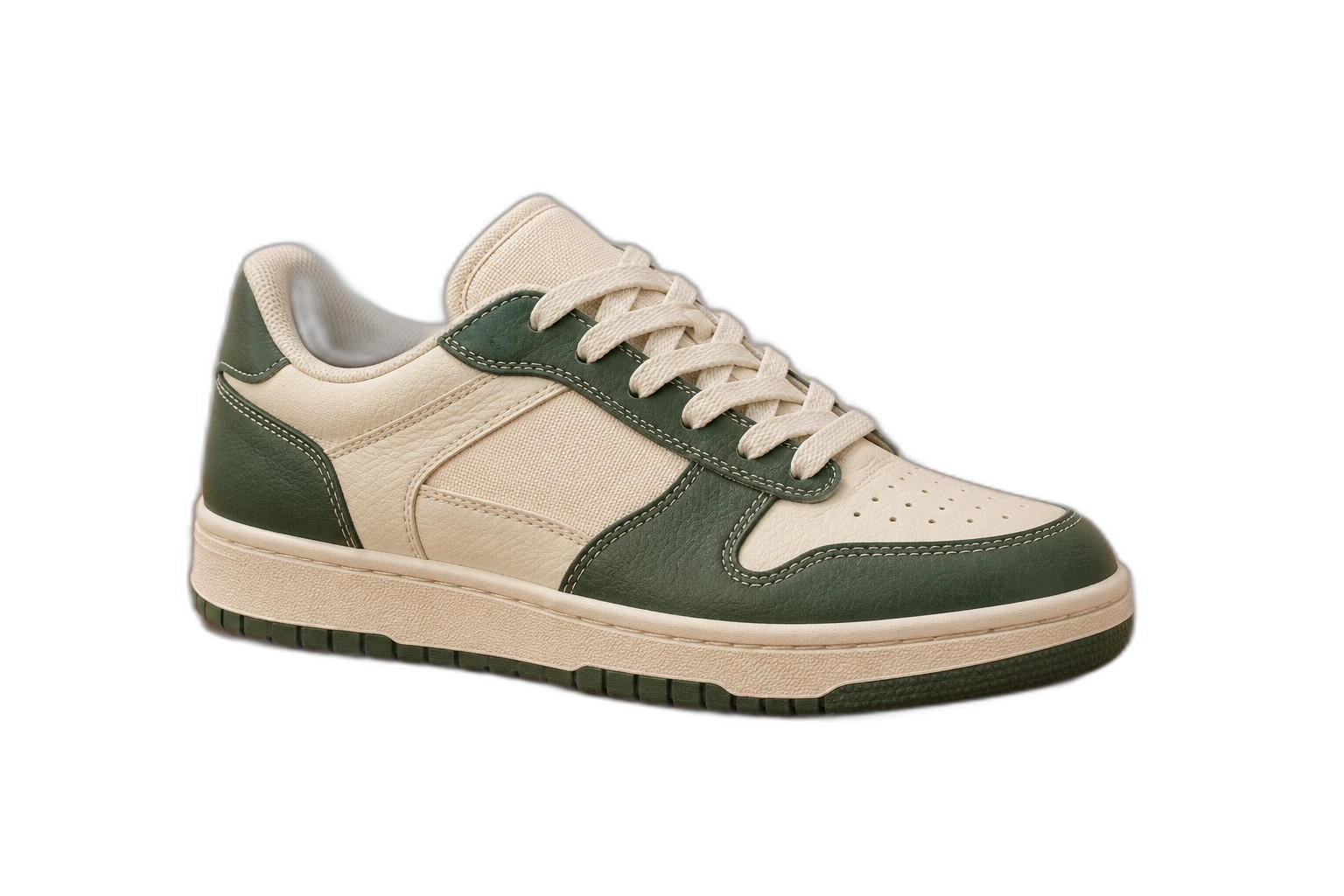
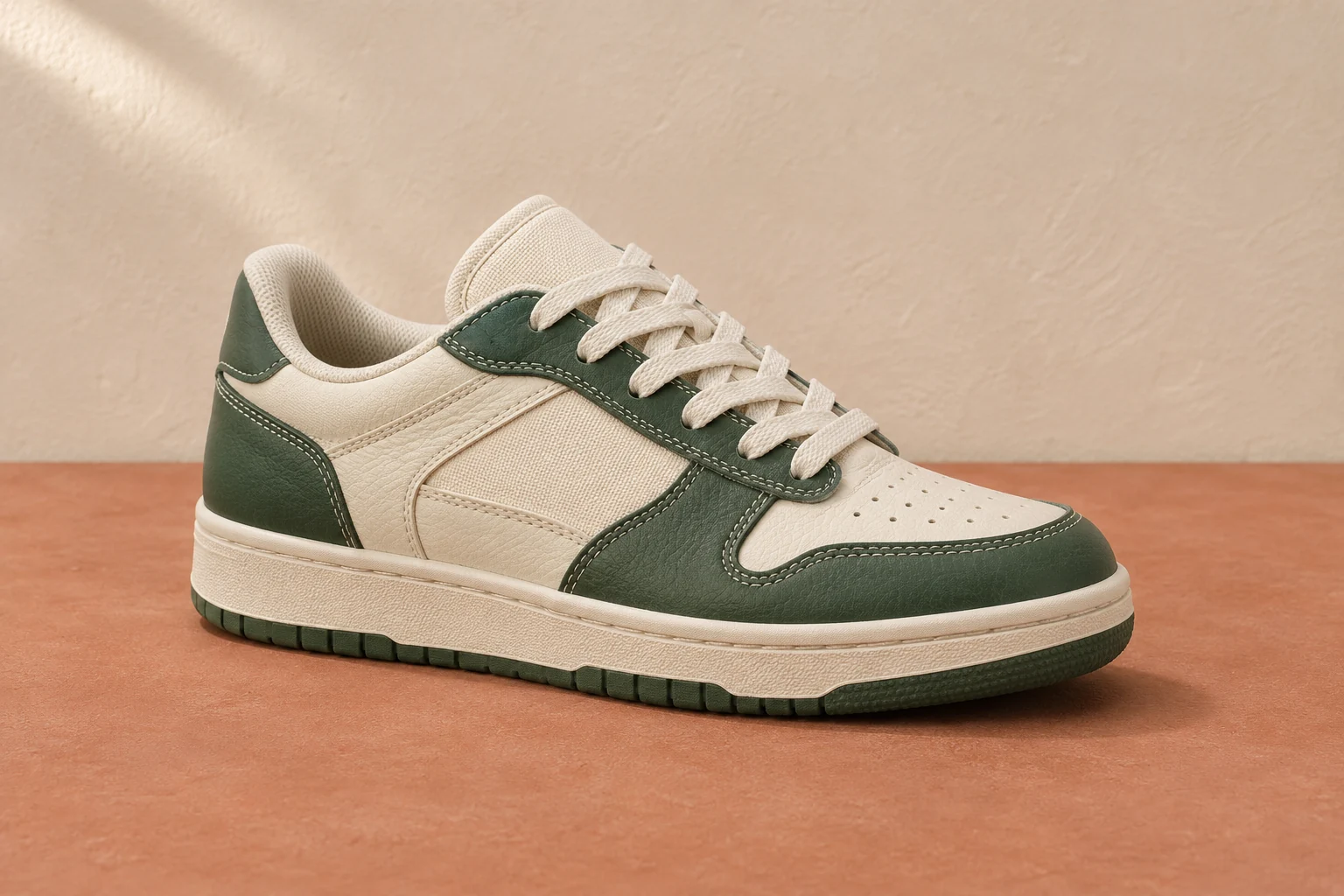
Demonstration images. Try your own photo.
Drop your images here
JPG, PNG & WebP
You can also paste an image · Ctrl / ⌘ + V
Free background remover
All editor tools
Turn a JPG subject into a real PNG cutout
Choose a clear JPG with a distinct foreground. Automatic background removal creates a mask, which you can correct with Erase and Restore. Keep Transparent selected so a replacement colour is not added behind the subject.
Download PNG and keep that output format when moving the file to another editor. Saving it as JPEG again flattens the empty area. Original JPEG compression marks may remain around edges; a larger, cleaner source usually gives a more useful cutout.
- Transparent
- Export format
- Full resolution
How to remove a background
How to remove a background
- 01
Upload a photo
JPG, PNG & WebP. Free background remover.
- 02
Image editor
Review the cutout, correct its mask and adjust the selected background, format and canvas preset.
- 03
Download image
Download the finished image and inspect the saved file before leaving the editor.
Choose a background for your image
Move the subject, change the background and refine the edges.
Keep the photo and the cutout separately
Keep your original JPG as the source and export the reviewed cutout as PNG. The new file can be placed over another design; you can also make an opaque background version without repeating the removal step.
Download image
Free background remover. PNG and WebP support transparency. JPG uses a white background if no background is selected. Move the subject, change the background and refine the edges.
All tools
A few things to know
Can I just rename photo.jpg to photo.png?
Renaming does not change the image encoding or remove background pixels. Process the photo and export PNG to create a real transparent result.
Can I use this workflow for free?
Free background remover. Upload a photo, remove its background, then edit and download the result.
Free background remover
Your next image starts here
Upload a photo, remove its background, then edit and download the result.
Free background remover