Free background remover
Remove a WebP image background
Upload a static WebP, isolate its subject and save an edited WebP with transparency. PNG is also available when another application needs it.
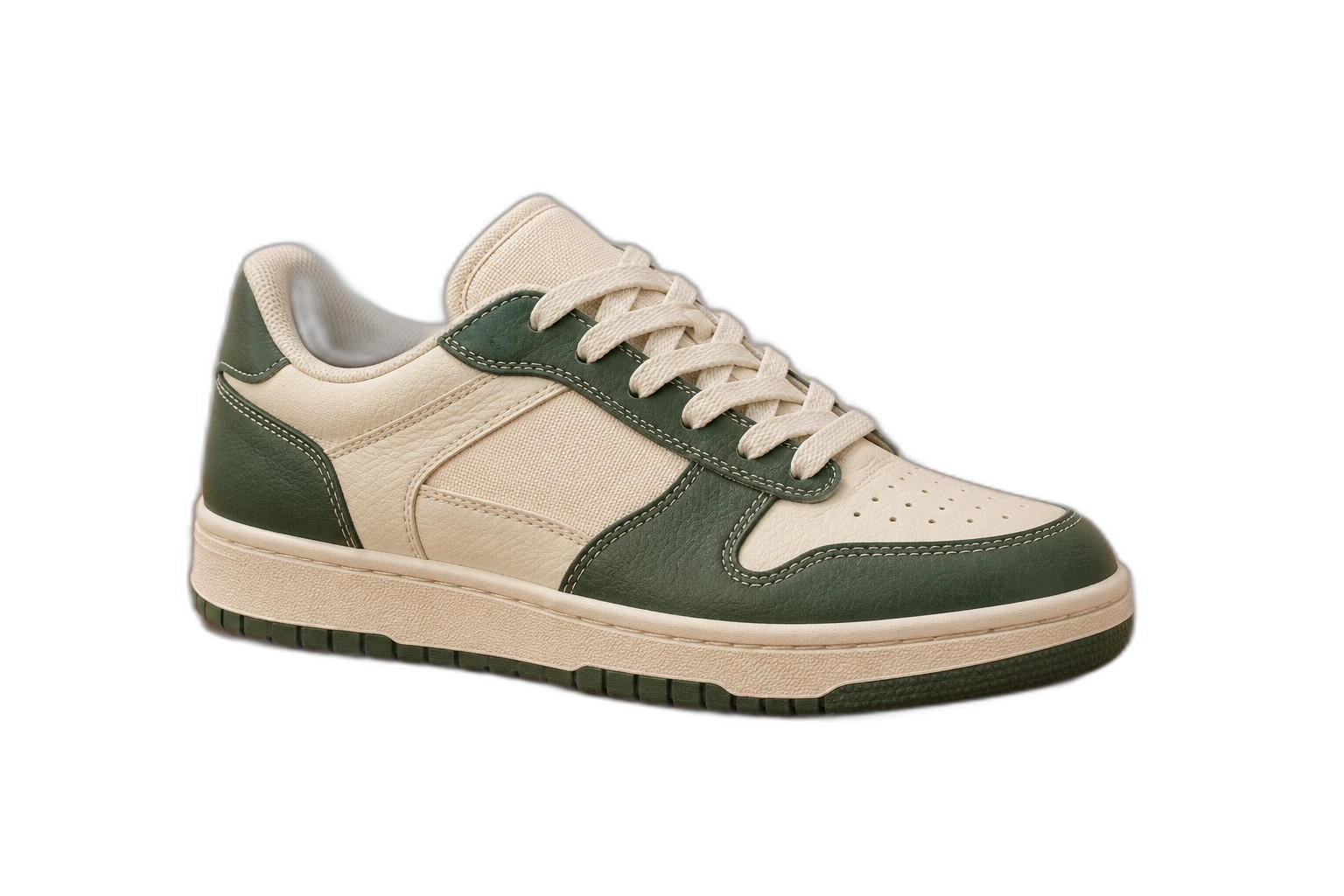
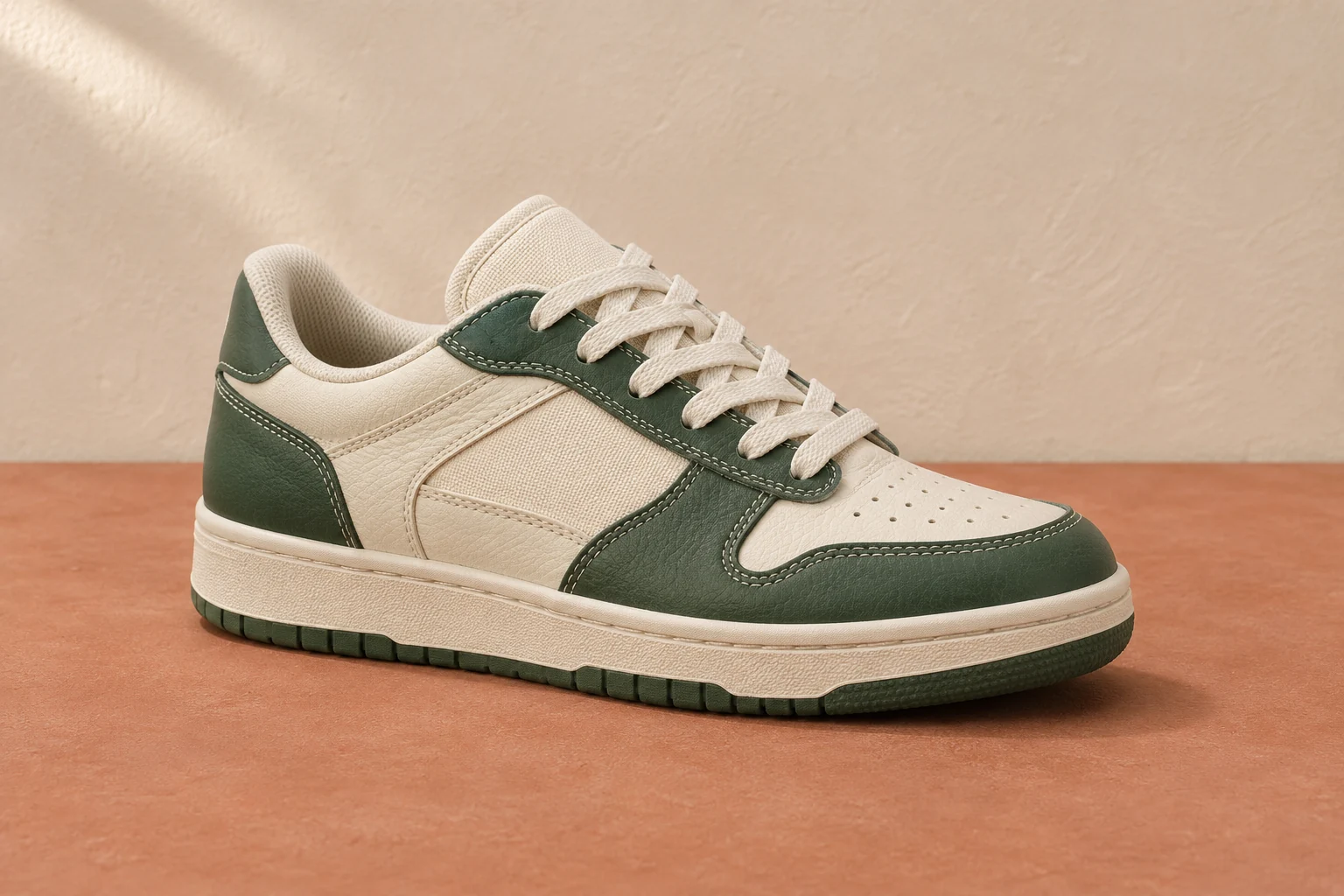
Demonstration images. Try your own photo.
Drop your images here
JPG, PNG & WebP
You can also paste an image · Ctrl / ⌘ + V
Free background remover
All editor tools
Review your WebP mask and export format
Use a single-frame WebP file. Animated WebP is not supported by the processing service. After removal, inspect fine details and choose Transparent if you want an alpha background; add a colour if the destination needs a flat image.
The editor on this page starts with WebP export selected. Check that the website or editor receiving your file accepts WebP transparency. Changing the export to JPEG flattens the canvas, while PNG keeps alpha and may create a larger file. Export size depends on the image, not just its extension.
- Transparent
- Export format
- Download image
How to remove a background
How to remove a background
- 01
Upload a photo
JPG, PNG & WebP. Free background remover.
- 02
Image editor
Review the cutout, correct its mask and adjust the selected background, format and canvas preset.
- 03
Download image
Download the finished image and inspect the saved file before leaving the editor.
Choose a background for your image
Move the subject, change the background and refine the edges.
Prepare a WebP cutout for the web
Use the WebP result where the receiving website supports its transparency. Keep a PNG copy when handing the artwork to another person or application with different format requirements.
Download image
Free background remover. PNG and WebP support transparency. JPG uses a white background if no background is selected. Move the subject, change the background and refine the edges.
All tools
A few things to know
Can I remove the background from animated WebP?
This service processes static images. Export a still frame first; it does not process animation frames or return an animated result.
Can I use this workflow for free?
Free background remover. Upload a photo, remove its background, then edit and download the result.
Free background remover
Your next image starts here
Upload a photo, remove its background, then edit and download the result.
Free background remover