Free background remover
Make a PNG background transparent
A PNG file can still contain an opaque background. Remove that background and export a new PNG with transparent pixels around the subject.
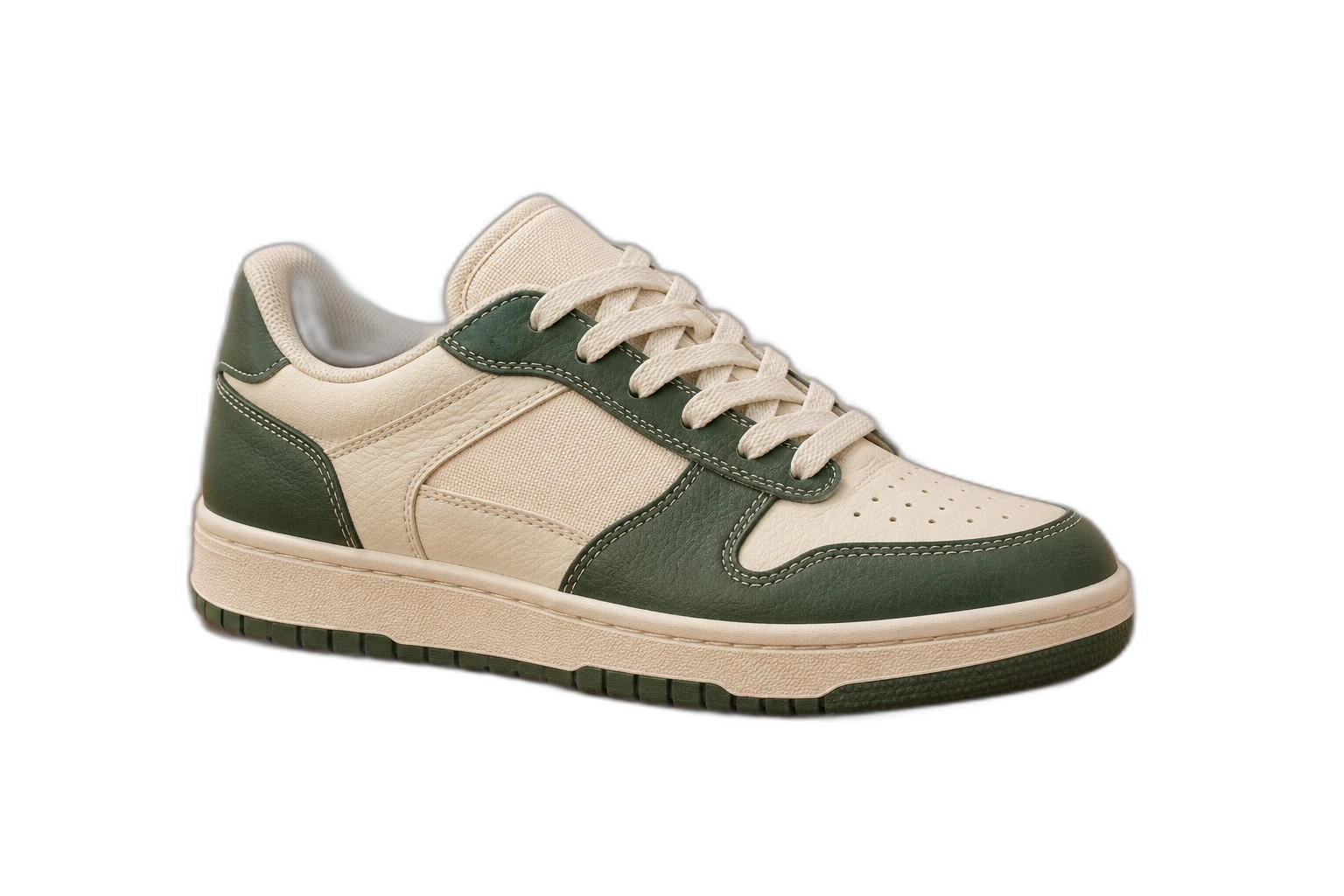
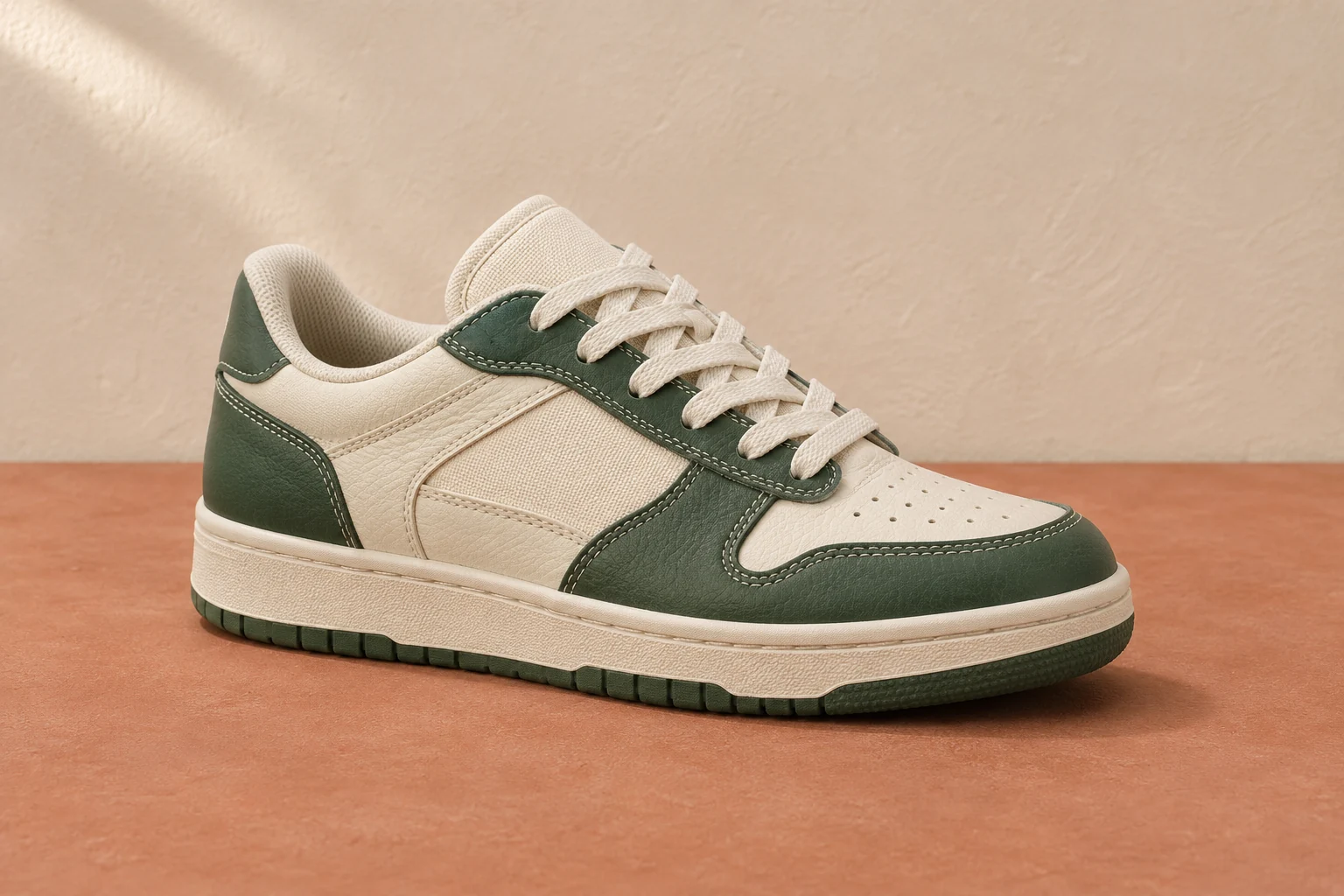
Demonstration images. Try your own photo.
Drop your images here
JPG, PNG & WebP
You can also paste an image · Ctrl / ⌘ + V
Free background remover
All editor tools
Inspect the alpha edges of your PNG
Upload your existing image and inspect the automatic cutout. Select Transparent in the background controls. The checkerboard in the editor is a preview of empty pixels, rather than a pattern that will be added to the exported file.
Erase unwanted remnants and restore missing details before exporting. Opening the PNG in an app with a white canvas can make transparency hard to see; place it over a contrasting colour to check. The tool cuts out the foreground instead of simply reducing the opacity of the entire image.
- Transparent
- Erase
- Full resolution
How to remove a background
How to remove a background
- 01
Upload a photo
JPG, PNG & WebP. Free background remover.
- 02
Image editor
Review the cutout, correct its mask and adjust the selected background, format and canvas preset.
- 03
Download image
Download the finished image and inspect the saved file before leaving the editor.
Choose a background for your image
Move the subject, change the background and refine the edges.
Build a reusable cutout library
Save a transparent copy for slides, collages and website graphics. You can place that cutout on several colours here and compare its outline before choosing the version you need.
Download image
Free background remover. PNG and WebP support transparency. JPG uses a white background if no background is selected. Move the subject, change the background and refine the edges.
All tools
A few things to know
Does the .png extension guarantee transparency?
No. PNG supports an alpha channel, but a particular PNG can be fully opaque. Its background pixels must actually be removed.
Can I use this workflow for free?
Free background remover. Upload a photo, remove its background, then edit and download the result.
Free background remover
Your next image starts here
Upload a photo, remove its background, then edit and download the result.
Free background remover