Free background remover
Remove photo-booth backgrounds without a green screen
Process individual still photos from a booth or event and reuse the cutouts on your own backdrop. A physical green screen is not required to try automatic removal.
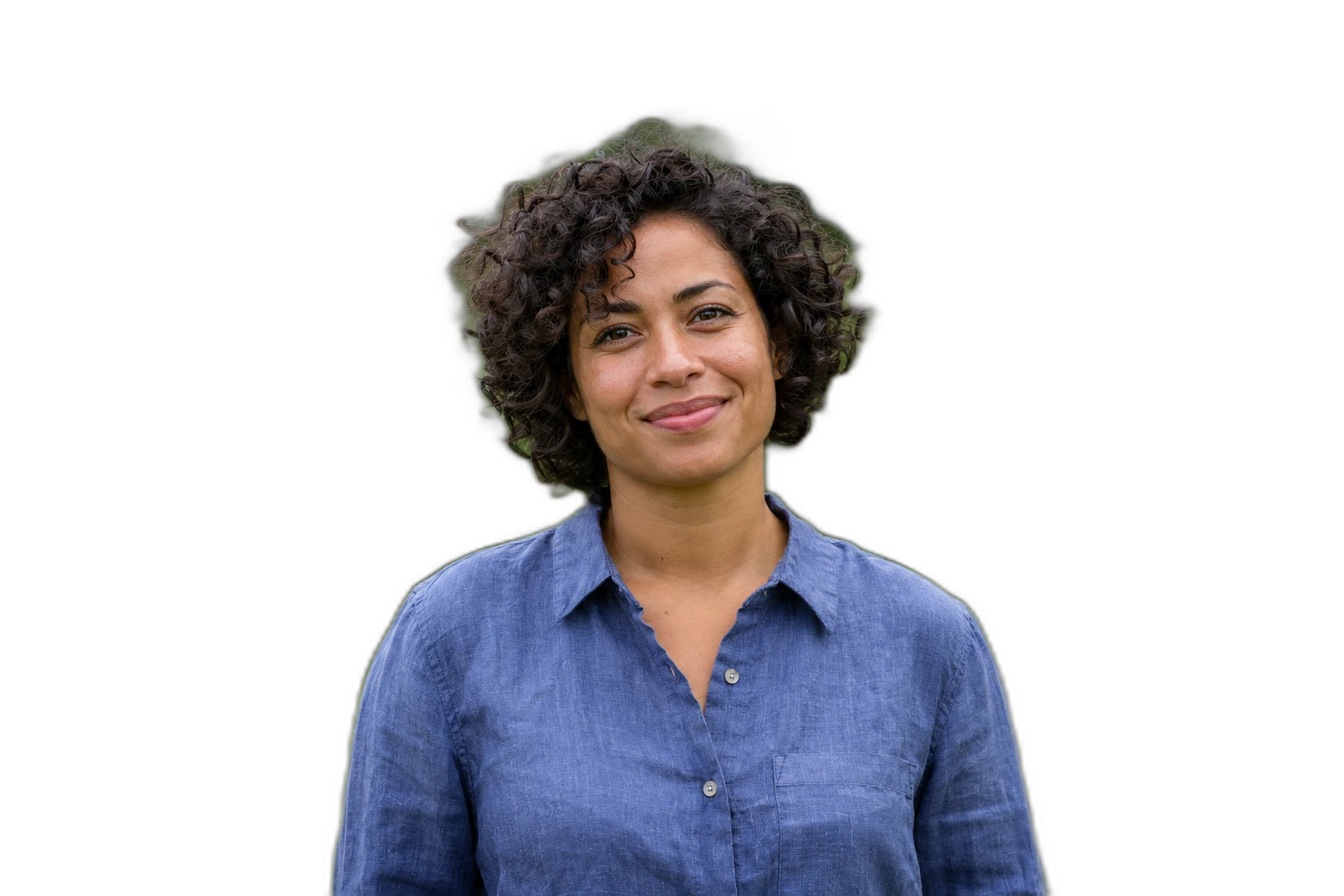
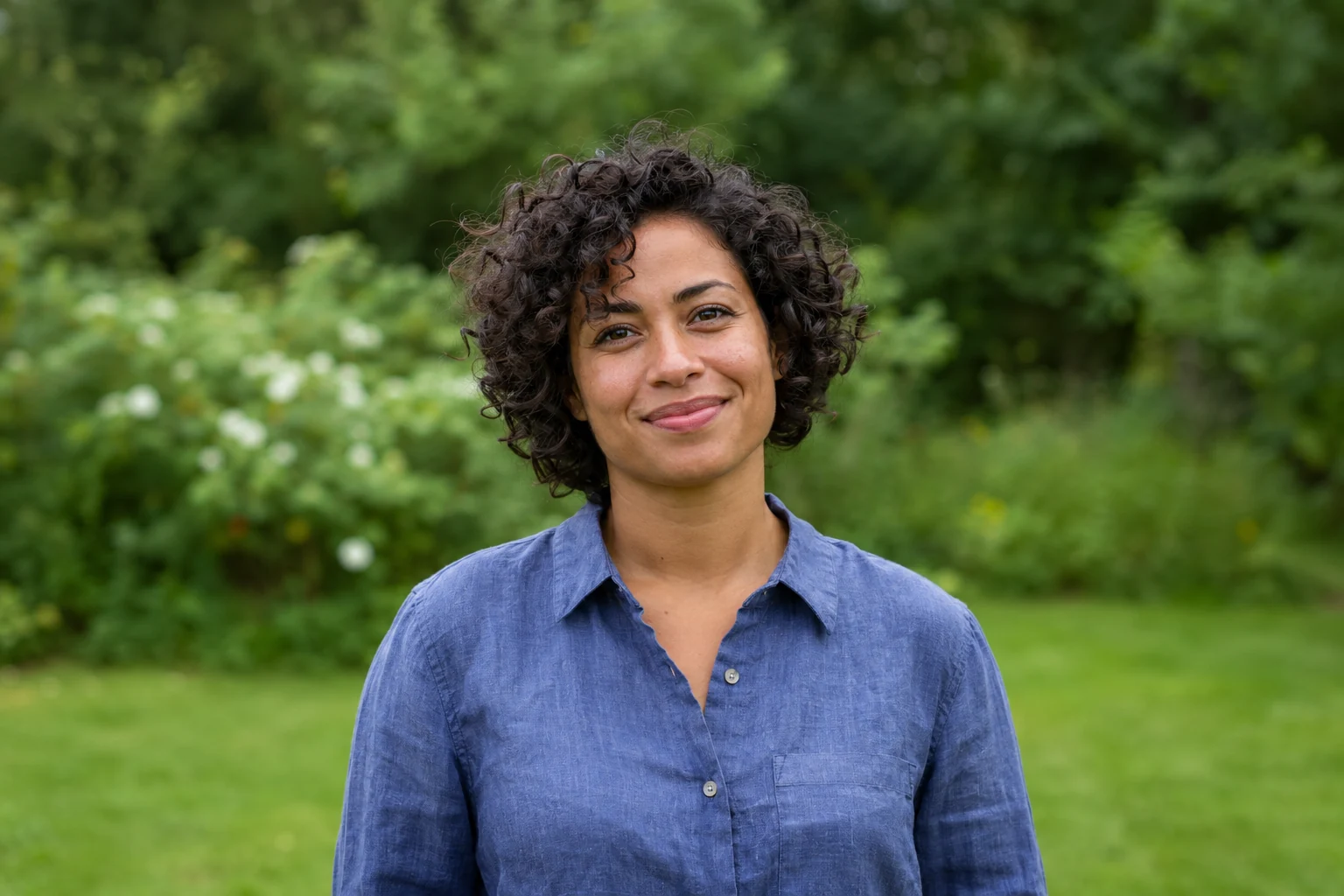
Demonstration images. Try your own photo.
Drop your images here
JPG, PNG & WebP
You can also paste an image · Ctrl / ⌘ + V
Free background remover
All editor tools
Review people and props in the photo-booth cutout
Clear separation between people and the surroundings still helps. Keep the whole group in frame, use even light and inspect accessories, hair and hands. Automatic segmentation can retain several people together; it is not a live person-tracking or video effect.
For an event set, use Batch editing to apply one background and ratio after reviewing each photo. For your own server integration, the Free API accepts individual images with an account key. The web editor does not connect to booth cameras, printers or a live event queue automatically.
- Upload background
- Restore
- Shared settings
How to remove a background
How to remove a background
- 01
Upload a photo
JPG, PNG & WebP. Free background remover.
- 02
Image editor
Review the cutout, correct its mask and adjust the selected background, format and canvas preset.
- 03
Download image
Download the finished image and inspect the saved file before leaving the editor.
Choose a background for your image
Move the subject, change the background and refine the edges.
Give an event photo a different setting
Use a plain colour or your own event backdrop after reviewing the foreground. For several photos, keep the selected background consistent and correct each cutout separately where poses or props differ. This page starts with an example nature background selected. Upload your own background photo or choose another background in the editor.
Download image
Free background remover. PNG and WebP support transparency. JPG uses a white background if no background is selected. Move the subject, change the background and refine the edges.
All tools
A few things to know
Is this a live camera or video-booth application?
No. It processes uploaded static photographs. A camera capture, print station or live display needs its own application and integration.
Can I use this workflow for free?
Free background remover. Upload a photo, remove its background, then edit and download the result.
Free background remover
Your next image starts here
Upload a photo, remove its background, then edit and download the result.
Free background remover