Free background remover
Export a high-resolution PNG cutout
Keep useful source resolution when removing a background. Start with the original photo and export the edited cutout rather than a screenshot or small preview.
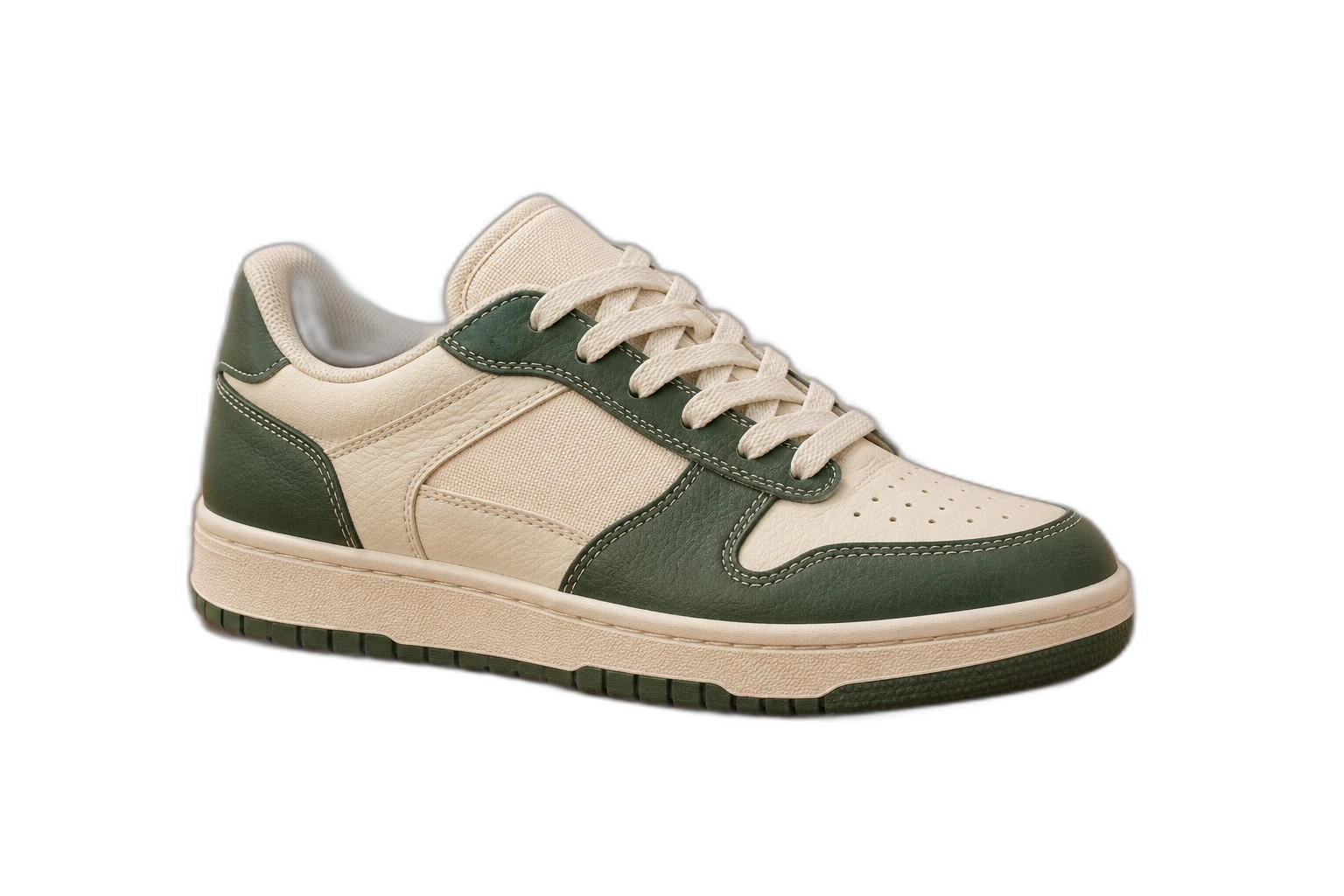
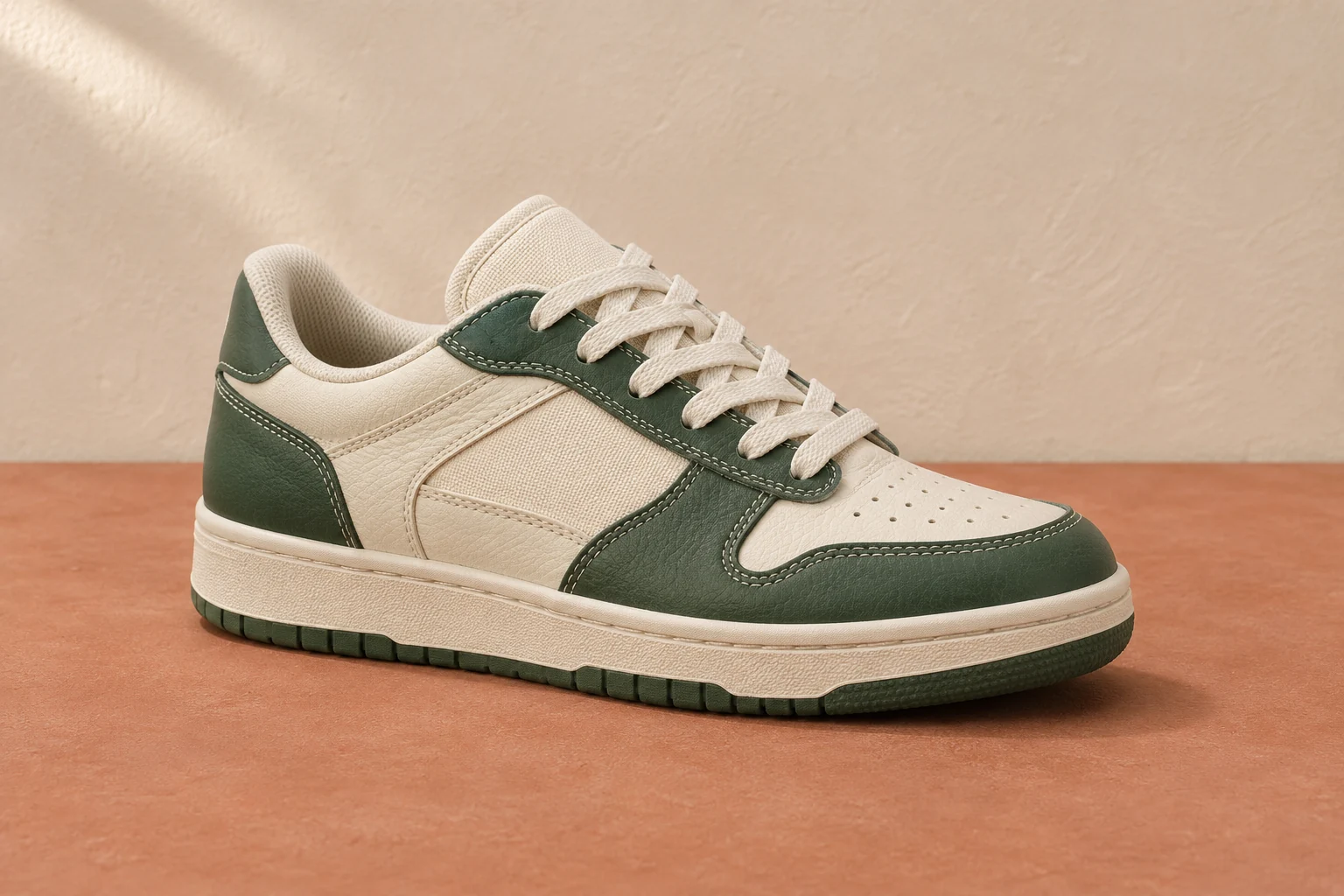
Demonstration images. Try your own photo.
Drop your images here
JPG, PNG & WebP
You can also paste an image · Ctrl / ⌘ + V
Free background remover
All editor tools
Keep source detail while checking the outline
The editor’s preview can be smaller for responsive interaction, while export uses the processed image’s dimensions. Original size preserves that canvas shape. Changing the aspect ratio may expand or reshape the canvas, so check the pixel dimensions shown beside Download.
Free background remover. PNG and WebP support transparency. JPG uses a white background if no background is selected. Move the subject, change the background and refine the edges.
- Full resolution
- Export format
How to remove a background
How to remove a background
- 01
Upload a photo
JPG, PNG & WebP. Free background remover.
- 02
Image editor
Review the cutout, correct its mask and adjust the selected background, format and canvas preset.
- 03
Download image
Download the finished image and inspect the saved file before leaving the editor.
Choose a background for your image
Move the subject, change the background and refine the edges.
Prepare a cutout for larger layouts
Start from the largest supported original and inspect the result at a useful zoom. The download uses the composition dimensions shown in the editor; zooming the preview does not add detail or change exported resolution.
Download image
Free background remover. PNG and WebP support transparency. JPG uses a white background if no background is selected. Move the subject, change the background and refine the edges.
All tools
A few things to know
Can I use this workflow for free?
Free background remover. Upload a photo, remove its background, then edit and download the result.
Free background remover
Your next image starts here
Upload a photo, remove its background, then edit and download the result.
Free background remover