Free background remover
Add a blue background to an existing portrait
Prepare a blue-backed portrait when your intended use calls for that colour. The editor on this page starts with a light blue canvas and a 4:5 composition for manual review.
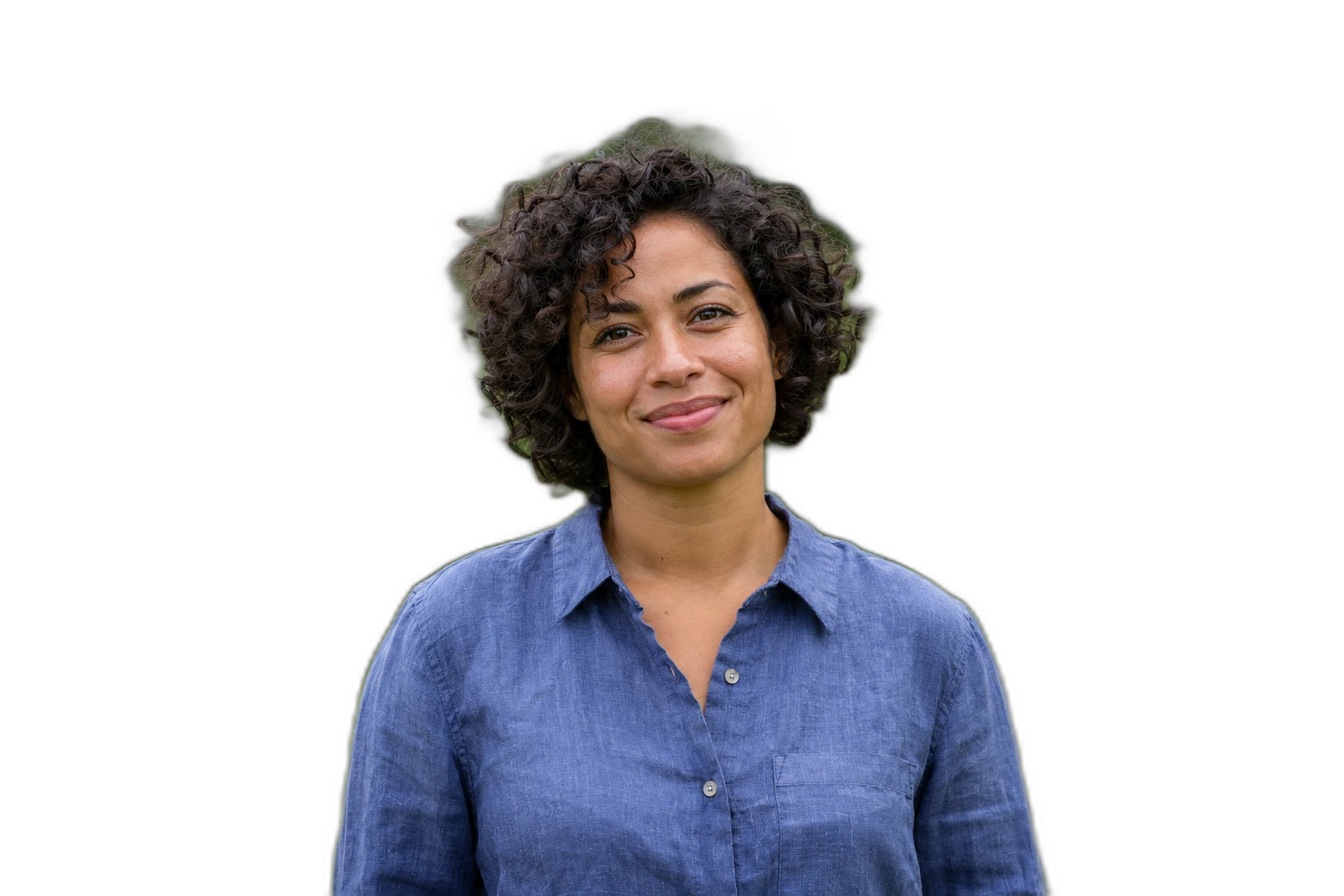
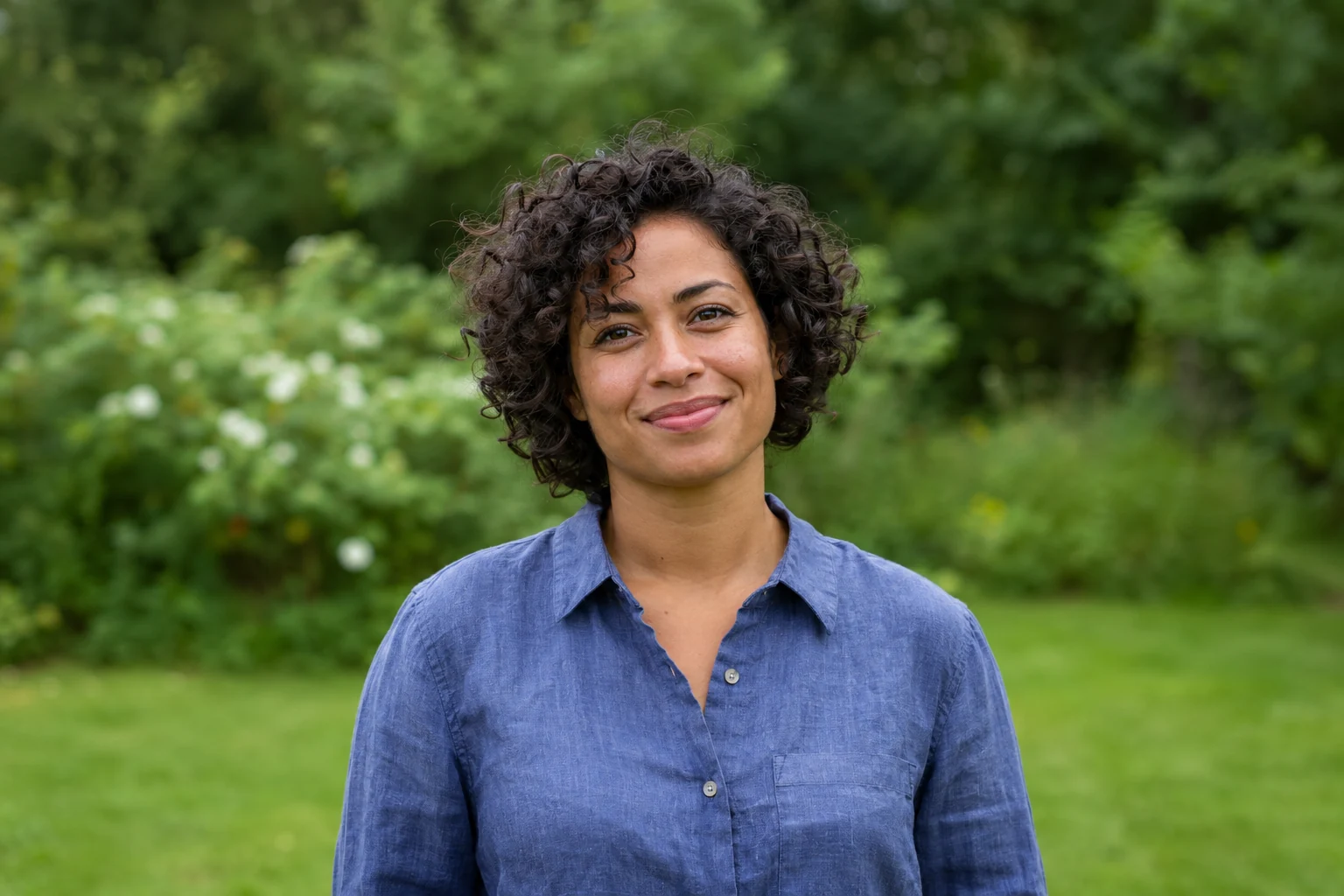
Demonstration images. Try your own photo.
Drop your images here
JPG, PNG & WebP
You can also paste an image · Ctrl / ⌘ + V
Free background remover
All editor tools
Keep the portrait intact on the blue canvas
Use a sharp, evenly lit portrait and inspect the head outline after removal. Adjust the custom colour if the receiving organisation specifies another shade. The 4:5 canvas is a starting layout, not a declaration of official passport or visa dimensions.
Background colour alone does not make a document photo compliant. Confirm the actual requirements of the receiving authority, including dimensions, lighting and permitted editing. This tool does not verify acceptance or generate a compliant new headshot. Export only after checking the unchanged facial details.
- Custom color
- Canvas ratio
- Center
How to remove a background
How to remove a background
- 01
Upload a photo
JPG, PNG & WebP. Free background remover.
- 02
Image editor
Review the cutout, correct its mask and adjust the selected background, format and canvas preset.
- 03
Download image
Download the finished image and inspect the saved file before leaving the editor.
Choose a background for your image
Move the subject, change the background and refine the edges.
Prepare a blue-background portrait copy
Use the selected blue and 4:5 ratio as a starting composition, then centre the existing face. Verify the destination’s image requirements separately; this editor changes the background and layout, not a person’s identity.
Download image
Free background remover. PNG and WebP support transparency. JPG uses a white background if no background is selected. Move the subject, change the background and refine the edges.
All tools
A few things to know
Is a blue background valid for every passport?
No. Requirements vary by document and authority. Use this colour only when it matches the requirements you have checked; the editor does not certify document photos.
Can I use this workflow for free?
Free background remover. Upload a photo, remove its background, then edit and download the result.
Free background remover
Your next image starts here
Upload a photo, remove its background, then edit and download the result.
Free background remover