Free background remover
Create a grey background for a headshot
Replace a distracting portrait backdrop with neutral grey. Start with a 4:5 canvas, then position the face and shoulders without changing their proportions.
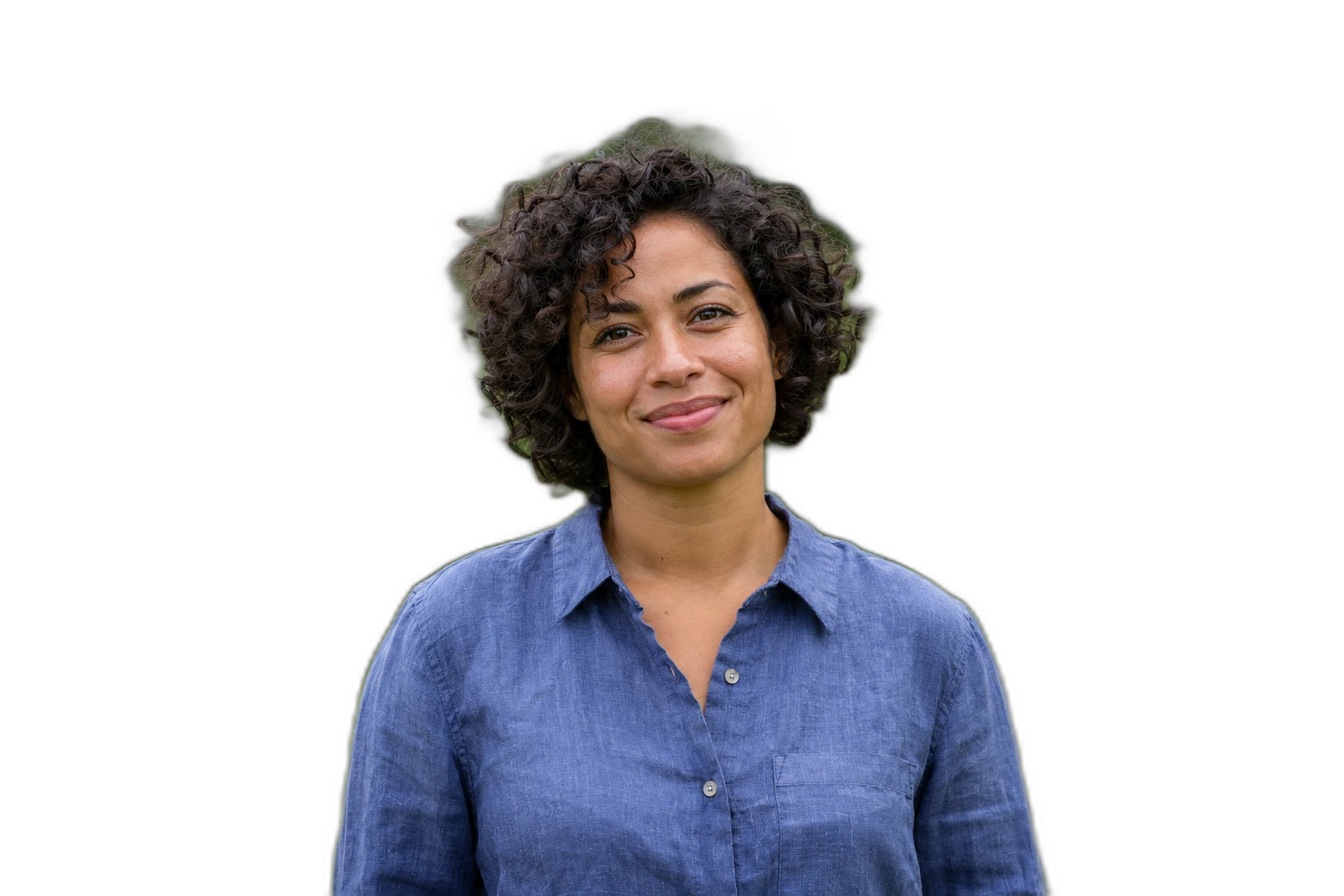
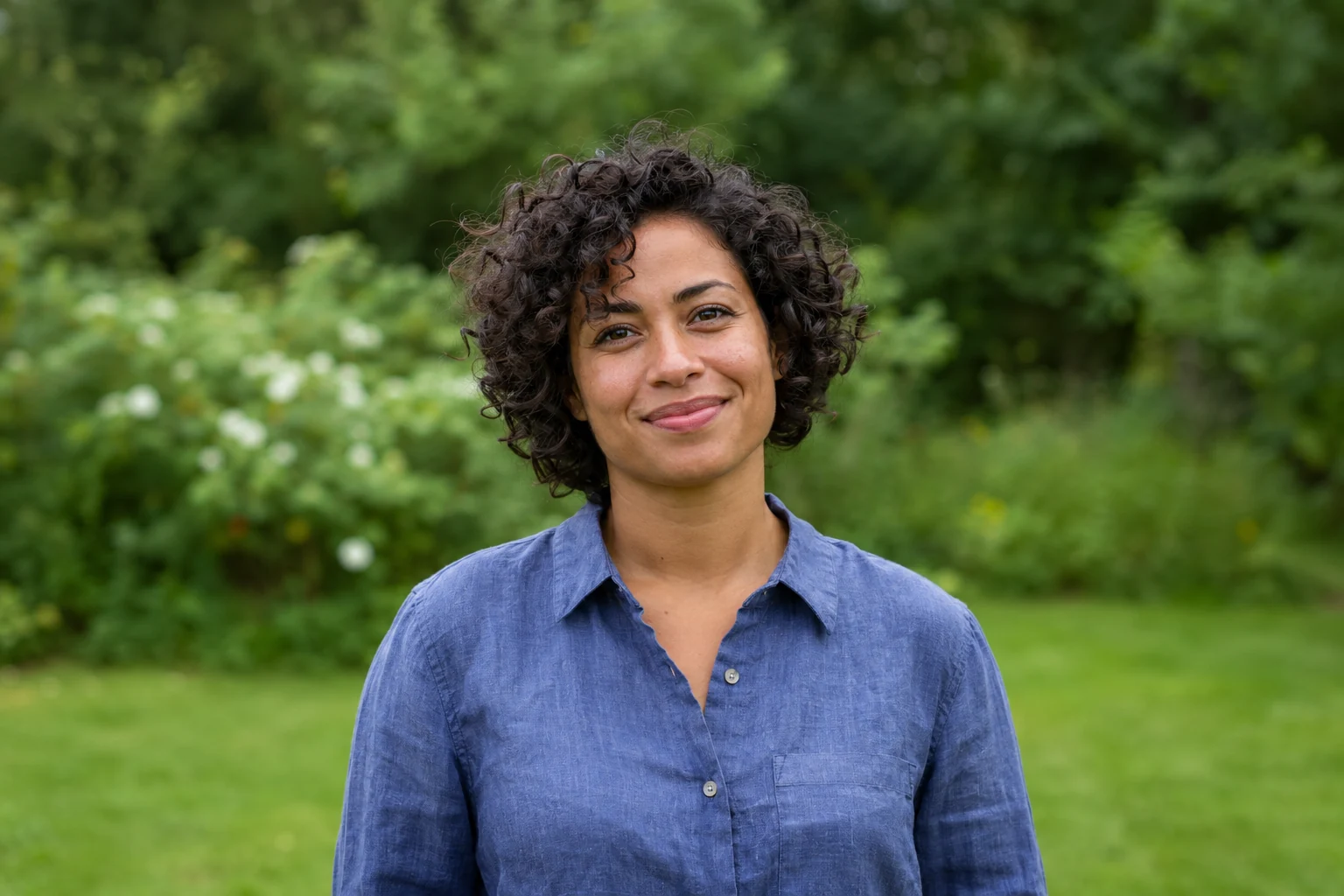
Demonstration images. Try your own photo.
Drop your images here
JPG, PNG & WebP
You can also paste an image · Ctrl / ⌘ + V
Free background remover
All editor tools
Frame a headshot on a neutral grey canvas
Choose a sharp headshot with enough room around the hair. Inspect ears, glasses and loose strands after removal. A neutral grey backdrop makes pale clothing easier to distinguish than pure white, but it does not correct skin tone or face lighting.
This preset selects a grey background and JPEG export. Move and scale the subject to leave balanced margins. Keep eyes and the top of the head away from the crop boundary. Use the original-size canvas if the 4:5 layout cuts off something important.
- Canvas ratio
- Center
- Custom color
How to remove a background
How to remove a background
- 01
Upload a photo
JPG, PNG & WebP. Free background remover.
- 02
Image editor
Review the cutout, correct its mask and adjust the selected background, format and canvas preset.
- 03
Download image
Download the finished image and inspect the saved file before leaving the editor.
Choose a background for your image
Move the subject, change the background and refine the edges.
Build a consistent set of team portraits
Use the same grey colour and portrait ratio for several existing headshots. Keep faces at a similar scale and adjust each person separately so hair and shoulders stay inside the frame.
Download image
Free background remover. PNG and WebP support transparency. JPG uses a white background if no background is selected. Move the subject, change the background and refine the edges.
All tools
A few things to know
Is this an official ID-photo generator?
No. It arranges an existing portrait. It does not verify identity-photo rules, resize to official dimensions or certify acceptance.
Can I use this workflow for free?
Free background remover. Upload a photo, remove its background, then edit and download the result.
Free background remover
Your next image starts here
Upload a photo, remove its background, then edit and download the result.
Free background remover