Free background remover
Change the background of a selfie
Keep your own selfie while replacing a distracting room or outdoor scene. Upload another backdrop or choose a flat colour after removing the original background.
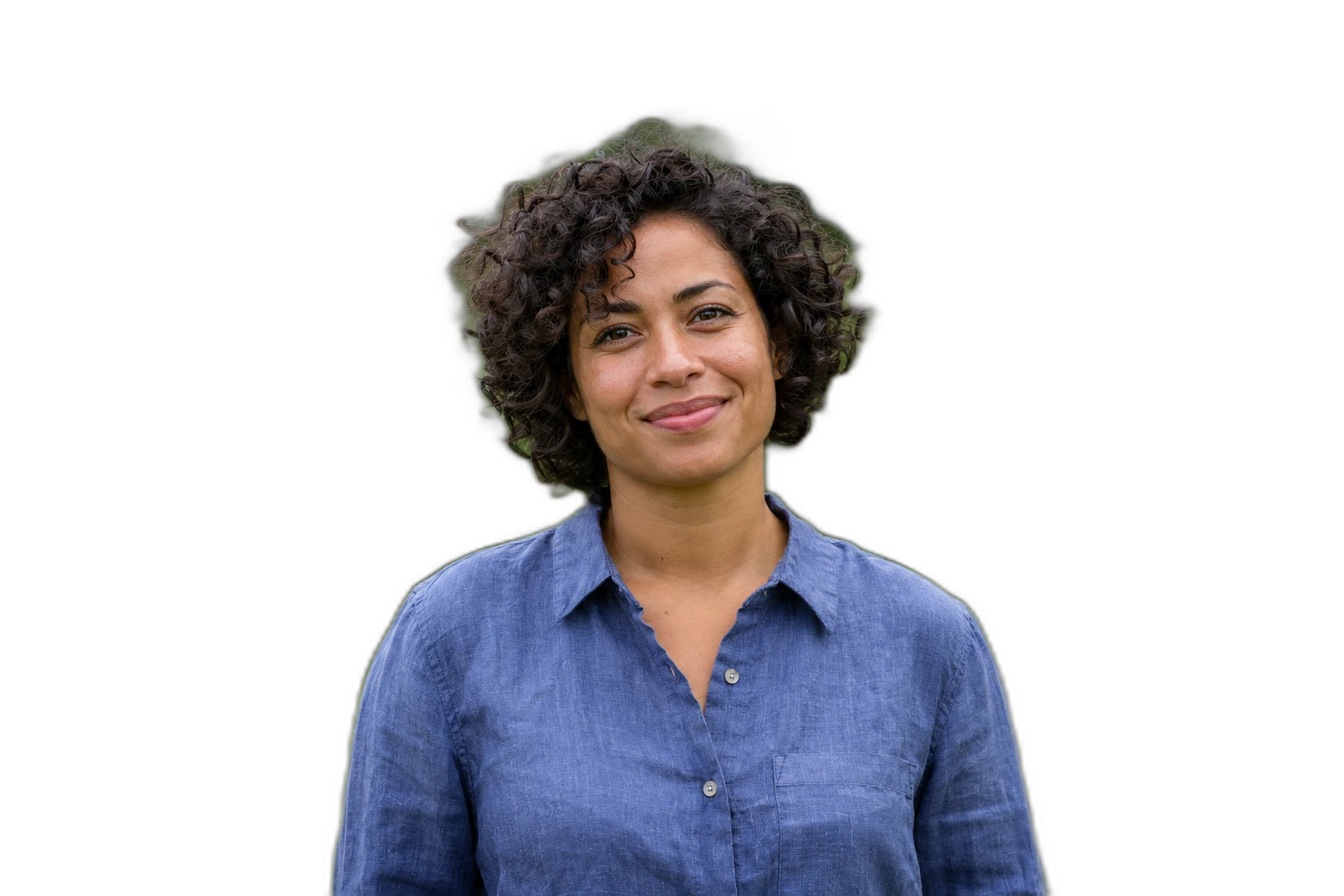
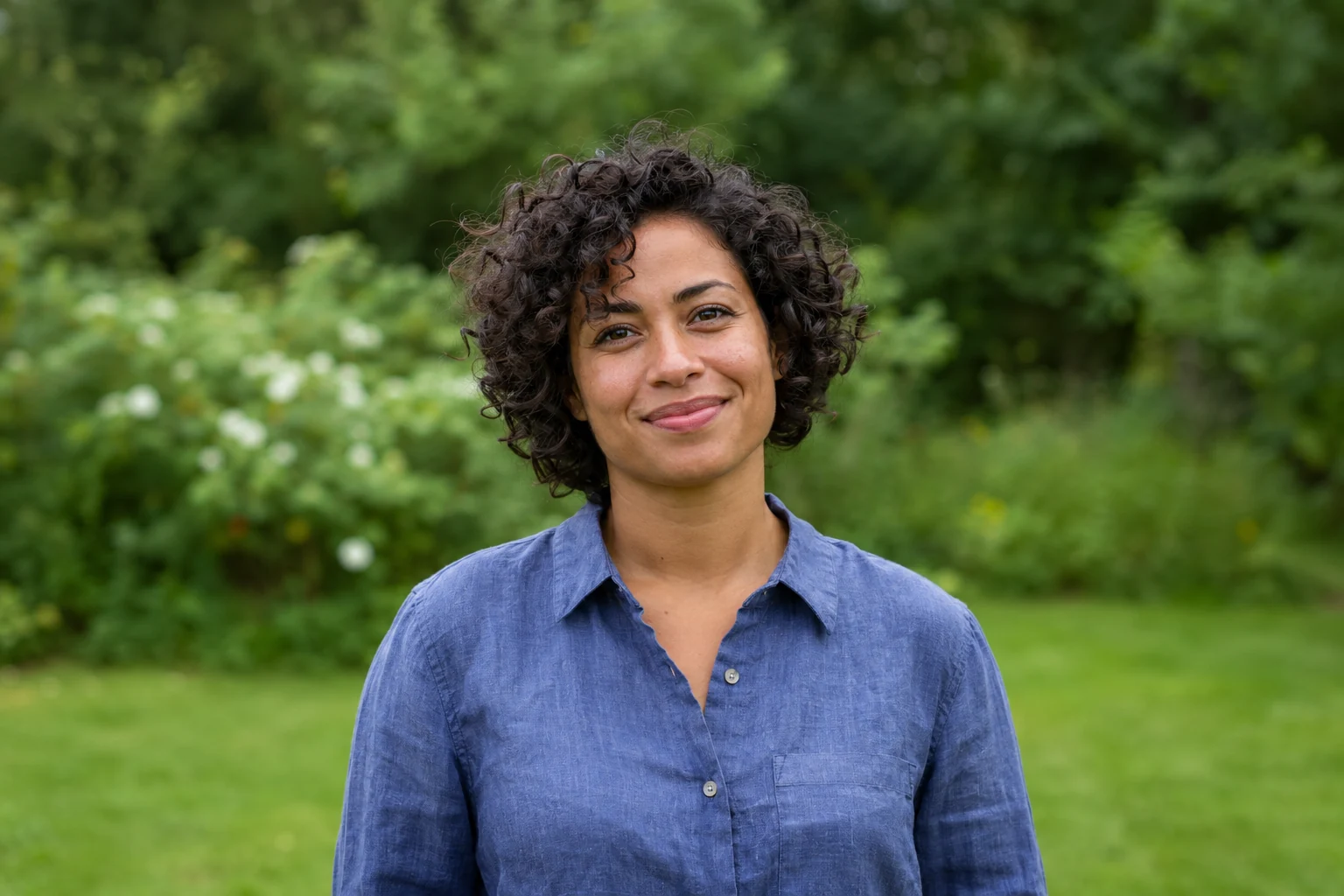
Demonstration images. Try your own photo.
Drop your images here
JPG, PNG & WebP
You can also paste an image · Ctrl / ⌘ + V
Free background remover
All editor tools
Check hair and shoulders in your selfie
Use the clearest version available, rather than a heavily filtered screenshot. Check hair, fingers, earrings and a phone visible in a mirror selfie. The automatic cutout may retain more than one foreground object; use Erase if something should be excluded.
A replacement photo looks more coherent when its viewing angle and light direction match the selfie. Move and scale your cutout inside the canvas. This is background editing, not face retouching: it does not change facial features or repair a blurred face.
- Upload background
- Move
- Restore
How to remove a background
How to remove a background
- 01
Upload a photo
JPG, PNG & WebP. Free background remover.
- 02
Image editor
Review the cutout, correct its mask and adjust the selected background, format and canvas preset.
- 03
Download image
Download the finished image and inspect the saved file before leaving the editor.
Choose a background for your image
Move the subject, change the background and refine the edges.
Choose a scene that suits your crop
Try a plain colour first, then add your own photo as the background if you want more context. Move and resize the selfie cutout so the face remains clear at the smaller size used by your destination app. This page starts with an example nature background selected. Upload your own background photo or choose another background in the editor.
Download image
Free background remover. PNG and WebP support transparency. JPG uses a white background if no background is selected. Move the subject, change the background and refine the edges.
All tools
A few things to know
Will the editor beautify or regenerate my face?
No. It separates and arranges the existing subject. The face remains from your uploaded image, apart from any mask areas you manually erase or restore.
Can I use this workflow for free?
Free background remover. Upload a photo, remove its background, then edit and download the result.
Free background remover
Your next image starts here
Upload a photo, remove its background, then edit and download the result.
Free background remover