Free background remover
Cut out hair from a photo background
Prepare a portrait cutout while paying attention to flyaway hair and soft edges. Automatic removal is a starting point; the brush tools help correct the result.
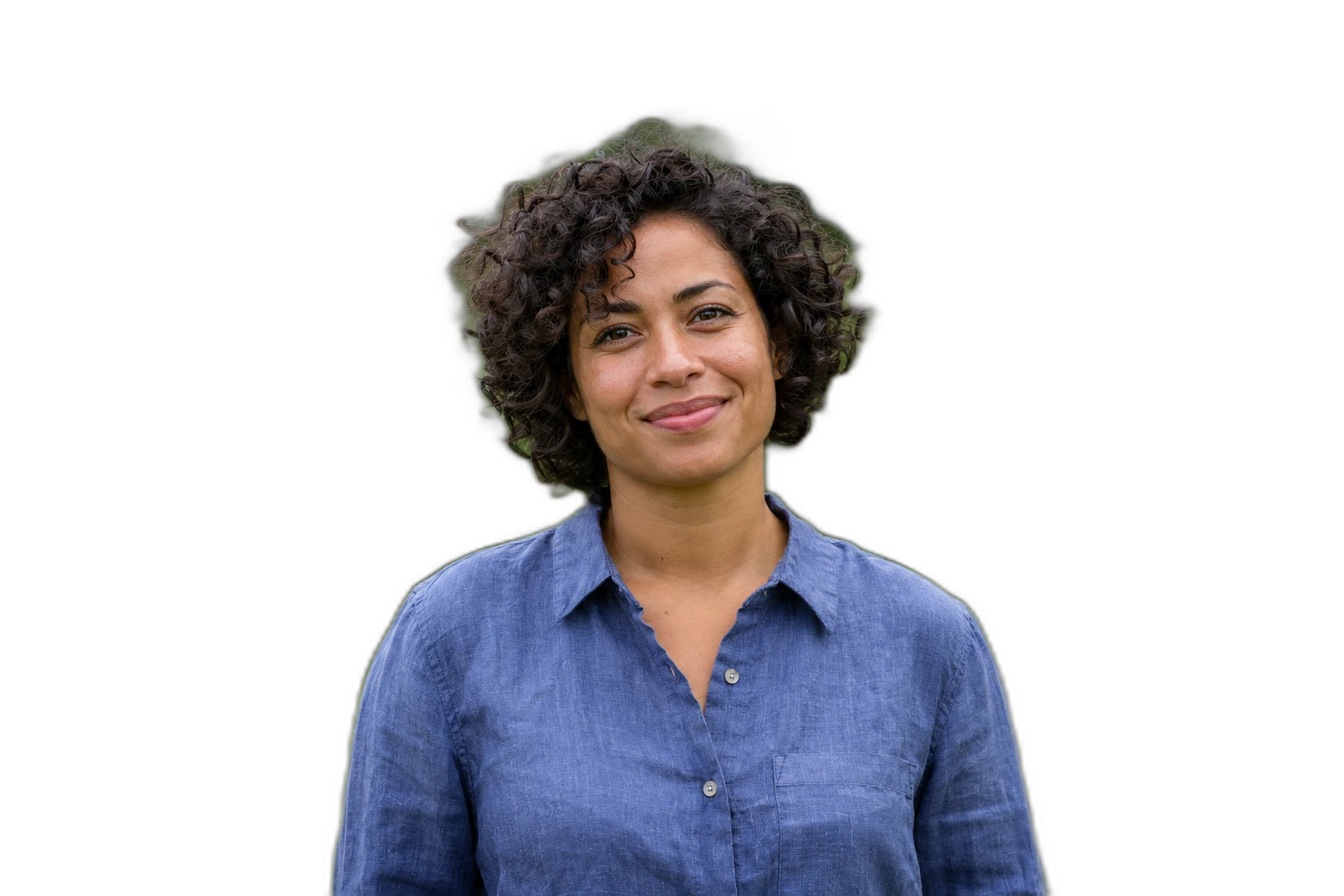
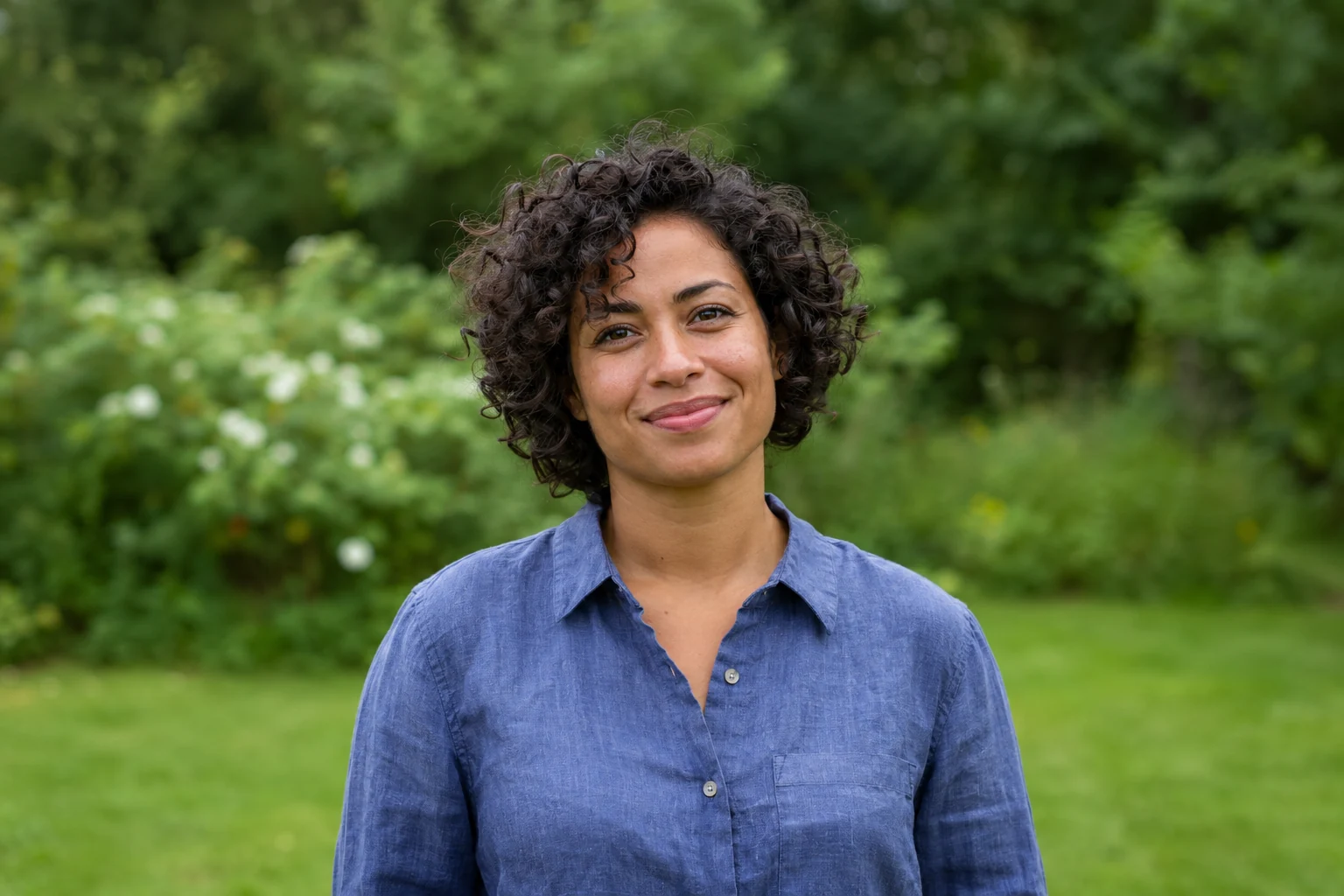
Demonstration images. Try your own photo.
Drop your images here
JPG, PNG & WebP
You can also paste an image · Ctrl / ⌘ + V
Free background remover
All editor tools
Review fine hair against contrasting backgrounds
A sharp source with contrast between hair and background is easier to inspect. Compare the cutout on a dark and a light colour. Zoom into individual areas instead of making one large erase stroke that removes whole groups of fine strands.
Use Restore to recover hair present in the original, and Erase to remove visible background fragments. The brush reveals original pixels; it cannot invent missing strands or recreate detail in a blurred source. Keep a transparent PNG copy before creating other backgrounds.
- Brush size
- Restore
- Undo
How to remove a background
How to remove a background
- 01
Upload a photo
JPG, PNG & WebP. Free background remover.
- 02
Image editor
Review the cutout, correct its mask and adjust the selected background, format and canvas preset.
- 03
Download image
Download the finished image and inspect the saved file before leaving the editor.
Choose a background for your image
Move the subject, change the background and refine the edges.
Keep a portrait ready for different backgrounds
Switch between a light and dark background to spot remaining halos or missing strands. Refine only the necessary areas with the brush and keep a transparent portrait copy for later compositions.
Download image
Free background remover. PNG and WebP support transparency. JPG uses a white background if no background is selected. Move the subject, change the background and refine the edges.
All tools
A few things to know
Can the editor generate hair that was not visible?
No. Restore brings back pixels from your original photo. It cannot synthesize hidden or missing hair.
Can I use this workflow for free?
Free background remover. Upload a photo, remove its background, then edit and download the result.
Free background remover
Your next image starts here
Upload a photo, remove its background, then edit and download the result.
Free background remover