Free background remover
Make a transparent profile picture
Create a square portrait cutout with empty pixels around the subject. Keep the transparent version for designs that support it, or add a colour for a flat avatar.
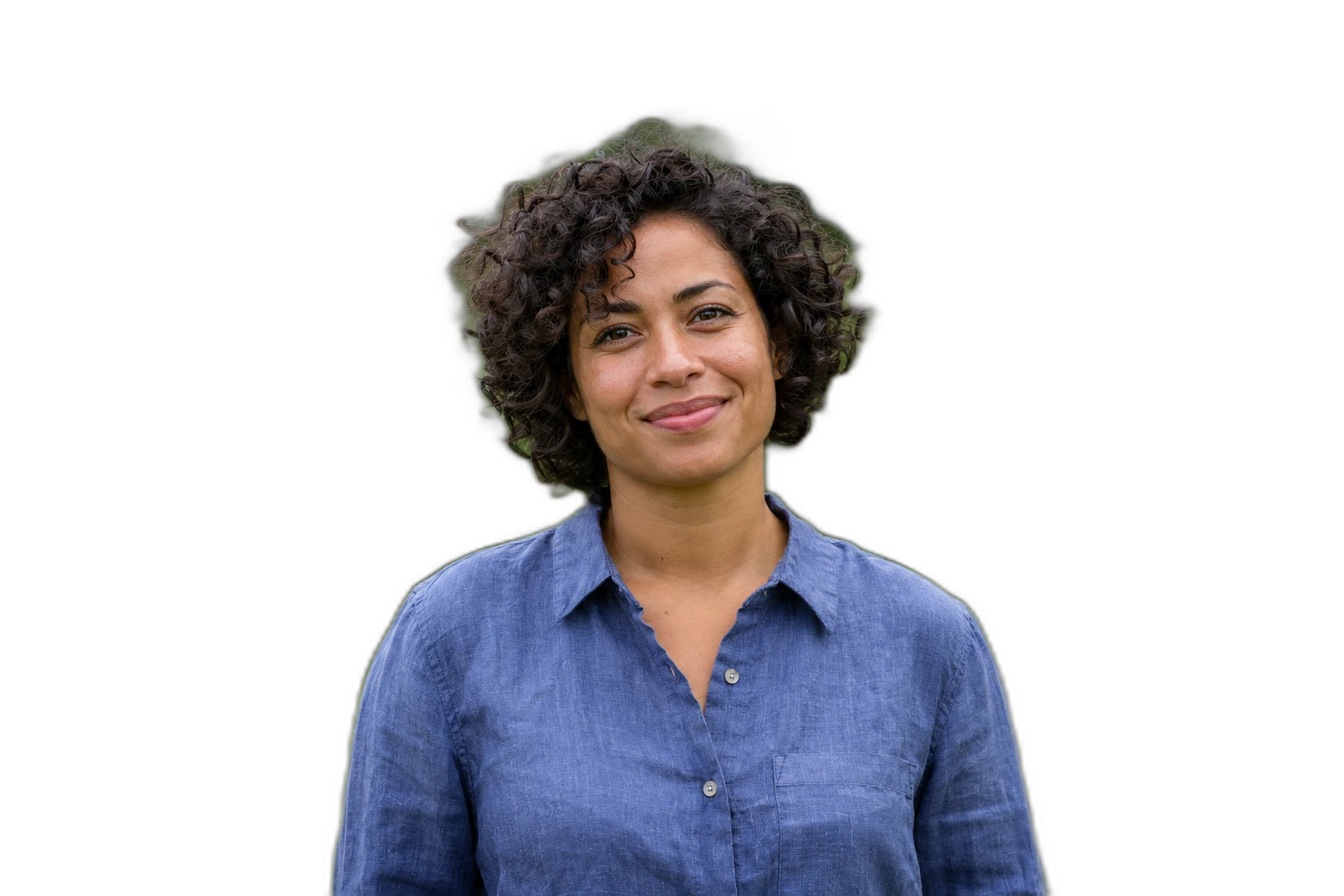
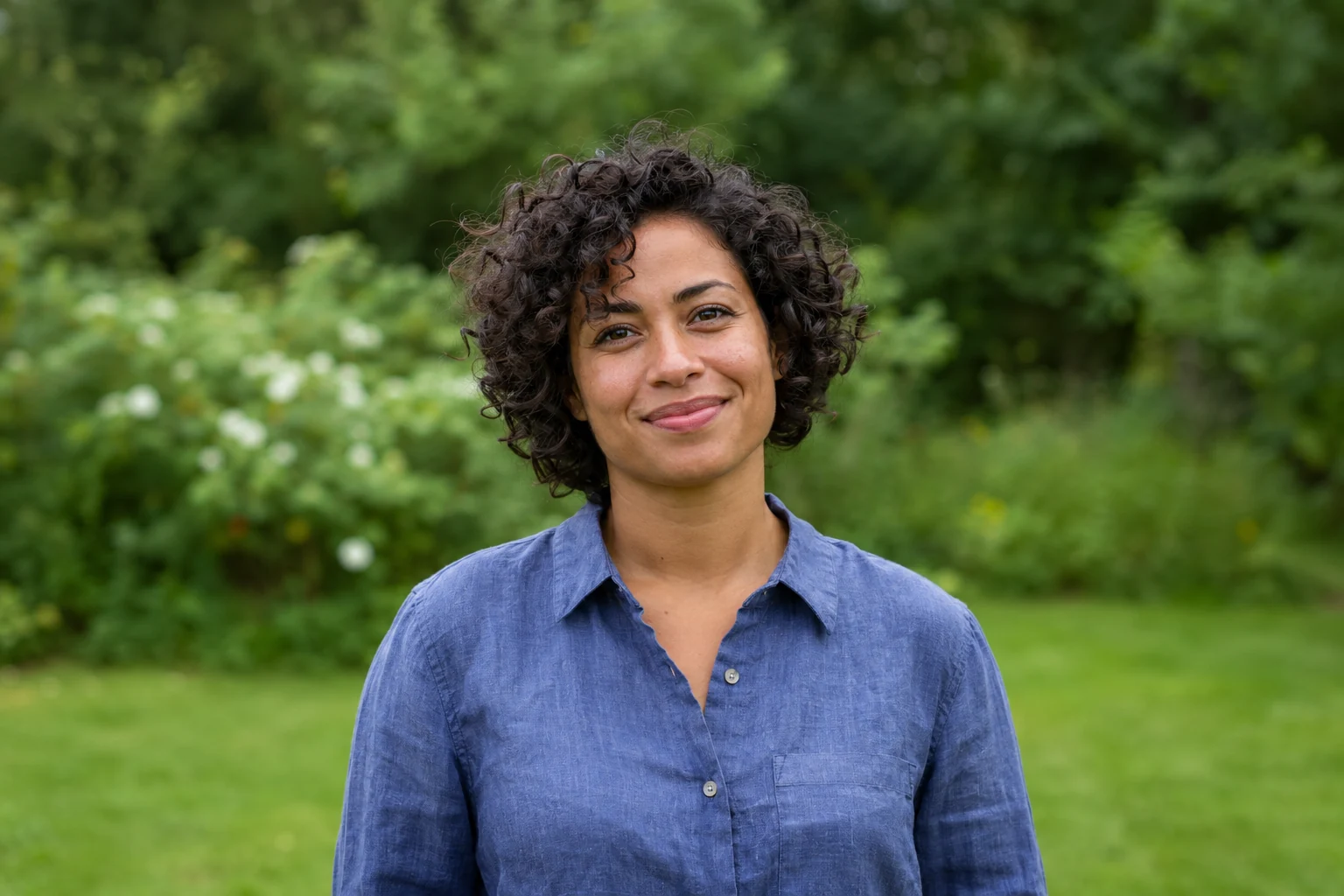
Demonstration images. Try your own photo.
Drop your images here
JPG, PNG & WebP
You can also paste an image · Ctrl / ⌘ + V
Free background remover
All editor tools
Frame the person inside the square canvas
The editor on this page starts with a 1:1 canvas. Move and scale the person so the face is centred with comfortable margins. Many avatar displays crop a square into a circle, so keep important details away from the corners even though this editor exports a rectangular image.
Choose PNG or WebP for transparency. The site receiving your avatar may flatten alpha or display its own background, so preview the uploaded result there. Use a solid background here when consistent colour matters more than keeping empty pixels.
- Canvas ratio
- Center
- Transparent
How to remove a background
How to remove a background
- 01
Upload a photo
JPG, PNG & WebP. Free background remover.
- 02
Image editor
Review the cutout, correct its mask and adjust the selected background, format and canvas preset.
- 03
Download image
Download the finished image and inspect the saved file before leaving the editor.
Choose a background for your image
Move the subject, change the background and refine the edges.
Prepare one portrait for different profile layouts
Keep the face centred and leave space around the head for services that display avatars in a circle. Download a transparent version or add a plain background to match the destination profile.
Download image
Free background remover. PNG and WebP support transparency. JPG uses a white background if no background is selected. Move the subject, change the background and refine the edges.
All tools
A few things to know
Does the editor export a circular crop?
It exports a square or rectangular canvas. A destination app may display it in a circle; leave suitable margins and inspect that app’s preview.
Can I use this workflow for free?
Free background remover. Upload a photo, remove its background, then edit and download the result.
Free background remover
Your next image starts here
Upload a photo, remove its background, then edit and download the result.
Free background remover