Free background remover
Make a portrait PNG with a transparent background
Create a reusable portrait cutout for a presentation, poster or page layout. Keep an alpha-channel master so you can place the same person over different designs.
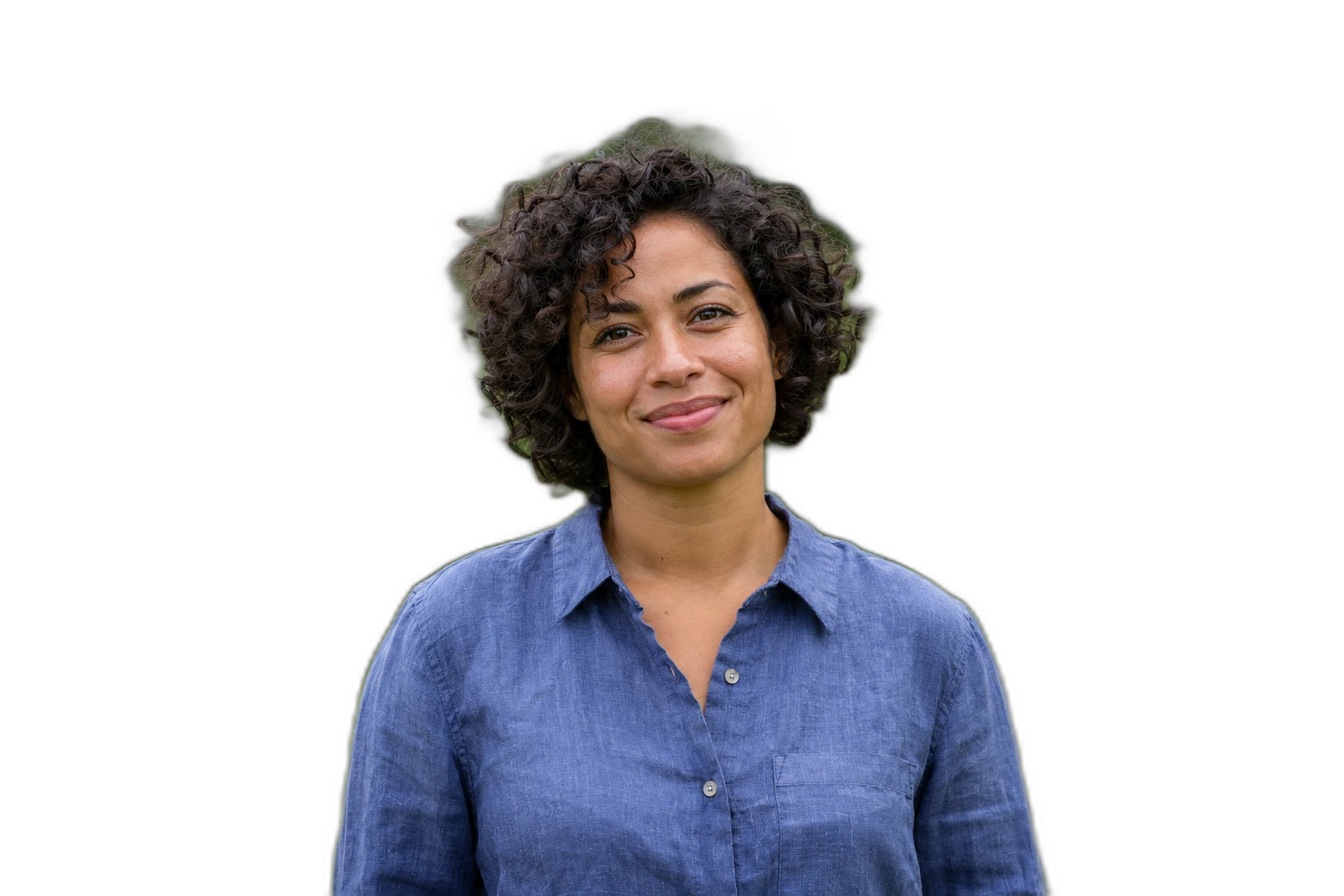
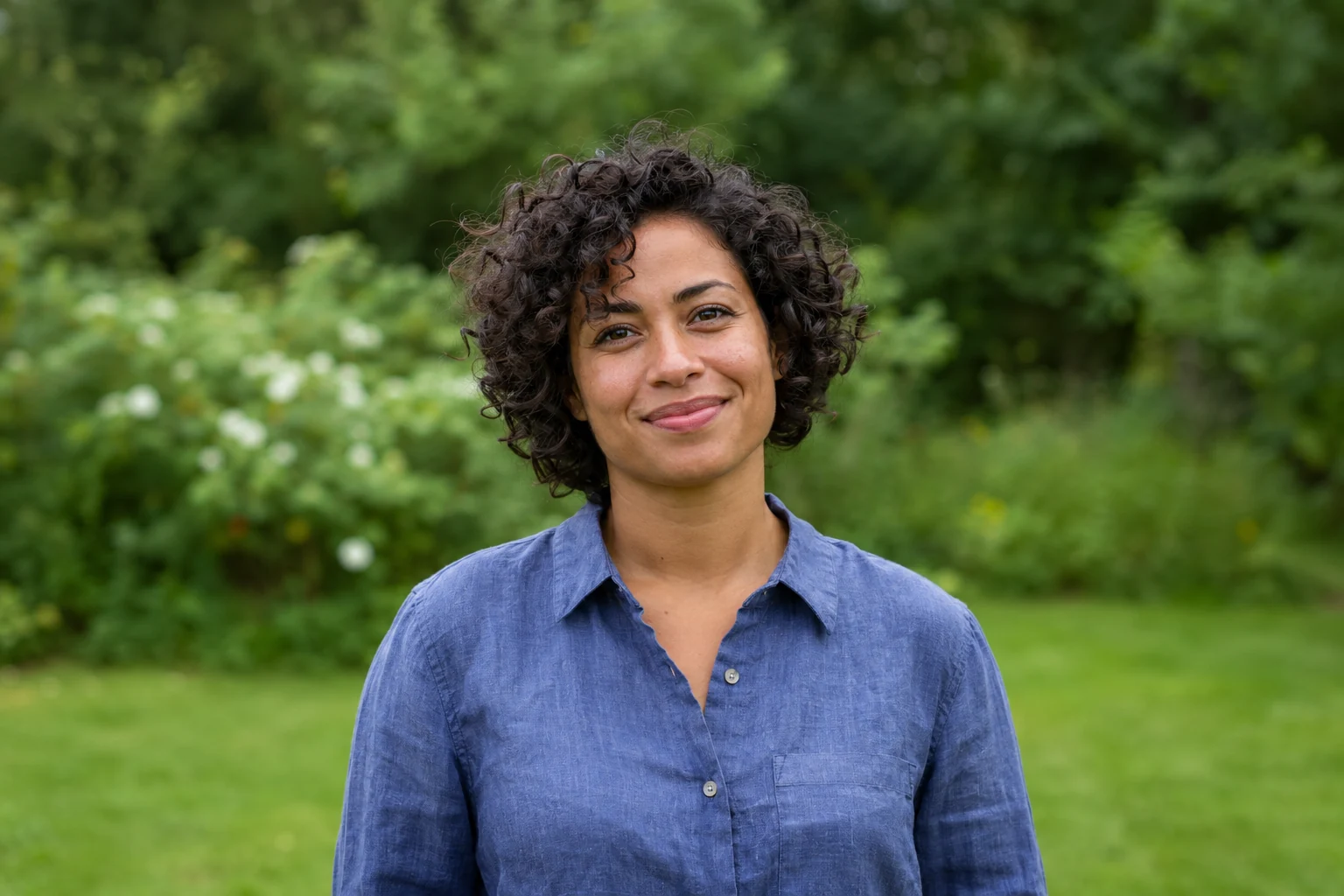
Demonstration images. Try your own photo.
Drop your images here
JPG, PNG & WebP
You can also paste an image · Ctrl / ⌘ + V
Free background remover
All editor tools
Review the portrait outline before PNG export
Check the hair, shoulders and accessories after removal. A portrait cropped tightly at upload cannot reveal missing shoulders later. Restore useful detail from the original and remove small background islands around glasses or between an arm and the body.
Download PNG with Transparent selected. When placing the result into another composition, preserve its aspect ratio and leave space around the head. A pale fringe may be visible on a dark destination, so preview both light and dark colours before final export.
- Transparent
- Restore
- Full resolution
How to remove a background
How to remove a background
- 01
Upload a photo
JPG, PNG & WebP. Free background remover.
- 02
Image editor
Review the cutout, correct its mask and adjust the selected background, format and canvas preset.
- 03
Download image
Download the finished image and inspect the saved file before leaving the editor.
Choose a background for your image
Move the subject, change the background and refine the edges.
Use the same portrait in several designs
A transparent portrait can be placed in a slide, team page or collage. Keep a PNG master, and make separate coloured-background versions here when a layout needs an opaque image.
Download image
Free background remover. PNG and WebP support transparency. JPG uses a white background if no background is selected. Move the subject, change the background and refine the edges.
All tools
A few things to know
Can I move the cutout without changing the person?
Yes. Move, scale and rotation arrange the existing pixels. They do not generate a new pose, expression or clothing.
Can I use this workflow for free?
Free background remover. Upload a photo, remove its background, then edit and download the result.
Free background remover
Your next image starts here
Upload a photo, remove its background, then edit and download the result.
Free background remover