Free background remover
Cut people out of a photograph
Separate foreground people from their surroundings and save a transparent composition. Inspect the group before deciding which parts to keep.
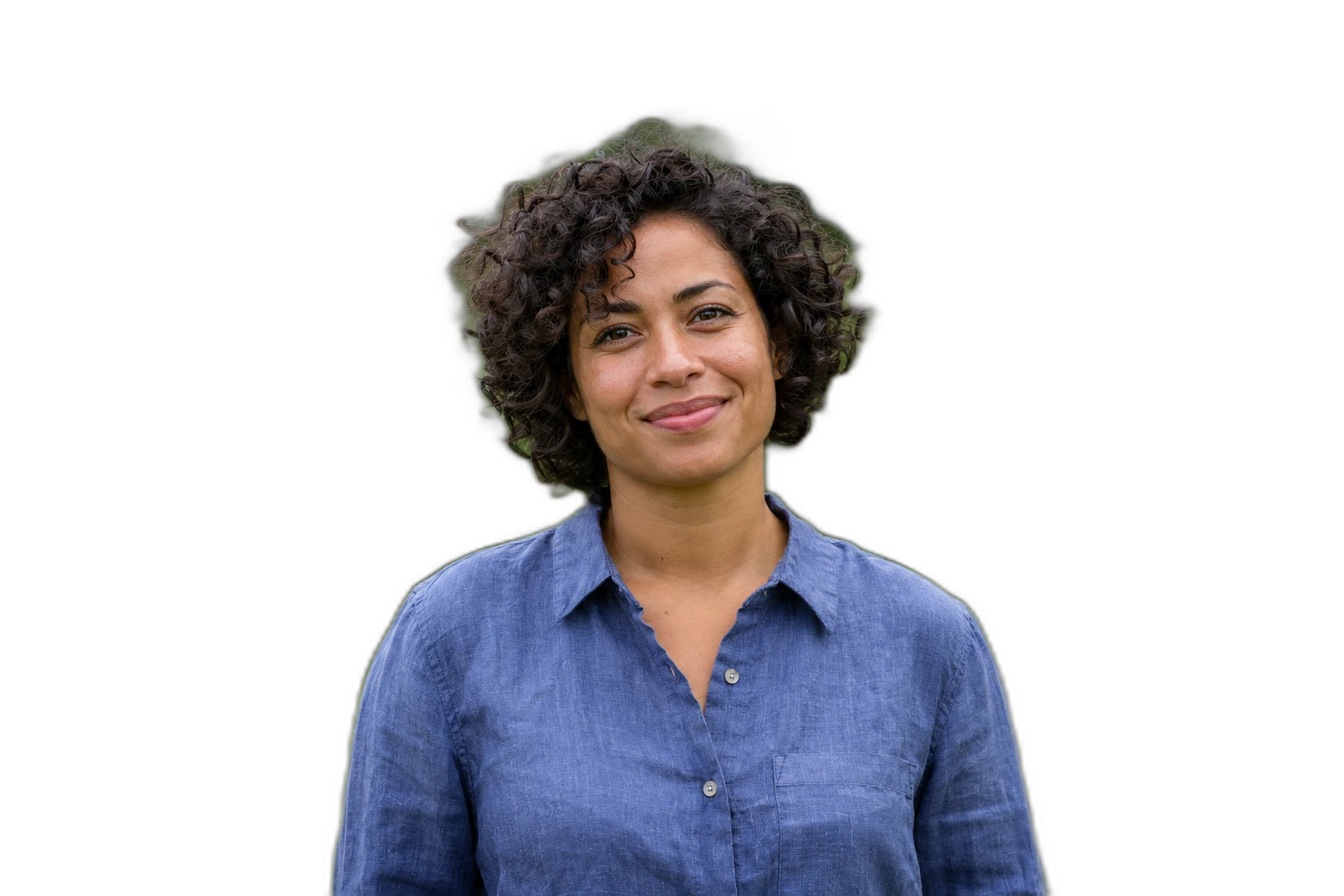
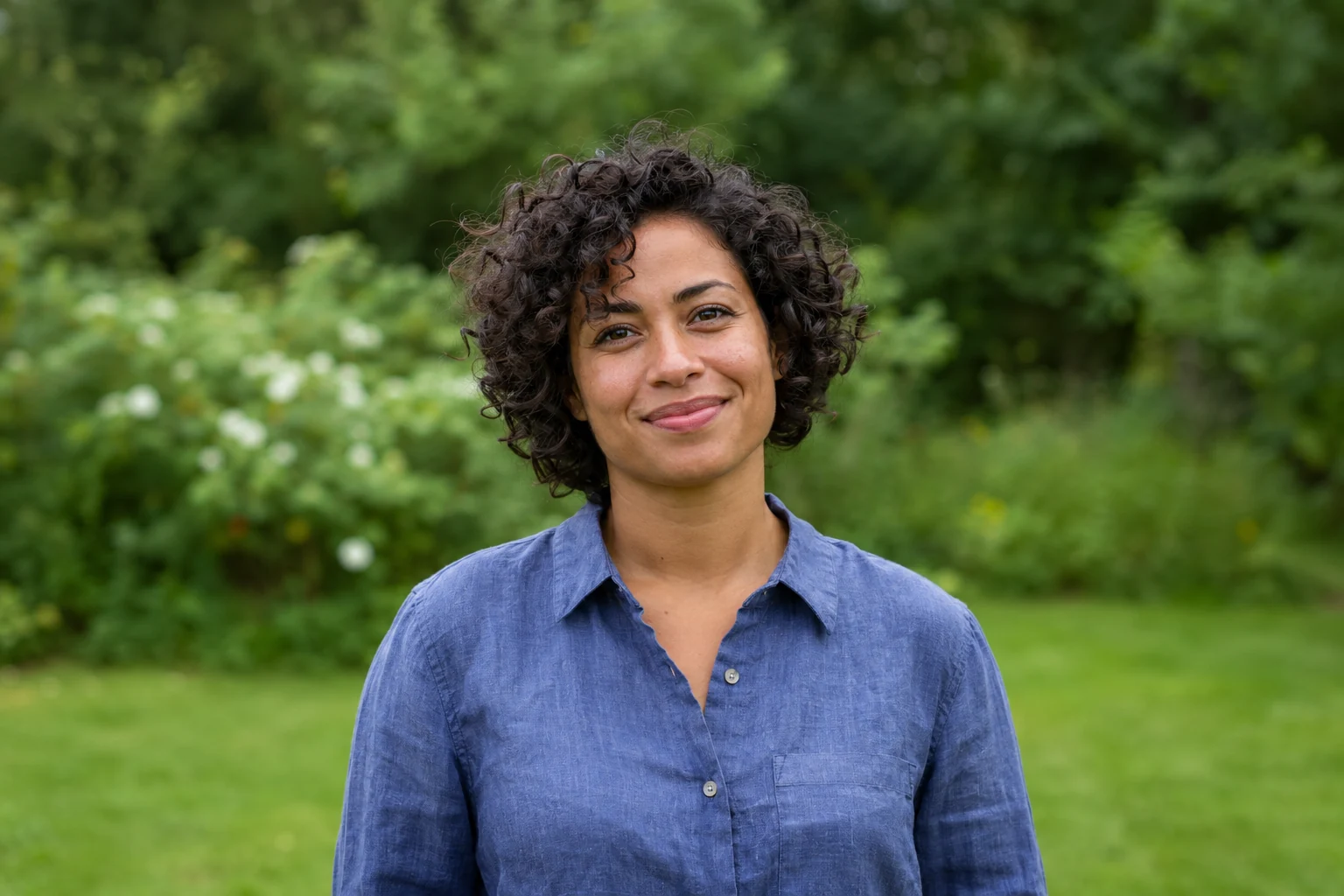
Demonstration images. Try your own photo.
Drop your images here
JPG, PNG & WebP
You can also paste an image · Ctrl / ⌘ + V
Free background remover
All editor tools
Decide which foreground areas to keep
Upload a photo with complete visible outlines. The automatic result may keep multiple people together; it does not ask you to identify a specific person. Erase a person or object you do not want in the cutout, and restore original details where the mask removed too much.
Pay attention to gaps between arms and bodies and to overlapping hands or hair. Erasing an unwanted person does not reconstruct a hidden person behind them or fill the old scene. Keep empty areas transparent or add a replacement backdrop that suits the reviewed cutout.
- Erase
- Restore
- Move
How to remove a background
How to remove a background
- 01
Upload a photo
JPG, PNG & WebP. Free background remover.
- 02
Image editor
Review the cutout, correct its mask and adjust the selected background, format and canvas preset.
- 03
Download image
Download the finished image and inspect the saved file before leaving the editor.
Choose a background for your image
Move the subject, change the background and refine the edges.
Build a people cutout for a new composition
Keep the useful foreground areas and erase unwanted parts of the mask before adding a new background. A transparent copy remains reusable in a collage or presentation without rebuilding the original scene.
Download image
Free background remover. PNG and WebP support transparency. JPG uses a white background if no background is selected. Move the subject, change the background and refine the edges.
All tools
A few things to know
Can it remove someone and rebuild the original scene behind them?
No. Erase changes the cutout mask and makes those pixels empty. It is not generative object removal or background reconstruction.
Can I use this workflow for free?
Free background remover. Upload a photo, remove its background, then edit and download the result.
Free background remover
Your next image starts here
Upload a photo, remove its background, then edit and download the result.
Free background remover