Free background remover
Make an existing portrait background white
Replace the surroundings of a portrait with white and check its outline carefully. This editor changes an existing image; it does not certify a passport or identity photo.
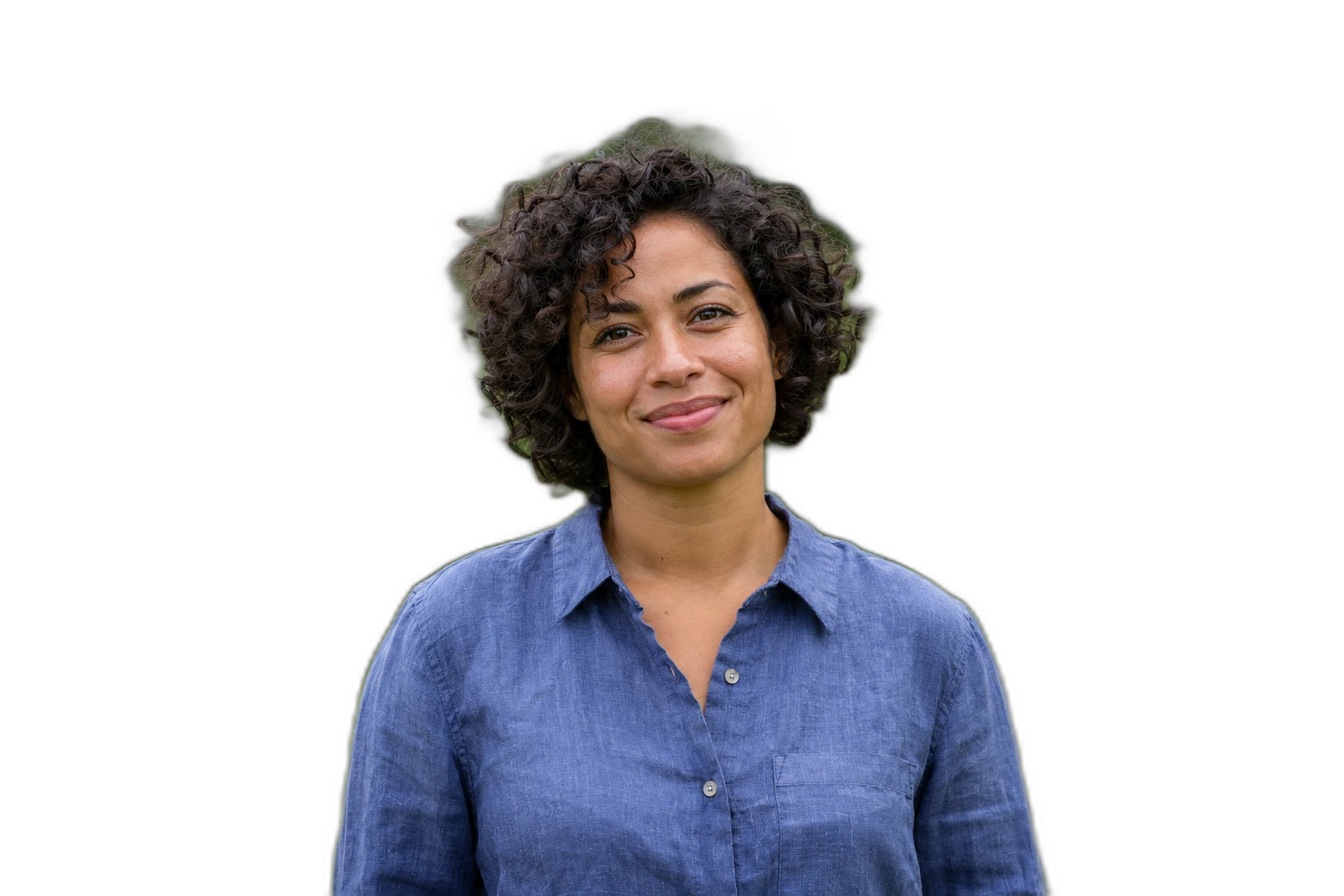
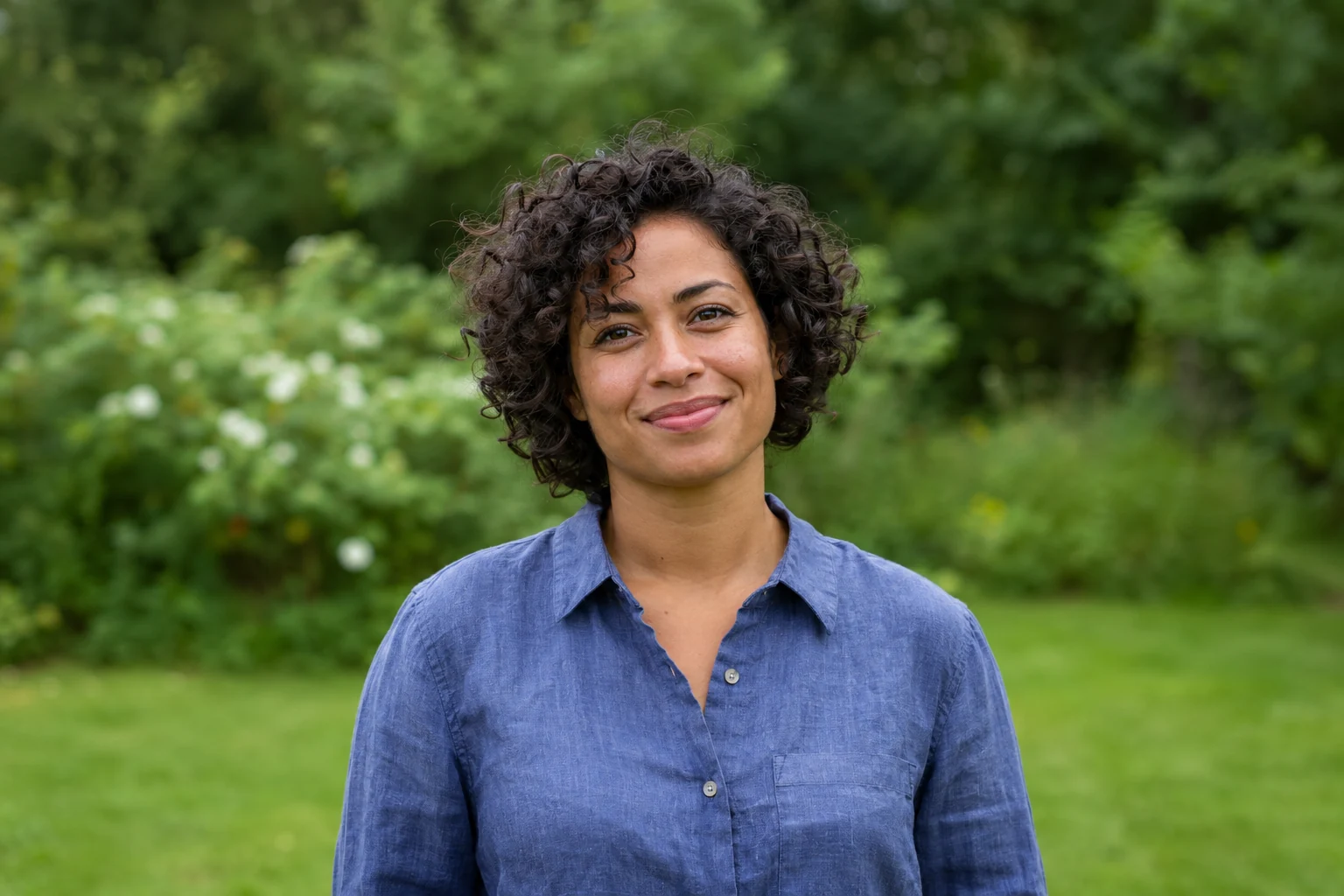
Demonstration images. Try your own photo.
Drop your images here
JPG, PNG & WebP
You can also paste an image · Ctrl / ⌘ + V
Free background remover
All editor tools
Frame the existing headshot on white
The editor on this page starts with white, a 4:5 canvas and JPEG export. Keep the full head visible and avoid scaling so far that the hair or chin is cut off. Restore missing hair, ears and glasses from the source rather than changing the person’s features.
Check the receiving authority’s requirements before using an edited photo for a document. Background colour, physical dimensions, face position and allowed modifications may all matter. The editor does not provide official dimension presets or acceptance checks; a white backdrop is only one visual change.
- Custom color
- Canvas ratio
- Restore
How to remove a background
How to remove a background
- 01
Upload a photo
JPG, PNG & WebP. Free background remover.
- 02
Image editor
Review the cutout, correct its mask and adjust the selected background, format and canvas preset.
- 03
Download image
Download the finished image and inspect the saved file before leaving the editor.
Choose a background for your image
Move the subject, change the background and refine the edges.
Keep a white-background portrait version
Adjust the portrait within the 4:5 canvas while keeping the full head visible. Export a copy for the intended application and check its size and crop requirements before use.
Download image
Free background remover. PNG and WebP support transparency. JPG uses a white background if no background is selected. Move the subject, change the background and refine the edges.
All tools
A few things to know
Does white automatically make my photo passport-ready?
No. This tool supplies background editing only. Verify the complete requirements independently and use an appropriate photo service if your document requires one.
Can I use this workflow for free?
Free background remover. Upload a photo, remove its background, then edit and download the result.
Free background remover
Your next image starts here
Upload a photo, remove its background, then edit and download the result.
Free background remover